


TL;DR
10 red flags that your parental controls are failing:
- Empty watch history while screen time shows hours of YouTube.
- Your kid mentions videos or creators you never approved.
- They suddenly know how VPNs and incognito mode work.
- They get weirdly secretive, hiding the screen when you walk in.
- The math doesn't add up—they say they're doing homework, but the device usage says otherwise.
- They’re jumping between different devices or browsers for no reason.
- Mood or behavior shifts that don't have a clear cause.
- Friends talk about content your child supposedly hasn't seen.
- The alerts stop. If your app used to ping you and now it's silent, they've likely found a workaround.
- Zero pushback. If a teenager is perfectly happy with strict rules, they probably aren't following them.
Recognize 3 or more? Your kid has likely found a way around the system.
The fix: Stop playing whack-a-mole with "blacklist" apps like Bark or Qustodio. Switch to a whitelist approach like WhitelistVideo for YouTube. Then, sit down and talk about why they felt the need to bypass the rules in the first place.
The Uncomfortable Truth About Parental Control Apps
You installed the app, checked the dashboard, and everything looks green. No alerts, no "concerning content" flags. You think you've got it handled.
But you probably don't.
The data is pretty blunt: 73% of teens admit to trying to bypass digital controls. That’s three out of four kids. Usually, it takes them about 2 to 4 weeks to find a hole in whatever system you set up. And the odds of you catching them? Less than 50%.
Basically, your child could be deep in an unrestricted YouTube rabbit hole right now while your app tells you they're safe. Here is how to tell if you're being played.
Warning Sign 1: Watch History Is Empty (But Screen Time Shows Usage)
What This Looks Like
You check the YouTube history and see maybe five videos from the whole week. But when you look at the actual screen time report on the phone, it says they spent eight hours on the app.
What's Happening
The math is broken because your kid is using a bypass. They are likely:
- Using Incognito mode so nothing is recorded.
- Watching while logged out of their account.
- Using a secret second account you don't know about.
- Just deleting the history manually before they hand the phone back.
How to Confirm
Compare the screen time report (iOS Screen Time or Android Digital Wellbeing) against the actual YouTube history at youtube.com/history. If the hours used are way higher than the videos listed, you've got a bypass.
The Solution
Stop relying on history logs—they're too easy to fake. You need a system that stops the behavior before it happens. WhitelistVideo blocks incognito mode and logged-out viewing entirely. It doesn't matter if they try to clear the history because they can't get to the unapproved content in the first place.
When you bring this up, don't just lecture. Say: "I see eight hours of usage but an empty history. Why did you feel like you had to hide what you were watching? Let's look at the rules again."
Warning Sign 2: Your Child References Content You Haven't Approved
What This Looks Like
Maybe they drop a meme at dinner from a creator you’ve never heard of. Or they start talking about a "crazy video" and then suddenly get quiet when they realize you're listening.
What's Happening
They have a source of content that isn't on your radar. Maybe they're watching at a friend's house, or maybe they've found a way to access the full version of YouTube on their own device. Either way, they forgot to filter their conversation.
How to Confirm
Just ask, but keep it casual. "That sounds funny, where'd you see that?" If they get vague ("I don't know, somewhere") or immediately change the subject, they know they were somewhere they shouldn't be.
The Solution
Use this as a reality check. Is your whitelist too small? Maybe they're bored and that's why they're hunting for other stuff. If they saw it at a friend's house, you might need to talk to the other parents. If they saw it on their own device, it's time for a more "robust" technical solution.
Warning Sign 3: Sudden Technical Sophistication
What This Looks Like
Your 12-year-old suddenly knows how to change DNS settings, what a VPN does, or how to factory reset a tablet. Unless they're taking a specialized coding class, they didn't pick this up by accident.
What's Happening
They’ve been doing their homework—on how to beat you. There are endless Reddit threads and YouTube tutorials dedicated to "How to bypass [App Name]." If your kid is suddenly a tech support expert, they’ve likely been researching how to get around your filters.
How to Confirm
Ask them where they learned about VPNs. If they say "a friend" or "I was just curious," it's a red flag. Curiosity is great, but in this context, it usually has a specific goal: unrestricted access.
The Solution
Don't punish the knowledge—it's actually impressive. But realize that your current software is now a challenge for them to beat. WhitelistVideo is built to detect and block VPN usage specifically for YouTube, so even if they know what a VPN is, it won't help them watch unapproved videos.
Warning Sign 4: Secretive Device Usage
What This Looks Like
They start angling the screen away when you walk into the room. They’ve always got headphones on. They suddenly need the door locked for "homework." If these are new habits that started right after you installed the controls, take note.
What's Happening
They're hiding something. It might be that they're bypassing the controls, or it might just be a reaction to feeling watched. Teens value privacy, and if an app is reading every single one of their texts, they’re going to get sneaky just to feel some sense of control.
How to Confirm
Watch for "the flick." That’s the fast thumb movement where they switch apps the second they hear your footsteps.
The Solution
Talk about the difference between safety and surveillance. If you're using an app that monitors their private messages, they're going to fight you. If you switch to a focused tool like WhitelistVideo that only manages YouTube, you can tell them: "I don't care about your texts, but I do care about the YouTube algorithm. Let's keep the door open, and I'll stay out of your private chats."
Warning Sign 5: Screen Time Doesn't Match Activities
What This Looks Like
"I was doing homework for three hours," they say. But the report shows they spent two and a half hours on YouTube and ten minutes on Google Docs.
What's Happening
They're using the device for entertainment while you think they're being productive. This is either a safety issue (they're watching blocked stuff) or a time management issue (they're watching approved stuff but ignoring their work).
How to Confirm
Check the actual history. If they watched two hours of approved educational channels, you just have a procrastination problem. If the history is empty, they're bypassing.
The Solution
If it's a bypass, you need better tech (like WhitelistVideo with incognito blocking). If it's just procrastination, use the built-in time limits on iOS or Android to shut down YouTube during "homework hours."
Warning Sign 6: Multiple Devices or Browsers Suddenly in Use
What This Looks Like
You locked down their phone, so now they're always on the family iPad. Or you set up Chrome filters, and suddenly they've decided they "prefer" using Firefox or a random browser app they downloaded.
What's Happening
This is "device shopping." They are looking for the path of least resistance. If one device is hard to crack, they'll find one that isn't.
How to Confirm
Check the usage on every screen in the house. If the "safe" phone is barely being used but the "uncontrolled" tablet is suddenly a favorite, you know why.
The Solution
You need a solution that follows the account, not just the device. WhitelistVideo keeps the rules in your parent dashboard, not on one device. Every device you pair to your child's profile gets the same approved list, whether or not they are logged in to YouTube. It’s much easier than trying to manage five different devices individually.
Warning Sign 7: Behavior Changes Without Documented Cause
What This Looks Like
They’re irritable, they aren't sleeping, or their grades are slipping. Maybe they’ve started parroting weird political views or developed an obsession with body image. Your app says they’re fine, but your gut says they aren't.
What's Happening
They are likely seeing content that is technically "allowed" by a filter but is still harmful. Blacklist filters are notoriously bad at catching "soft" harmful content like extreme dieting videos or radicalizing rants. Or, they've bypassed the filter entirely and are seeing the worst of the internet.
How to Confirm
Talk to them. Not an interrogation, just a conversation. Listen for new slang or ideas that seem out of character.
The Solution
Blacklists are reactive—they only block what they already know is bad. Whitelists are proactive. By only allowing specific, vetted channels through WhitelistVideo, you ensure they never stumble onto the stuff that causes these behavior shifts in the first place.
Warning Sign 8: Friends Mention Content Your Child "Shouldn't" Have Seen
What This Looks Like
A friend mentions a video they watched together, and your kid nods along. Or another parent mentions that the kids were watching a specific channel at their house—one you’ve explicitly banned.
What's Happening
Your home is a fortress, but the rest of the world isn't. They are using the "friend loophole."
How to Confirm
Ask the other parents what the kids do when they hang out. Most parents are happy to coordinate if they know you have specific concerns.
The Solution
You can't control every device in the neighborhood, but you can talk to your kid about why the rules exist. Also, make sure your whitelist isn't so boring that they feel the need to "binge" on junk content the second they leave the house.
Warning Sign 9: App Alerts Have Stopped
What This Looks Like
When you first got the app, you got five alerts a day. Now? Nothing. It’s been weeks since a "blocked site" notification popped up.
What's Happening
They didn't stop trying; they just stopped getting caught. They've learned exactly what triggers your app and they're avoiding those specific triggers while still doing whatever they want.
How to Confirm
If their behavior hasn't actually changed but the reports are suddenly "perfect," they've gamed the system.
The Solution
Monitoring apps are a game of cat-and-mouse. Prevention is better. A whitelist doesn't need to "alert" you because the bad stuff is simply inaccessible. Silence should mean safety, not just a smarter kid.
Warning Sign 10: Your Child Seems Too Compliant (No Pushback)
What This Looks Like
You tell a 15-year-old they can only have one hour of internet a day and you're going to read all their texts. They just shrug and say, "Okay."
What's Happening
This is the biggest red flag of all. Teenagers are hardwired to push boundaries. If they aren't fighting you on the digital stuff, it's usually because the rules don't actually affect them—because they've already bypassed them.
How to Confirm
If they argue about chores, curfew, and homework, but are "perfect" with their phone rules, something is wrong.
The Solution
Encourage them to negotiate. Tell them, "If you want a new channel, ask me." Use the request system in WhitelistVideo to give them a sense of agency. When they feel like they have a seat at the table, they’re much less likely to try to flip the table over.
What to Do If You Recognize Multiple Warning Signs
Step 1: Confirm Your Suspicions (Don't Accuse)
Check the screen time vs. history. Look for VPN apps. Get your facts straight before you sit them down.
Step 2: Have "The Conversation"
Don't go in hot. Say: "I've noticed the controls aren't really working. I'm not mad, but I want to know why you felt you had to go around them. Let's find a better way."
Step 3: Listen to WHY They Bypassed
If they did it because you were reading their private texts, you were being too invasive. If they did it because they were bored, your whitelist is too small. Fix the root cause.
Step 4: Implement Technical Solutions That Work
Stop using "Restricted Mode" or basic filters that are easily beaten. Use WhitelistVideo for YouTube and standard device limits for everything else.
Step 5: Rebuild Trust
Check in weekly. Approve their requests when they're reasonable. Show them that following the rules is easier than breaking them.
Comparison: Bypass Rates by Control Type
Scroll horizontally to see all columns.
| Control Type | Estimated Bypass Rate | Average Time to Bypass Discovery | Why It Fails |
|---|---|---|---|
| Honor System | 90%+ | Immediate | Relies on teen impulse control (which doesn't exist) |
| YouTube Restricted Mode | 80-90% | 2-4 weeks | Too many easy workarounds |
| Monitoring Apps (Bark, Qustodio) | 60-70% | 1-3 months | Incognito mode and VPNs kill them |
| Device-Level Controls (Screen Time) | 40-50% | 3-6 months | Doesn't work if they switch devices |
| Whitelist Controls (WhitelistVideo) | 10-20% | 6+ months | Harder to beat technically; more transparent |
The Bottom Line: Most Parental Control Apps Don't Work
Most apps try to block the "bad" parts of the internet. But the internet is too big, and kids are too smart. That's why 73% of teens just walk right around them.
If you're seeing these warning signs, your current app is just giving you a false sense of security. You're relying on a system that reacts to problems instead of preventing them.
Switch to a whitelist. Control the platform that matters most—YouTube—and build a set of rules that your kid can actually live with.
Take Action: Implement Controls That Actually Work
If you recognized your life in those 10 signs, it's time to change tactics.
WhitelistVideo gives you:
- Real Prevention: They only see what you approve.
- Bypass Protection: It actually stops incognito and VPN tricks.
- Universal Coverage: It works across all their devices.
- A Fair Shake: Your kid can request new channels, so they feel involved.
Try WhitelistVideo free → whitelist.video
Stop playing cat-and-mouse. Start using a system that actually holds up.
Controls That Actually Work
Whitelist-based protection that's exponentially harder to bypass.
Frequently Asked Questions
Watch for these red flags: empty watch history despite screen time showing usage, references to content you haven't approved, increased tech knowledge (VPNs, incognito mode), secretive device usage, or screen time not matching reported activities. These signal bypass attempts.
Don't punish immediately—have a conversation about why they bypassed controls. The reason matters. If controls felt invasive (text monitoring), switch to focused controls (YouTube only). If they wanted specific content, implement a request system. Address root cause, not just symptom.
Most apps use blacklist filtering (trying to block bad content), which can't keep up with the internet's scale. They're also easy to bypass (incognito mode, VPN, different device). Whitelist controls (only allowing approved content) are exponentially more effective.
No system is 100% bypass-proof, but you can drastically reduce success rates. Use whitelist controls (like WhitelistVideo for YouTube), implement bypass protection (incognito blocking, VPN detection), and maintain transparent boundaries your teen accepts as fair.
Whitelist controls with technical enforcement. For YouTube specifically, WhitelistVideo offers channel whitelisting plus bypass protection (blocks incognito, detects VPNs, prevents account switching). It's exponentially harder to circumvent than traditional monitoring apps.








Published December 15, 2025 · Updated May 22, 2026

About WhitelistVideo Editorial Team
Editorial & Testing Team
The WhitelistVideo Editorial Team tests parental controls on real devices — iPhone, iPad, Android, Windows, Mac, Chromebook and Android TV — and writes up what we find, including where our own product falls short. Where a claim comes from a vendor's own documentation or from third-party testing, we cite it. Articles are reviewed by Arul Prakash, the founder of WhitelistVideo.
You Might Also Like

7 Ways Kids Bypass YouTube Restricted Mode (And Fixes)
YouTube Restricted Mode is shockingly easy to bypass. Learn the 7 specific methods kids use to circumvent it—and why whitelist controls are the only approach that actually works.
What is Whitelist Parental Control? Complete Guide
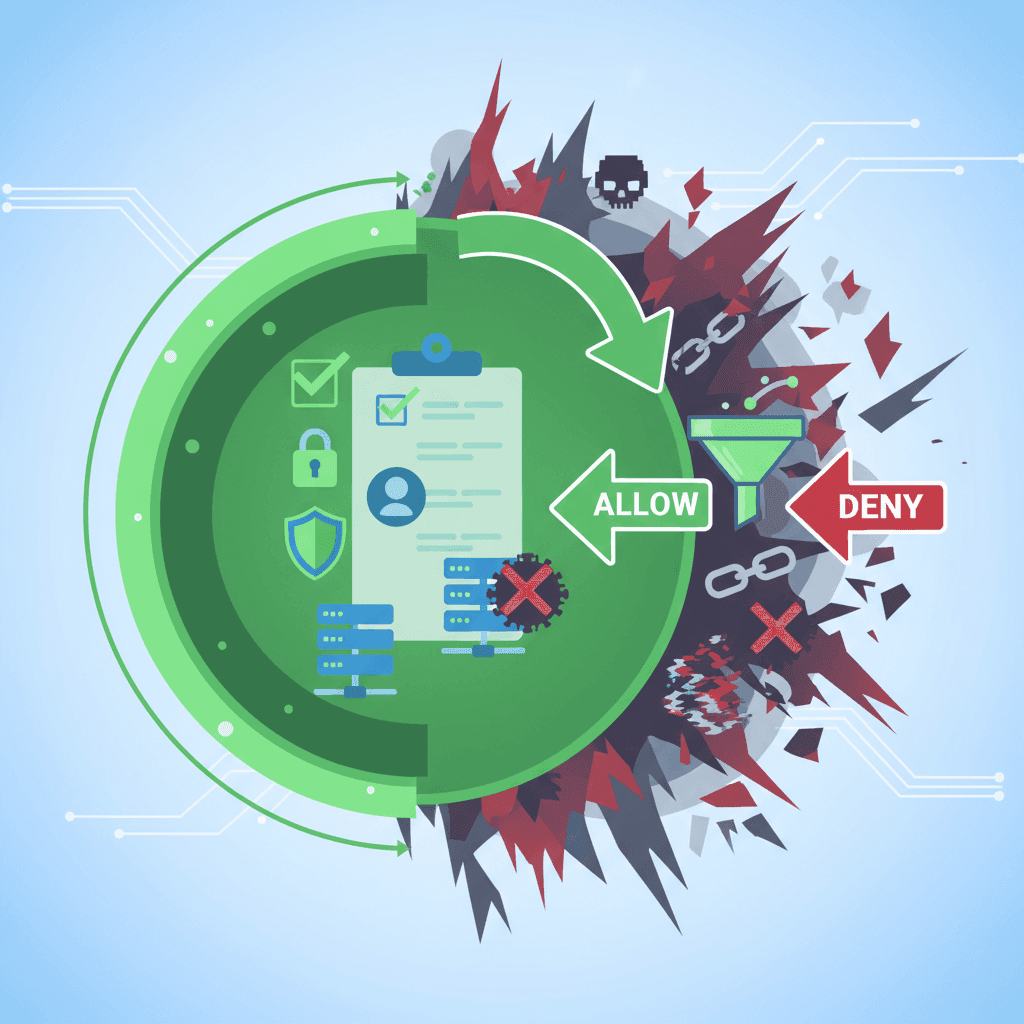
Whitelist parental controls are the most secure approach online. Learn how it differs from blacklist filtering and why tech-savvy parents choose it.
Why Kids Bypass Parental Controls: Psychology & Fixes
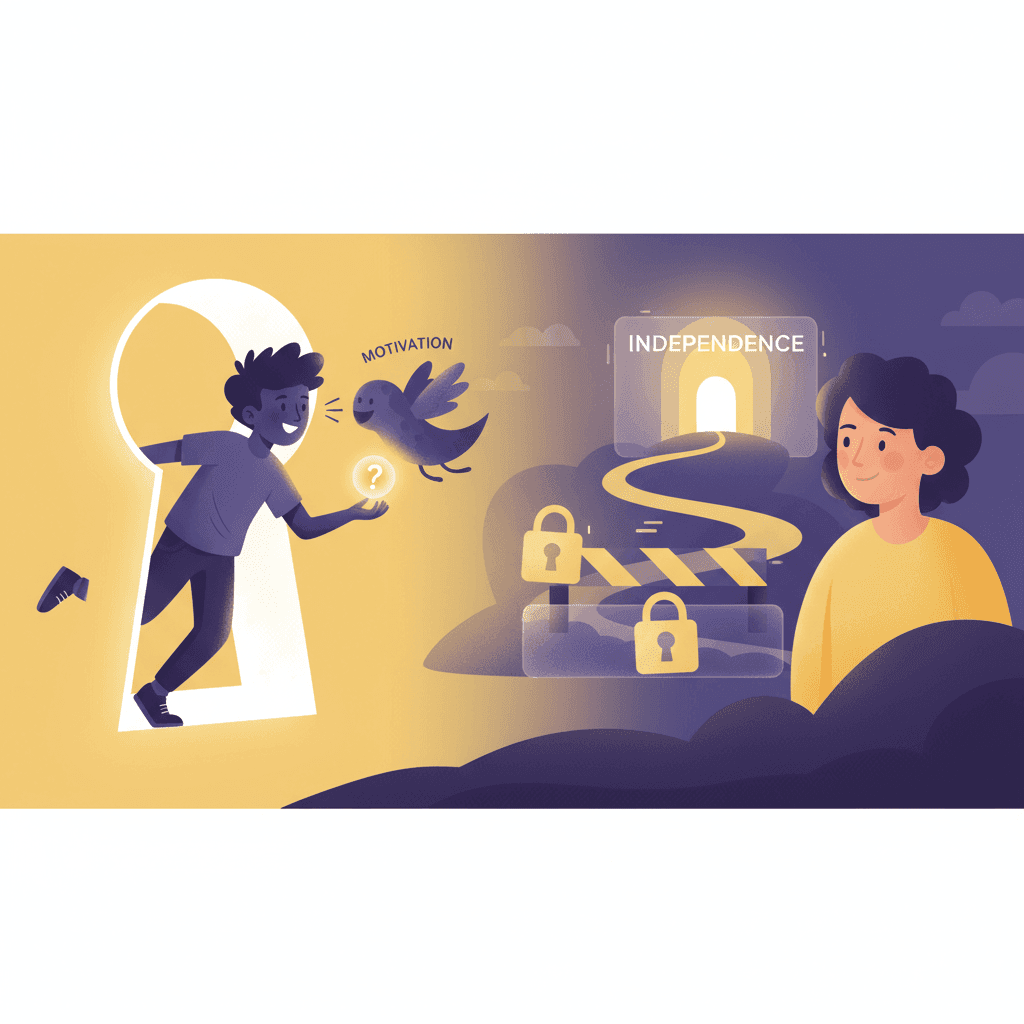
Understand why kids circumvent parental controls. Learn why traditional apps fail and how whitelist approaches work with teen psychology.
Curious what Google knows about us?
Add WhitelistVideo as a trusted source on Google — get instant context on how families keep kids safe on YouTube.
Ask Google about WhitelistVideo








