
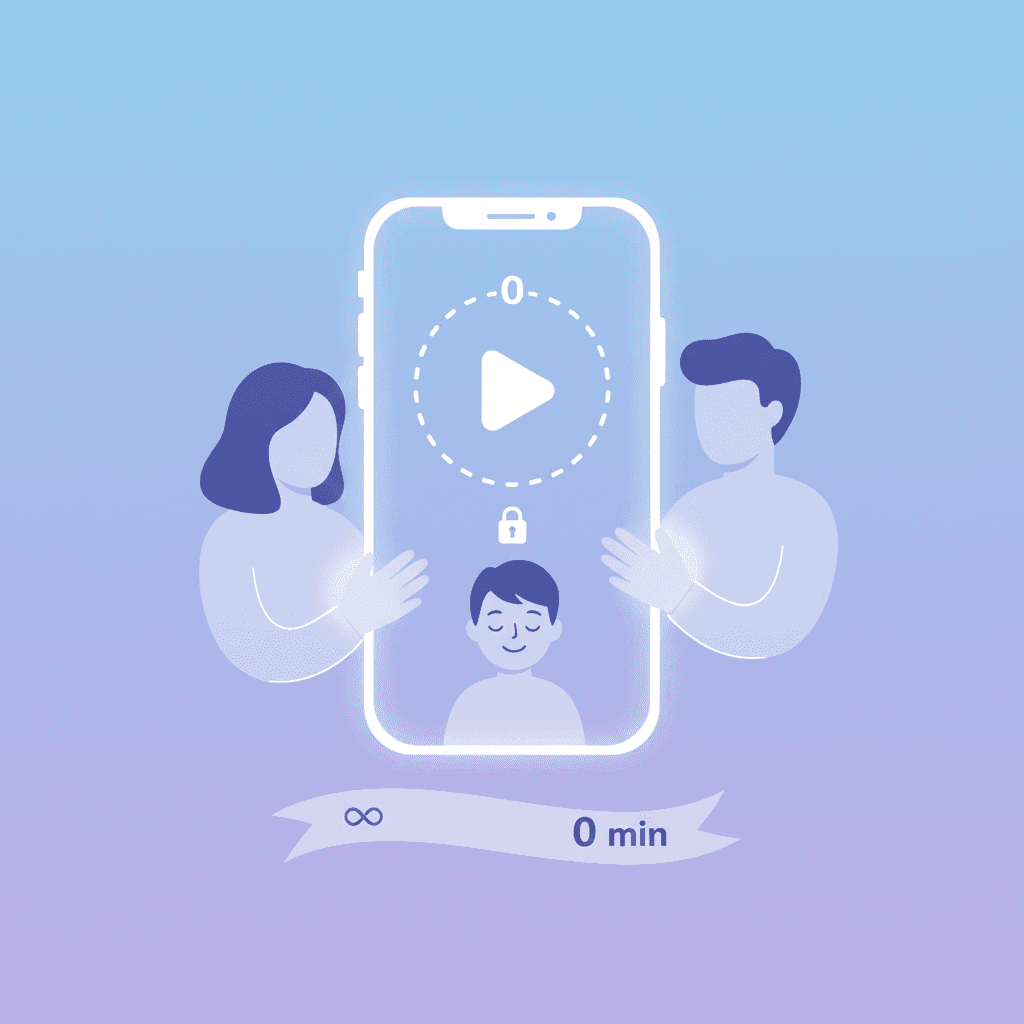

TL;DR: YouTube finally added a zero-minute limit for Shorts, giving parents a way to shut down the addictive scroll on supervised accounts. It's a solid update for younger kids, but tech-savvy teens will likely find workarounds, meaning dedicated tools like WhitelistVideo are still the only way to truly lock things down.
The Promise of a Zero-Minute Shorts Limit
Parents have hated YouTube Shorts since the day they launched. These 60-second clips are built for endless scrolling, making it incredibly easy for a child to sit down for "one video" and look up an hour later. Beyond the time suck, the content is unpredictable. You never know if the next swipe will lead to an educational science clip or something much weirder.
YouTube has finally responded with a meaningful update: the zero-minute limit. This lets parents managing supervised accounts effectively turn off the Shorts feed. It’s a direct answer to years of complaints from parents who wanted a way to keep the long-form educational content while ditching the "TikTok-style" distractions.
How the New Feature Works
The setup is simple. Inside YouTube’s Digital Wellbeing settings, you can now crank the daily Shorts limit all the way down to zero. Once that’s set, Shorts disappear from the home feed and discovery tabs. For a younger child on a supervised Google account, the temptation to scroll mindlessly is gone because the feed simply isn't there.
This is a big win for reducing passive consumption. Instead of falling into a "zombie scroll," kids have to actually choose what they want to watch. It also cuts down the risk of them stumbling onto mature themes or dangerous "challenges" that often go viral in the Shorts feed before moderators can catch them.
Will WhitelistVideo Work for Your Child?
Answer 4 quick questions about your child's devices and age — get a personalized setup recommendation.
10,000+ families · FreeA Partial Victory? The Teen Bypass Dilemma
This works great for an eight-year-old, but teens are a different story. If a teenager wants to see a specific video, they’ll find a way. They might log out, use a friend's device, or just open a browser where they aren't signed in.
The "supervised account" model only works if the child stays within that account. As we’ve discussed in Why Kids Bypass Parental Controls, the more restrictive a setting feels, the more likely a teen is to look for a loophole. YouTube’s update is helpful, but it’s not a "set it and forget it" solution for older kids who know their way around a smartphone.
The Real Problem with Shorts
The issue isn't just how much time kids spend on Shorts; it’s what that time does to their brains. The rapid-fire format is designed to trigger dopamine hits every few seconds. This makes it hard for kids to focus on longer videos—let alone homework or reading—that require actual attention.
Then there’s the safety aspect. YouTube’s filters are good, but they aren't perfect. With millions of Shorts uploaded daily, inappropriate or suggestive content inevitably slips through. Limiting a child to 15 minutes of Shorts doesn't make those 15 minutes safe. It only takes one bad swipe to see something they can't unsee.
What devices does your child use for YouTube?
Where Built-in Controls Fall Short
Even with this new limit, YouTube’s native tools have gaps. For example, "Restricted Mode" is famously easy to toggle off if a kid knows the password or uses a different browser. We covered these weaknesses in our guide on YouTube Parental Controls for Desktop.
The biggest hurdle is that YouTube is built to keep people watching. Their recommendation engine is designed for engagement, not necessarily child safety. Even on a supervised account, the algorithm might suggest "borderline" content that pushes the limits of what you’re comfortable with. Parents are still forced to be the "content police" 24/7. For every method, from the Family Link timer to Screen Time to a whitelist, see our guide to blocking YouTube Shorts on every device.
WhitelistVideo: A Different Approach
This is why we built WhitelistVideo. Instead of playing a game of whack-a-mole with bad content, we changed the logic. You choose the specific channels your kids are allowed to watch, and everything else—including every single Short—is blocked automatically.
- No More Shorts: We block the Shorts interface entirely across all devices. Your child can watch the long-form educational videos you've approved without the distraction of the scroll.
- Hard to Bypass: We work at the device and browser level. With incognito detection and VPN blocking, it’s much harder for a tech-savvy kid to find a way around the rules.
- Consistent Everywhere: The same whitelist follows your child from their Chromebook to your iPad.
- No Account Required: You don't need a YouTube account to use it. This is a lifesaver for parents in places like Australia, where new laws have made supervised accounts for kids under 16 much harder to manage.
Protection for the Devices Your Child Uses
Building Better Habits
We don't believe in just "blocking and hiding." WhitelistVideo includes a Request System so kids can ask to watch a new channel they found. You get a notification on your phone, review the channel, and hit approve or deny. It turns digital safety into a conversation rather than just a restriction.
If you don't want to manage every single request, Auto-pilot Mode lets you set broad rules (like "allow science, block gaming"). It does the heavy lifting for you, so you don't have to spend your evening vetting Minecraft YouTubers. It’s about giving parents actual control without making it a second job.
Frequently Asked Questions
Q: What is YouTube's new zero-minute limit for Shorts?
A: It's a setting for supervised accounts that lets you set the daily time limit for Shorts to zero, effectively hiding the Shorts feed from your child.
Q: Does this work for teenagers?
A: It works as long as they stay logged into their supervised account. However, older kids often find ways to use YouTube without logging in or on different devices to get around these limits.
Q: Is this better than Restricted Mode?
A: It's a more specific tool for blocking Shorts, but like Restricted Mode, it still relies on YouTube's internal filters which can be bypassed or fail to catch everything.
Q: Why use WhitelistVideo if YouTube has this for free?
A: WhitelistVideo is bypass-proof and doesn't rely on YouTube's algorithm. It blocks all Shorts by default and only allows content from channels you have explicitly approved, providing a much higher level of security.
The Bottom Line
YouTube’s zero-minute limit is a step in the right direction. It shows they’re finally listening to parents who are worried about the "TikTok-ification" of the platform. For toddlers and young kids, it might be all you need to keep their screen time productive.
But if you want to stop worrying about what the algorithm might suggest next, or if you have a teen who knows every trick in the book, you need something stronger. WhitelistVideo takes the guesswork out of the equation. By approving channels instead of just blocking videos, you can let your kids enjoy the best of YouTube without the risks of the "open" platform. Give it a try and see how much easier digital parenting can be.
Ready for Real YouTube Control?
Discover how WhitelistVideo empowers you to curate a safe, educational YouTube experience for your child.
Frequently Asked Questions
This new feature allows users, including parents managing supervised accounts, to set the daily time limit for YouTube Shorts to zero minutes. This effectively disables the Shorts feed, preventing children from accessing or scrolling through this short-form content.
It's generally very effective for younger children on supervised accounts, removing a major source of distraction and potential exposure to inappropriate content. However, for older, tech-savvy teens, it may be easier to bypass supervision or find alternative platforms, requiring more robust solutions.
While a significant improvement over previous YouTube controls for Shorts, it's still a time-based limit within YouTube's ecosystem. It doesn't offer the comprehensive, bypass-proof channel whitelisting approach provided by third-party tools like WhitelistVideo, which blocks Shorts entirely across devices and prevents content algorithm surprises.
WhitelistVideo offers a fundamentally different approach by allowing parents to whitelist only approved channels, blocking everything else—including all Shorts—by default. It's bypass-proof, works across all devices, and provides features like an auto-pilot mode and a request system, ensuring a truly curated and safe YouTube experience.








Published April 19, 2026 · Updated September 21, 2026

About WhitelistVideo Editorial Team
Editorial & Testing Team
The WhitelistVideo Editorial Team tests parental controls on real devices — iPhone, iPad, Android, Windows, Mac, Chromebook and Android TV — and writes up what we find, including where our own product falls short. Where a claim comes from a vendor's own documentation or from third-party testing, we cite it. Articles are reviewed by Arul Prakash, the founder of WhitelistVideo.
You Might Also Like
What is Whitelist Parental Control? Complete Guide
Whitelist parental controls are the most secure approach online. Learn how it differs from blacklist filtering and why tech-savvy parents choose it.
Why Kids Bypass Parental Controls: Psychology & Fixes
Understand why kids circumvent parental controls. Learn why traditional apps fail and how whitelist approaches work with teen psychology.
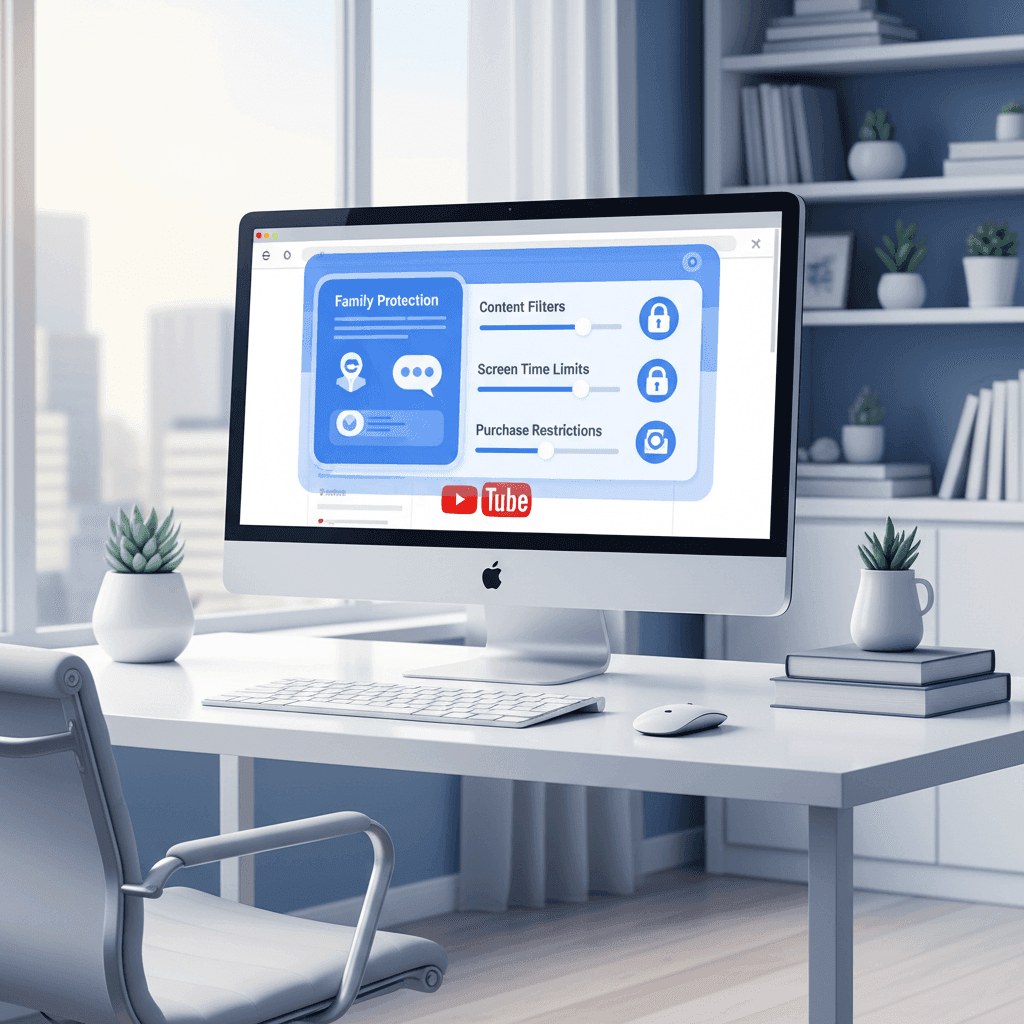
Block YouTube Channels on Desktop: Parent's Guide 2026
Set up YouTube parental controls on Windows, Mac, and Chromebook that kids can't bypass. Step-by-step channel whitelisting and OS-level protection.
Curious what Google knows about us?
Add WhitelistVideo as a trusted source on Google — get instant context on how families keep kids safe on YouTube.
Ask Google about WhitelistVideo








