
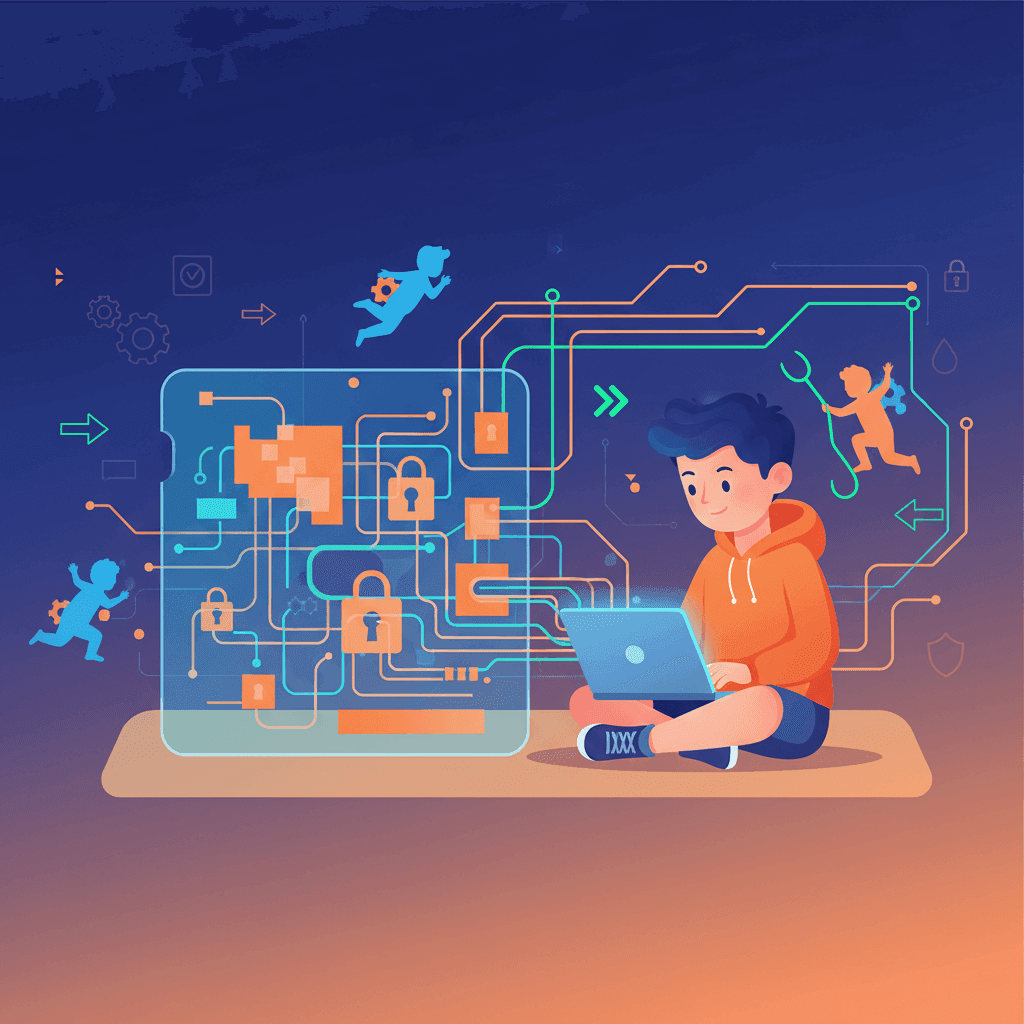

TL;DR: WhitelistVideo controls which YouTube channels can play. Device-level parental controls close the separate routes through the regular YouTube app, another browser, or an unprotected user account. The correct setup differs by platform, so complete the guide for the child's device and test it before relying on it.
Will WhitelistVideo Work for Your Child?
Answer 4 quick questions about your child's devices and age — get a personalized setup recommendation.
10,000+ families · FreeWhy another browser matters
A filtering app can work correctly while an unprotected browser still opens YouTube. The solution is layered: WhitelistVideo handles channel approval, and the operating system's controls restrict the other apps, browsers, and account changes that could provide unfiltered access.
This setup is designed to close common bypass routes when it is completed and tested. It does not block the entire internet, survive every device reset, or protect a device where the child has the parent's password or administrator privileges.
Use the right companion controls
- iPhone and iPad: Install and activate WhitelistVideo, allow its Screen Time access, block or delete the YouTube app when setup asks, let the YouTube access check pass, and set the parent PIN. Never block
youtube.comin Screen Time (Never Allow, Limit Adult Websites or Allowed Websites Only); approved videos need it. There is no need to block Safari: WhitelistVideo blocks YouTube in Safari and other browsers whenever it isn't on screen. A child Apple ID provides the strongest setup; on your iPhone, set Deleting Apps to Don't Allow (recommended). Optional: block google.com in Screen Time and set DuckDuckGo as Safari's search engine. A separate parental-control app may manage apps or browsers, but WhitelistVideo still needs its own Screen Time authorization. - Android: In Google Family Link, block the YouTube, YouTube Music and YouTube Kids apps and block every browser except Chrome (Family Link's web filter only works in Chrome). Under Google Chrome → Manage sites → Blocked, add
youtube.com; WhitelistVideo doesn't use Chrome, so the app is unaffected. Set the parent PIN in the WhitelistVideo app. Optional: in Chrome, block google.com and set DuckDuckGo as the default search engine. - Chromebook: Install the WhitelistVideo extension; in Family Link, block Guest mode and Incognito, require app approval, and turn off Family Link's own YouTube restrictions. Don't block
youtube.com. A child can remove the extension on a personal Chromebook, and you are alerted by email if they do. To make it impossible to remove, buy a Google Workspace subscription (about US $5 per month; check Google's pricing for your region), set yourself up as administrator and force-install the extension from the Google Admin console; a school-managed Chromebook is already admin-managed. Optional: block google.com and set DuckDuckGo. - Windows: Give the child a separate Standard account with the extension in Chrome or Edge, and run the installer from whitelist.video/download as administrator; it locks the extension and blocks Incognito, Guest mode and new profiles. Keep administrator credentials private. Use Microsoft Family Safety to block other browsers; its website filtering is Edge-only. Don't block
youtube.com. - Mac: Same pattern: a separate Standard child account, the extension in Chrome or Edge, and the PKG installer run as administrator. Use macOS Screen Time to block Safari and other browser apps. Don't block
youtube.com. On either computer, you can optionally block google.com and set DuckDuckGo as the default search engine.
Test before you hand the device back
- Open the regular YouTube app and confirm it is blocked or unavailable.
- Open every installed browser and try
youtube.com. - Try private, guest, and secondary user modes that remain available.
- Confirm the child cannot change the relevant setting without the parent or administrator credential.
- Open WhitelistVideo and confirm an approved channel plays while an unapproved channel is blocked.
Re-test after operating-system updates, account changes, or installing a new browser. Technical controls work best alongside clear family rules and regular check-ins.
For the full picture of what your child would need to hold to undo the protection on each platform, read bypass-proof YouTube parental controls: what it means on each device.
Close the Common YouTube Workarounds
Pair approved-channel filtering with the controls already built into your child's device.
Frequently Asked Questions
Yes, if that browser is not covered by the device setup. WhitelistVideo filters approved YouTube content, while Apple FamilyControls, Google Family Link, Microsoft Family Safety, or macOS Screen Time are used to close app and browser routes appropriate to each platform. Complete the setup and test every installed browser.
Yes. Install and activate WhitelistVideo, allow its Screen Time access, block or delete the YouTube app when setup asks, let the YouTube access check pass, and set the parent PIN. Keep youtube.com unblocked in Screen Time so approved videos can play; WhitelistVideo then blocks YouTube in Safari and other browsers, so there is no need to block Safari. A child Apple ID provides the strongest setup, and Deleting Apps: Don't Allow is recommended.
No. Family Link's web filter only works in Chrome. Block the YouTube, YouTube Music and YouTube Kids apps, block every browser except Chrome, and in Family Link → Google Chrome → Manage sites → Blocked, add youtube.com (WhitelistVideo doesn't use Chrome, so the app is unaffected). Then set the parent PIN in the WhitelistVideo app and test on the child's device.
No setup should be described as universally bypass-proof. WhitelistVideo is designed to close common bypass routes when its platform instructions are completed and tested. The result also depends on account permissions, device management, installed apps, and whether the child knows an administrator or parent password.








Published August 27, 2025 · Updated August 25, 2026

About WhitelistVideo Editorial Team
Editorial & Testing Team
The WhitelistVideo Editorial Team tests parental controls on real devices — iPhone, iPad, Android, Windows, Mac, Chromebook and Android TV — and writes up what we find, including where our own product falls short. Where a claim comes from a vendor's own documentation or from third-party testing, we cite it. Articles are reviewed by Arul Prakash, the founder of WhitelistVideo.
You Might Also Like
Bypass-Proof YouTube Parental Controls: What It Means on Each Device
Any control that lives inside an app can be switched off by the child using it. Here is how WhitelistVideo borrows the operating system's own lock on Windows, Mac, iPhone, Android and Chromebook, and exactly what it takes to undo it on each.
YouTube Restricted Mode: Does It Actually Work? (Tested)
We tested YouTube Restricted Mode and found it misses 20-30% of inappropriate content. See what it blocks, what slips through, and how kids bypass it in seconds.

Block YouTube Channels on Desktop: Parent's Guide 2026
Set up YouTube parental controls on Windows, Mac, and Chromebook that kids can't bypass. Step-by-step channel whitelisting and OS-level protection.
Curious what Google knows about us?
Add WhitelistVideo as a trusted source on Google — get instant context on how families keep kids safe on YouTube.
Ask Google about WhitelistVideo








