


TL;DR
Net Nanny is a veteran in the parental control world, dating back to 1995. It’s great for broad web filtering across 15 categories and basic YouTube monitoring (like seeing search history and forcing SafeSearch). But here is the catch: Net Nanny cannot whitelist or block specific YouTube channels. It treats YouTube as an all-or-nothing platform. You either block the whole site or hope their category filters catch the bad stuff. If you want to control exactly which channels your kids watch, WhitelistVideo (from $6.99/month per child, US price) is the only tool that lets you do it. Most families are better off using Net Nanny for the general web and WhitelistVideo specifically for YouTube.
Net Nanny: A Pioneer with 30 Years of History
Net Nanny has been around longer than almost any other parental control software. It started in Vancouver and hit the market in 1995. Back then, software came on CDs and families were still fighting over the phone line for dial-up access.
The company has changed hands a few times since then—ContentWatch bought it in 2007, Zift in 2016, and it merged with SafeToNet in 2021. Despite all the corporate shuffling, Net Nanny has stayed relevant as a dependable, general-purpose filter.
But it's 2026. The internet isn't just static web pages anymore. The real question is whether Net Nanny’s old-school category blocking can actually handle a platform like YouTube, where 500 hours of video are uploaded every single minute.
Will WhitelistVideo Work for Your Child?
Answer 4 quick questions about your child's devices and age — get a personalized setup recommendation.
10,000+ families · FreeWhat Net Nanny Does Well
Net Nanny is a mature product, and it does several things very well. It isn't just a simple blocklist.
Real-Time Content Filtering
Most basic filters just check a list of "bad" websites. Net Nanny is smarter. It scans the actual text and images on a page as it loads. This is helpful because it can catch inappropriate content on brand-new sites that haven't been added to a database yet.
You can manage filters across 15 content categories, such as:
- Pornography and nudity
- Mature content and violence
- Drug and alcohol references
- Weapons and gambling
- Hate speech and self-harm
You can set each category to Allow, Alert, or Block, which gives you a decent amount of control over general browsing.
Screen Time Management
The scheduling tools are solid. You can set specific windows for when the internet is available and for how long. Most parents find this essential for keeping school nights from turning into 2:00 AM scrolling sessions.
YouTube Monitoring Dashboard
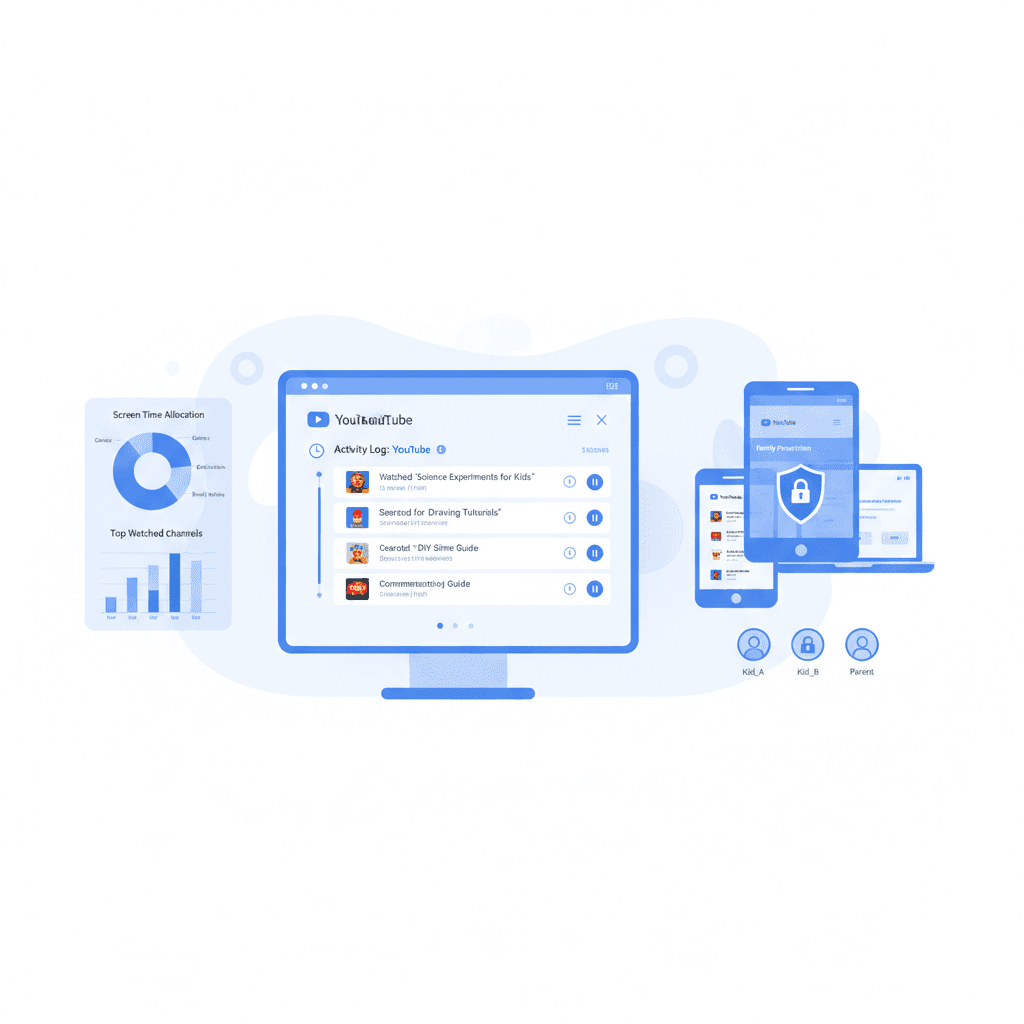
Net Nanny includes a Family Feed specifically for YouTube. It tracks:
- Video watch history – titles, thumbnails, and links to the videos
- YouTube search queries – exactly what they typed into the search bar
- Screen time on YouTube – how long they actually spent watching
This is great for seeing what your kids are into. The one-click link to watch what they watched is a nice touch that many other apps miss.
Cross-Platform Support
Net Nanny works on Windows, macOS, and iOS. You can manage everything from a browser on your own phone or computer. One big downside: Android is not currently supported, which is a dealbreaker for many families.
Where Net Nanny Falls Short: YouTube Filtering
This is where Net Nanny’s traditional approach hits a wall. While scanning text on a website is one thing, filtering video content is a completely different beast.
Category Blocking Is All-or-Nothing for YouTube
Net Nanny’s categories work fine for standalone websites. If you block "Gambling," a poker site gets blocked. Simple.
But YouTube is a single site that hosts everything. When you try to apply those same categories to YouTube, you usually end up with one of two problems:
- The whole site gets blocked because YouTube technically hosts "mature" content somewhere.
- Everything stays open but individual bad videos slip through because the software can't "read" a video file the way it reads a blog post.
Neither of these is ideal. You probably want your kids to watch educational videos or their favorite Minecraft creators without leaving the door open to everything else.
No Channel-Level Control
This is the biggest issue. Net Nanny cannot whitelist or block specific YouTube channels. You can't tell the app to:
- "Only allow National Geographic."
- "Block this one specific influencer I don't like."
- "Only allow these 10 channels I've checked myself."
The best you can do is turn on Force SafeSearch, which just toggles YouTube’s own Restricted Mode. The problem? That’s an automated algorithm, not a human, and kids find ways around it all the time.
Transcript Scanning Has Gaps
Net Nanny tries to scan YouTube transcripts for bad words. It sounds good on paper, but it's hit-or-miss in reality:
- Missing transcripts – Many videos don't have them, or the auto-captions are a mess.
- Visuals are ignored – A video can be visually disturbing even if the dialogue is "clean."
- Context is hard – The software might flag a history video about the Civil War because someone says the word "gun."
- Shorts are a black hole – YouTube Shorts are fast and often lack the data Net Nanny needs to filter them effectively.
In 2026, reviewers still find that Net Nanny lets plenty of questionable YouTube content through, even with all the filters turned up.
No Per-App Time Limits
You can set a schedule for the whole device, but you can't set a specific limit for YouTube. You can't give them 30 minutes for entertainment while leaving educational apps open. It’s all or nothing.
Why Category-Based Blocking Fails for YouTube
The problem isn't just Net Nanny—it's the whole idea of "category blocking" on a platform as big as YouTube.
The Same Category Contains Good and Bad Content
Take the "Gaming" category. You might want your kid to watch Minecraft tutorials. But that same category includes:
- Graphic horror games
- Streamers using constant profanity
- Videos about "loot boxes" (basically gambling)
- Toxic "rage" videos
A category filter can't tell the difference between a building tutorial and a Grand Theft Auto heist. They’re both just "gaming."
The Algorithm Doesn't Care About Your Filters
Even if your child starts with a safe video, YouTube’s "Up Next" sidebar is designed to keep them clicking. A science experiment can lead to a "dangerous stunts" compilation in three clicks. Category filters can't stop this "algorithmic drift" because each video might technically be in an "allowed" category.
There’s Just Too Much Content
With 500 hours of video uploaded every minute, no AI can keep up. New channels pop up daily. By the time a filter identifies a bad channel, your kid has already seen it. The software is always playing catch-up.
The Whitelist Approach Is the Only Real Fix
Instead of trying to block millions of bad videos (blacklisting), a whitelist flips the script: everything is blocked except the specific channels you approve.
It’s a much simpler, more secure model. You don't have to worry about what the AI missed because the AI isn't making the decisions—you are.
What devices does your child use for YouTube?
WhitelistVideo: Purpose-Built YouTube Channel Control
WhitelistVideo was created to do exactly what Net Nanny can't: give you channel-level control over YouTube.
How It Works
- You pick the channels you’re okay with in the Parent Dashboard.
- Your child's device only shows those specific channels.
- Everything else is blocked automatically.
- It syncs everywhere—desktop, Chromebook, iPhone, and iPad.
There’s no guessing. If a channel isn't on your list, it won't play.
What Parents Control
- Instant updates – Add or remove channels from your own phone.
- Curated suggestions – Browse lists of safe channels by age or subject.
- Activity logs – See what they’re actually watching from your approved list.
- Multiple profiles – Set different rules for a 6-year-old and a 12-year-old.
Scope: What WhitelistVideo Leaves to Other Tools
To be clear, WhitelistVideo is a specialist tool built for YouTube. It leaves these jobs to the tools that already do them:
- General web filtering
- Screen time schedules (Screen Time, Family Link and Family Safety already do this, and WhitelistVideo runs alongside them)
- Social media monitoring
- GPS tracking
If you need those things, you still need a tool like Net Nanny or Qustodio. Many parents use WhitelistVideo for YouTube and Net Nanny for everything else.
Feature Comparison: Net Nanny vs WhitelistVideo
Scroll horizontally to see all columns.
| Feature | Net Nanny | WhitelistVideo |
|---|---|---|
| YouTube Channel Whitelisting | Not available | Full channel-level control |
| YouTube Watch History | Yes (Family Feed) | Yes on Premium (viewing history in the parent dashboard) |
| Block Individual YouTube Channels | Not available | Block-by-default (whitelist only) |
| YouTube Shorts Protection | Limited (transcript scanning) | Full (only whitelisted channels) |
| Web Content Filtering | AI-powered, 15 categories | Not available (YouTube-only) |
| Screen Time Management | Yes (scheduling) | Leaves schedules to Screen Time, Family Link or Family Safety, which it runs alongside |
| Social Media Monitoring | Yes | Not available |
| Location Tracking | Yes | Not available |
| Bypass Resistance (YouTube) | Low (VPN, browser workarounds) | High (whitelist is structural) |
| Android Child Device Support | Not currently supported | Coming soon |
| iOS Child Device Support | Yes | Yes (native app) |
| Chromebook Support | Limited | Yes (Chrome extension) |
| Desktop Support | Windows and macOS | Windows and macOS |
| Setup Time | 15-20 minutes | 5 minutes |
| Devices Covered | 1, 5, or 20 device tiers | Every device your child uses, on every plan |
Net Nanny Pricing vs WhitelistVideo Pricing
Scroll horizontally to see all columns.
| Plan | Net Nanny | WhitelistVideo |
|---|---|---|
| Entry Price | $39.99/year (1 device) | From $6.99/month per child (US) |
| Family Plan | $54.99/year (5 devices) | From $6.99/month per child (US) |
| Extended Family | $89.99/year (20 devices) | From $6.99/month per child (US) |
| Annual Cost (Family) | $54.99 | $69.99 per child (US) |
| Free trial / test period | 3-day trial | 2-hour test period (no credit card) |
| Per-Device Cost (5 devices) | $11/device/year | Priced per child, not per device |
The pricing is pretty similar. Net Nanny’s family plan is about $55 a year, while WhitelistVideo is $69.99 a year per child (US price). However, Net Nanny caps you at 5 devices. If you have a larger family or lots of tablets and computers, you’ll have to pay for the $90 tier. WhitelistVideo is priced per child and covers every device they use.
The real choice is about the features. Net Nanny gives you broad web filtering but weak YouTube control. WhitelistVideo gives you total YouTube control but no web filtering.
Who Should Use Net Nanny (and Who Should Not)
Net Nanny Is a Good Choice If:
- Web filtering is your main goal – You want to keep them off sketchy websites in general.
- You need a screen time schedule – You want one place to manage when the internet turns off.
- You have older teens – They mostly just need basic guardrails, not a curated list of channels.
- You want GPS tracking – You want to see where your kids are and what they’re browsing in one app.
Net Nanny Is Not the Right Tool If:
- YouTube is the problem – Net Nanny can't stop them from finding weird or inappropriate channels.
- You have younger kids – If they’re under 12, you probably want to hand-pick what they watch.
- You use Android – The lack of support is a major hurdle.
- You want something "un-bypassable" – Smart kids can often get around category filters and SafeSearch.
The Best Setup
If you want the best of both worlds, use them together:
- Net Nanny for the "big picture"—blocking bad websites and setting bedtimes.
- WhitelistVideo for YouTube—making sure they only see the channels you trust.
This lets Net Nanny do what it’s been doing for 30 years (filtering the web) while WhitelistVideo handles the specific mess that is modern YouTube.
The Bottom Line
Net Nanny is a solid, reliable tool for general internet safety. Its dashboard and real-time web scanning are great for keeping a handle on what’s happening online.
But for YouTube, it has a major blind spot. It can't tell you which channels are okay. It can watch what they do and try to scan transcripts, but it can't let you build a safe, "walled garden" of 20 or 30 trusted channels.
If you’re worried about what your kids are stumbling across on YouTube, that’s a gap you need to fill. Our YouTube parental control app roundup compares the tools that do.
Try WhitelistVideo free and take the guesswork out of YouTube.
Need Channel-Level YouTube Control?
Net Nanny blocks categories. WhitelistVideo controls channels.
Frequently Asked Questions
Net Nanny can block YouTube entirely using category-based filtering, but it cannot filter individual YouTube channels or videos. It uses AI to scan web content but YouTube's encrypted video streams limit what Net Nanny can actually see and filter.
No. Net Nanny does not offer YouTube channel whitelisting. Its approach is category-based: you can allow or block entire content categories. For YouTube, this means all-or-nothing. WhitelistVideo is the only consumer product offering YouTube channel whitelisting.
Net Nanny costs $39.99/year for 1 device, $54.99/year for 5 devices, or $89.99/year for 20 devices. WhitelistVideo starts at $6.99/month or $69.99/year per child (US prices) with YouTube-specific channel whitelisting.
Net Nanny offers broader web filtering beyond YouTube, but for YouTube specifically, Net Nanny's protection is limited. It can block the entire YouTube site/app but cannot provide granular channel-level control that whitelist approaches offer.








Published February 6, 2026 · Updated September 21, 2026

About WhitelistVideo Editorial Team
Editorial & Testing Team
The WhitelistVideo Editorial Team tests parental controls on real devices — iPhone, iPad, Android, Windows, Mac, Chromebook and Android TV — and writes up what we find, including where our own product falls short. Where a claim comes from a vendor's own documentation or from third-party testing, we cite it. Articles are reviewed by Arul Prakash, the founder of WhitelistVideo.
You Might Also Like
Qustodio Alternatives (2026): 4 Options That Control What Plays on YouTube
Qustodio relies on YouTube Restricted Mode which fails 20-30% of the time and is easily bypassed. Here are better alternatives with true YouTube channel whitelisting.

Bark vs Qustodio vs WhitelistVideo: 2026 Comparison
Compare Bark, Qustodio, and WhitelistVideo. See which parental control protects kids on YouTube, which can be bypassed, and which offers best value.

7 Ways Kids Bypass YouTube Restricted Mode (And Fixes)
YouTube Restricted Mode is shockingly easy to bypass. Learn the 7 specific methods kids use to circumvent it—and why whitelist controls are the only approach that actually works.
Curious what Google knows about us?
Add WhitelistVideo as a trusted source on Google — get instant context on how families keep kids safe on YouTube.
Ask Google about WhitelistVideo








