
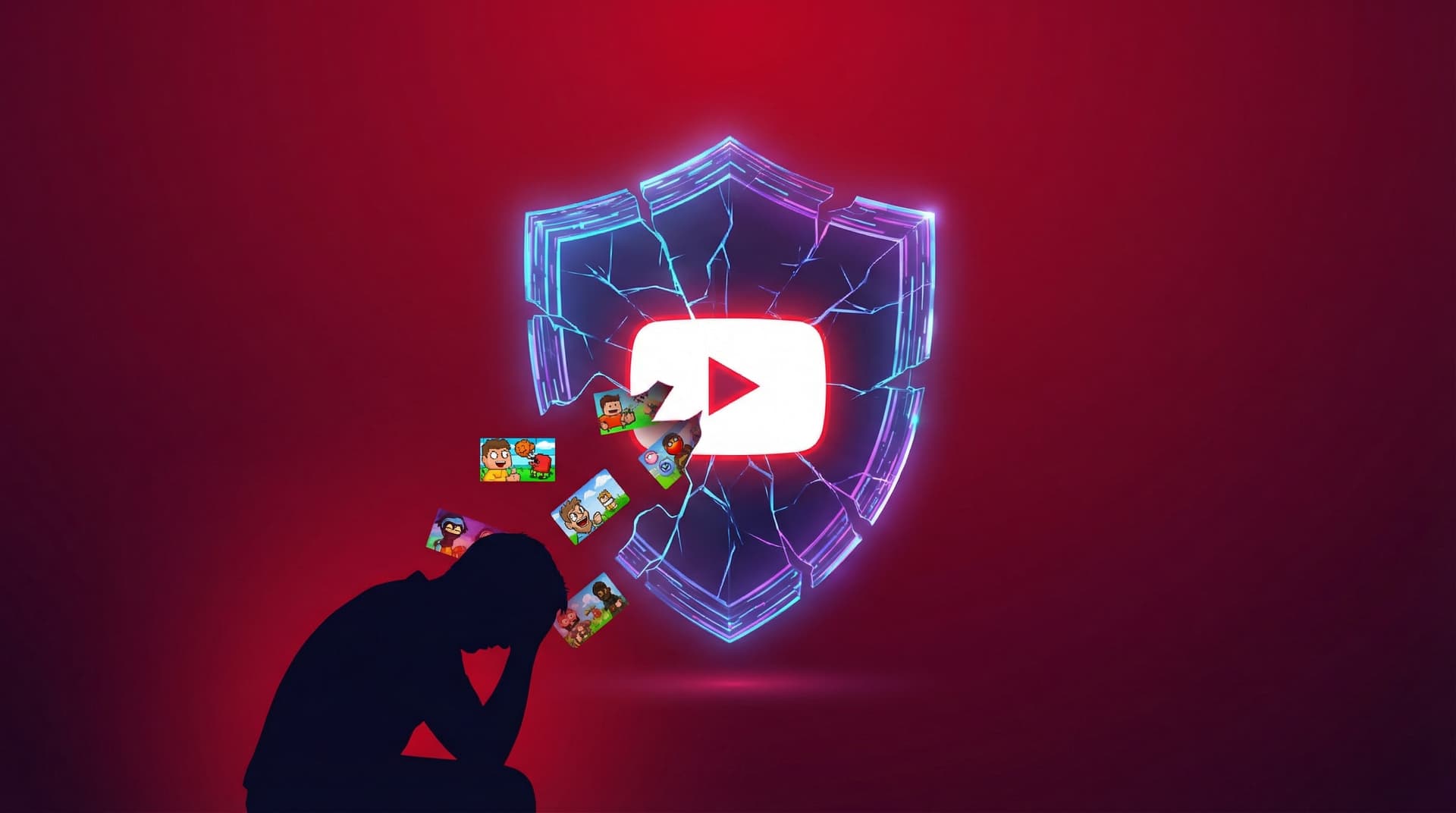

TL;DR: YouTube Restricted Mode misses 20–30% of content most parents would find inappropriate. Even worse, the average kid figures out how to bypass it in a matter of weeks. YouTube admits in its own fine print that the tool "is not perfect." These aren't just bugs; they are structural flaws in how filtering works. This post breaks down the 2026 data, shares stories from parents who learned the hard way, and explains why a filter will never be as safe as a whitelist.
The Promise vs. The Reality
YouTube says Restricted Mode "hides videos that may contain inappropriate content flagged by users and other signals." Pay attention to those words: "may contain," "flagged by users," and "other signals." It’s a guess, not a guarantee. Our YouTube Restricted Mode guide explains what the setting does on each device before we get into where it falls down.
Parents hear something different: my child is safe now.
The gap between what the feature actually does and what parents think it does is where the danger lies. YouTube isn't exactly hiding these limitations—they’re right there in the help pages—but by putting Restricted Mode in the "Family" settings, they imply a level of protection the tech just can't provide.
We looked at the evidence in our full Restricted Mode review. The verdict is clear: if you’re using this as your primary safety net at home, you’re looking at a massive false sense of security.
Will WhitelistVideo Work for Your Child?
Answer 4 quick questions about your child's devices and age — get a personalized setup recommendation.
10,000+ families · FreeBy the Numbers: How Restricted Mode Fails
The Miss Rate
Testing shows that Restricted Mode fails to catch 20–30% of content that parents of kids under 13 would object to. This includes:
- Violence: Street fights, "fail" videos showing real injuries, and gore.
- Language: Heavy profanity in gaming commentary or background tracks.
- Disturbing themes: Horror "creepypasta" and jump-scare videos aimed at kids.
- Predatory bait: Videos with bright, kid-friendly thumbnails that pivot to adult themes once the video starts.
- New uploads: Anything uploaded in the last 72 hours usually hasn't been scanned yet, so it defaults to "safe."
Think about that miss rate: if your kid watches 100 videos, 20 to 30 of them could be anything. The system is especially bad at catching content from smaller channels or videos that use slang instead of explicit words.
Bypass Time
The easiest way to break Restricted Mode? Just sign out. It takes less than 30 seconds. Once you're logged out, the account-level restrictions vanish, and the full YouTube catalog is right there.
Incognito mode is even faster: about 15 seconds.
Data from parenting forums suggests most kids who want to get around Restricted Mode find a way within two to four weeks. By the three-month mark, almost every child who tried to bypass it had succeeded.
Categories That Consistently Slip Through
YouTube’s AI still struggles with these specific areas:
- Commentary videos that talk about adult topics without showing "banned" visuals.
- Gaming videos where the game itself is violent, but the commentary is clean.
- Channels that post a mix of "all ages" and "adult" content.
- Videos in languages other than English.
- Live streams, which can't be reviewed until after they've already aired.
What devices does your child use for YouTube?
Real Parent Stories
These stories are based on common experiences reported by parents in our community. Names have been changed.
"I Thought It Was Working for Eight Months"
A mom in Texas turned on Restricted Mode when her 12-year-old got a tablet. She checked the settings every now and then, and it was always "On." Eight months later, she noticed his watch history was completely empty. He hadn't been behaving; he’d just been using incognito mode the entire time. The safety setting she relied on never touched a single video he actually watched.
"It Blocked the Wrong Things"
A dad in the UK noticed Restricted Mode blocked his daughter’s favorite science and space channels but let through gaming videos filled with swearing. He realized he was spending more time trying to "fix" the filter than it was worth. He was essentially trying to build a whitelist in his head because the automated tool was so unreliable.
"The Sign-Out Trick"
A mother of a 9-year-old and 11-year-old set up Restricted Mode after reading a parenting blog. A week later, her oldest mentioned a video she knew was restricted. When she asked how he saw it, he just shrugged and said, "I just sign out." He’d learned it from a friend at school in five minutes.
"The 'Kid-Friendly' Horror"
One parent reported that while Restricted Mode blocked porn and R-rated movie clips, it missed "Elsagate" style content—videos that use cartoons and bright colors to hide disturbing or frightening scenes. Because these videos have millions of views and kids don't know how to "flag" them, the algorithm thinks they're fine.
"The Second Browser"
A mom found out her 13-year-old was watching unrestricted videos because another parent mentioned a viral (and inappropriate) video both kids were talking about. Her daughter had simply downloaded a different browser that didn't have the Restricted Mode toggle locked. There was no history to check and no warning signs.
Why YouTube Won't Fix It
This isn't just a tech problem. It’s a business problem. YouTube’s goal is to keep people watching. More watch time equals more ad revenue. A truly strict Restricted Mode would shrink the library so much that watch time would tank.
The recommendation engine—the thing that suggests what to watch next—is designed for engagement, not safety. Even in Restricted Mode, that engine is trying to pull your kid deeper into a rabbit hole. If the filter misses 20% of bad content, the algorithm will eventually find that 20% because it’s often the most "engaging" (read: shocking) stuff available.
YouTube Kids exists for a reason, but once kids hit a certain age, they want the "real" YouTube. And the real YouTube is built for adults and advertisers, not for protecting children.
The 3 Fundamental Flaws
Restricted Mode has three massive design flaws that no software update can fix:
Flaw 1: It’s a Filter, Not a Gate
Restricted Mode starts with billions of videos and tries to "hide" the bad ones. But "bad" is subjective, and new videos are uploaded every second. A filter will always have a miss rate. It's playing a permanent game of catch-up. That is also why parents keep asking why Restricted Mode stops working: it never fully worked to begin with.
A whitelist does the opposite. It starts at zero. Nothing is allowed unless a parent specifically says "yes." There is no miss rate because there is no guessing.
How WhitelistVideo works: Instead of filtering the ocean, you pick the channels you trust. If it’s not on your list, it doesn't play. Period.
Flaw 2: It’s Easy to Ignore
Restricted Mode only works if the kid stays logged in and uses the right browser. It’s a "polite" suggestion, not a lock. For a toddler, that might be enough. For a 10-year-old with a Google search bar, it’s useless.
How WhitelistVideo works: The protection is at the device level. Signing out doesn't help. Incognito mode doesn't help. Even a VPN won't bypass it. The controls aren't "inside" YouTube; they're wrapped around it.
Flaw 3: The Algorithm is Still Running
Even in Restricted Mode, YouTube is still trying to keep your kid glued to the screen. It still uses autoplay and "suggested videos" to drive compulsive viewing. It just picks those suggestions from a slightly smaller pile.
How WhitelistVideo works: When you only allow 10 or 20 channels, the algorithm can only suggest videos from those specific channels. You can also block Shorts entirely, which removes the "infinite scroll" dopamine loop that many parents are worried about.
What Actually Works: From Filtering to Whitelisting
The biggest win for parents is moving away from filtering and toward whitelisting. It changes the whole conversation.
Instead of asking "How do I block the bad stuff?", you ask "What do I actually want my kid to watch?" You build a list of approved channels—maybe some science, some Minecraft, some music—and that’s it. That is their YouTube.
This solves the big problems:
- No more "misses": If you didn't approve it, they can't see it.
- Real enforcement: It works across devices and survives the "sign-out" trick.
- Algorithm control: The "rabbit hole" is gone because there’s nowhere for the algorithm to lead them.
Yes, it takes a little more work upfront to pick the channels. But it saves you hours of worrying and checking history later. WhitelistVideo makes this easy to manage across Windows, Mac, Chromebooks, and phones.
- Channel whitelisting: You pick the channels. They play. Everything else is blocked.
- Shorts blocking: Turn off the "TikTok-style" scrolling while keeping the educational long-form videos.
- Bypass-proof: Built-in incognito and VPN protection.
- Request system: If your kid wants a new channel, they hit a button, and you get a notification on your phone to approve or deny it.
Restricted Mode is better than nothing, but it’s not a real security tool. It’s a filter with holes. If you want something you can actually trust, you need a whitelist. Download WhitelistVideo and see the difference for yourself.
Ready to Move Beyond Restricted Mode?
WhitelistVideo replaces leaky filters with a solid whitelist. Only your approved channels play, on every device, with no easy bypasses. Setup takes five minutes.
Try WhitelistVideo free.
Beyond Restricted Mode
Stop filtering. Start approving. Only parent-approved channels play.
Frequently Asked Questions
Restricted Mode relies on a combination of automated signals — user flags, video metadata, and YouTube's own AI classification — to label content as restricted. This system has two fundamental weaknesses: it can only label content that has already been reviewed, and its classification is inherently probabilistic. Independent testing in 2025 consistently found miss rates of 20-30% for content that most parents would consider inappropriate. New uploads are particularly problematic — they may circulate for days or weeks before being classified.
In most setups, under 30 seconds. If Restricted Mode is enabled on a YouTube account but the settings aren't locked via a separate parental control layer (Apple Screen Time or Google Family Link), a child can simply open YouTube Settings and toggle it off. Even if the account setting is locked, a child can sign out and access YouTube without any account — at which point Restricted Mode applies only if it's been set at the browser/device level, which most parents haven't done. For a full breakdown of bypass methods, see our post on the 7 ways kids bypass Restricted Mode.
Restricted Mode is genuinely useful in institutional settings — school libraries, public computers, waiting room displays — where the goal is to reduce the likelihood of obviously inappropriate content appearing, not to guarantee safe access for a specific child. In those contexts, the 20-30% miss rate is an acceptable trade-off for near-zero setup effort. For home use with an identified child, where the stakes are higher and bypass is trivial, it is the wrong tool for the job.
Restricted Mode filters — it tries to remove bad content from a universe of billions of videos. WhitelistVideo whitelists — it starts from zero and only allows content from parent-approved channels. The difference is not incremental; it is architectural. A filter will always have a miss rate. A whitelist cannot miss, because anything not explicitly approved is blocked. WhitelistVideo also enforces at the device and account level, making standard bypass methods (signing out, incognito, VPN) ineffective.








Published April 10, 2026 · Updated September 21, 2026

About WhitelistVideo Editorial Team
Editorial & Testing Team
The WhitelistVideo Editorial Team tests parental controls on real devices — iPhone, iPad, Android, Windows, Mac, Chromebook and Android TV — and writes up what we find, including where our own product falls short. Where a claim comes from a vendor's own documentation or from third-party testing, we cite it. Articles are reviewed by Arul Prakash, the founder of WhitelistVideo.
You Might Also Like
YouTube Restricted Mode: Does It Actually Work? (Tested)
We tested YouTube Restricted Mode and found it misses 20-30% of inappropriate content. See what it blocks, what slips through, and how kids bypass it in seconds.

Can Kids Bypass YouTube Parental Controls? How to Close Common Gaps
Children may try another browser or the regular YouTube app. Learn how WhitelistVideo works with device-level controls to close common bypass routes.
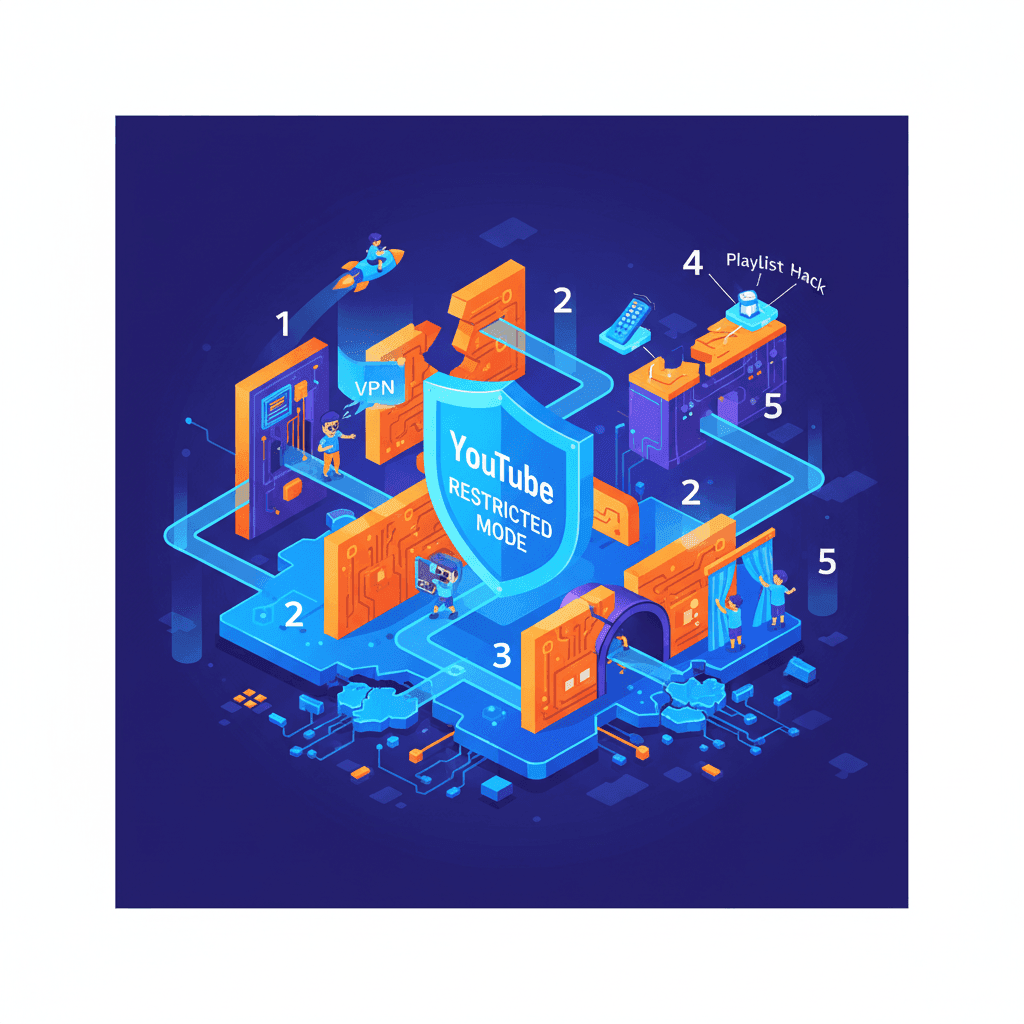
7 Ways Kids Bypass YouTube Restricted Mode (And Fixes)
YouTube Restricted Mode is shockingly easy to bypass. Learn the 7 specific methods kids use to circumvent it—and why whitelist controls are the only approach that actually works.
Curious what Google knows about us?
Add WhitelistVideo as a trusted source on Google — get instant context on how families keep kids safe on YouTube.
Ask Google about WhitelistVideo








