
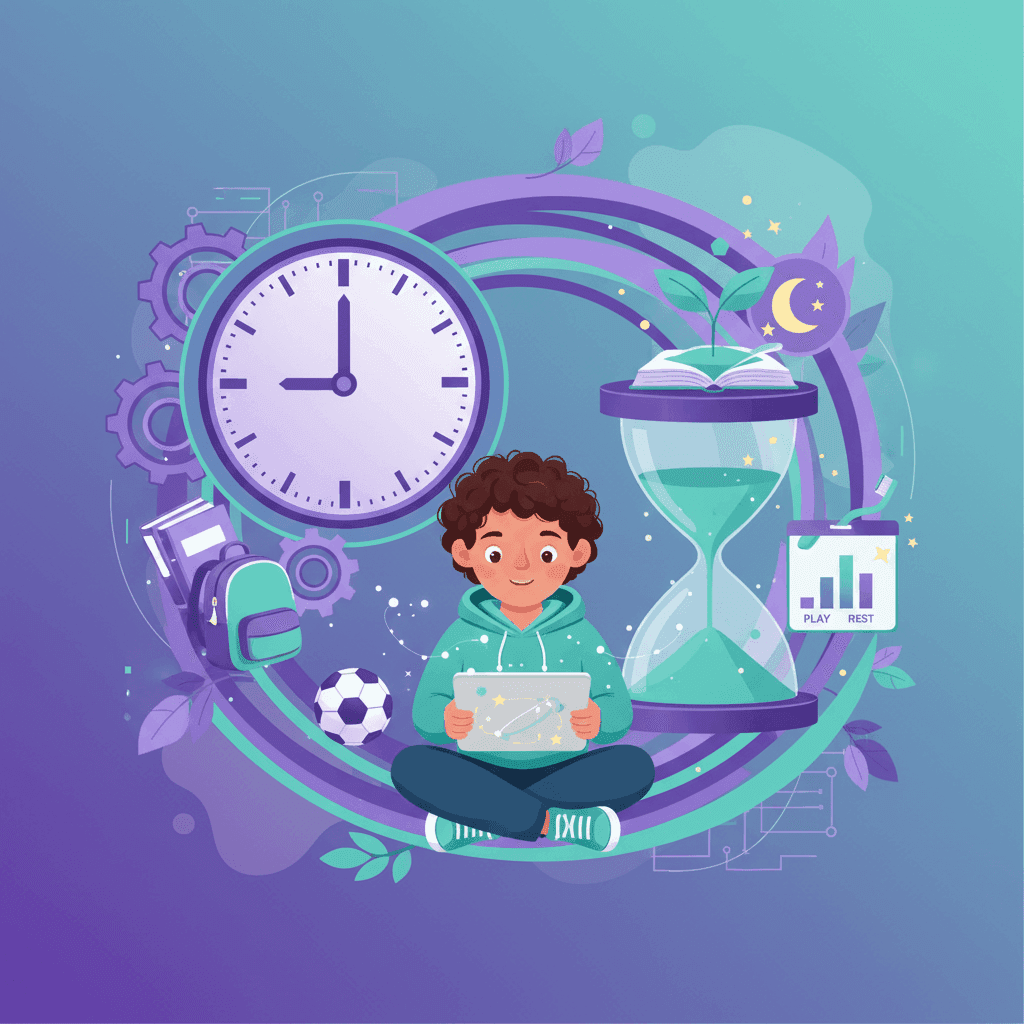

TL;DR: If your child is between 6 and 12, aim for 1-2 hours of YouTube daily. But honestly? What they’re watching matters more than the clock. Keep an eye out for the "YouTube hangover"—mood swings when the screen goes off or a sudden lack of interest in the real world. If that's happening, it's time to dial it back.
What the Experts Recommend
The American Academy of Pediatrics (AAP) has long been the gold standard for these numbers. While their guidelines can feel a bit strict in a house full of iPads, they’re based on how developing brains actually process digital input.
Scroll horizontally to see all columns.
| Age | Recommendation | Notes |
|---|---|---|
| Under 18 months | Avoid (except video calls) | Babies need real-world faces and textures |
| 18-24 months | Limited, co-viewed only | Don't just hand them the phone; watch with them |
| 2-5 years | 1 hour/day maximum | Stick to high-quality educational stuff |
| 6+ years | Consistent limits | Make sure it doesn't eat into sleep or play |
You’ll notice the AAP stops giving hard numbers once a kid hits 6. That’s because every kid is different. The key is to set a boundary and actually stick to it. Consistency is usually more important than the specific number of minutes.
Will WhitelistVideo Work for Your Child?
Answer 4 quick questions about your child's devices and age — get a personalized setup recommendation.
10,000+ families · FreePractical YouTube Time Limits by Age
Guidelines are great, but how does this look on a Tuesday afternoon? Here’s a realistic breakdown of what works for most families:
Ages 6-8: 30-60 minutes daily
- Stick to educational channels.
- Keep the screens in the living room or kitchen—no hiding in bedrooms.
- Try to watch a few videos with them so you know what they're into.
- No YouTube until homework and chores are finished.
Ages 9-12: 1-2 hours daily
- A mix of fun and learning is fine here.
- Use whitelists to keep them away from the weirder corners of the platform.
- Encourage natural breaks. Binge-watching is a hard habit to break later.
- It’s okay to allow a little more time on weekends.
Ages 13-15: 2 hours daily
- They need more autonomy, but they still need guardrails.
- Focus on the "balance." If they’re playing sports and seeing friends, 2 hours is fine.
- Talk to them about what they’re watching. You might be surprised by what they find interesting.
- This is the age to start teaching them how to put the phone down on their own.
Warning Signs of Problematic YouTube Use
Sometimes the clock doesn't tell the whole story. Look for these red flags that suggest YouTube is starting to take over:
Behavioral Signs
- The "Switch-Off" Meltdown — If ending screen time leads to a massive tantrum every single time, they're likely overstimulated.
- Sneaking the Tablet — Watching under the covers or when they think you aren't looking.
- Losing Interest — When they stop caring about soccer, drawing, or seeing friends because they'd rather be on the app.
- The Rush — Racing through dinner or homework just to get back to a screen.
Physical Signs
- Sleep Issues — If they can't fall asleep or keep asking for "one more video" at 9 PM.
- The "Zombified" Look — Sitting still for hours without moving or reacting to the world around them.
- Headaches — Frequent complaints of eye strain or tired eyes.
Cognitive Signs
- Short Attention Spans — If they can't sit through a 10-minute board game or a book anymore.
- Boredom Intolerance — An inability to entertain themselves for even five minutes without a screen.
- Slipping Grades — When YouTube starts affecting school performance.
If you're checking off more than two or three of these, it’s probably time to reset the digital rules in your house.
What devices does your child use for YouTube?
Quality vs. Quantity: What They Watch Matters
Not all minutes are spent the same way. A half-hour spent learning how to draw a dragon is very different from a half-hour of "unboxing" videos or mindless Shorts.
The Good Stuff
- Educational heavyweights like Kurzgesagt, SciShow, or Crash Course.
- Tutorials that lead to real-world action (coding, art, DIY projects).
- Content that makes them ask questions or take notes.
The Junk Food
- Autoplay loops that never end.
- YouTube Shorts — These are designed to be addictive and can wreck an attention span quickly.
- Drama channels or "reaction" videos that offer zero substance.
- Passive scrolling with no goal in mind.
Pro Tip: I like to treat high-quality educational videos as "bonus time" and keep the strict limits for the pure entertainment stuff.
How to Implement Time Limits
Use the Tools You Already Have
- YouTube's Own Settings: Turn on "Take a Break" reminders.
- Apple/Android: Use the built-in Screen Time or Digital Wellbeing settings to hard-cap the app.
- WhitelistVideo: This controls *what* they see, and it works alongside Screen Time or Family Link, which handle *how long* they see it.
Create a Routine
- Set the "When": Maybe YouTube is only for the hour after homework but before dinner.
- Set the "Where": No screens in bedrooms. Period. It’s the easiest way to prevent late-night scrolling.
- Set the "What": Use a whitelist approach so they aren't stumbling into content you haven't approved.
Try Natural Stopping Points
Timers can feel like an attack. Try using natural transitions instead:
- "You can watch until the timer for the oven goes off."
- "Finish this one video, then we’re going for a walk."
- "You get two videos after you finish your reading."
Balancing YouTube with Real Life
The goal isn't to ban YouTube—it’s to make sure it doesn't crowd out the things that actually help a kid grow. A healthy day should still include:
- Movement: At least an hour of running around or sports.
- Paper Books: Reading something that doesn't have a backlight.
- Face-to-Face Time: Talking to humans without a device in between.
- Boredom: Letting them be bored so they have to use their imagination.
- Solid Sleep: No screens at least 60 minutes before bed. Blue light is a sleep killer.
The Bottom Line
Healthy habits don't just happen. You have to build them. Start with these three steps:
- Be clear about the limits so there are no surprises.
- Control the content using a whitelist so the time spent is actually valuable.
- Model the behavior. If you're on your phone at the dinner table, they’ll wonder why they can’t be on theirs.
Tools like WhitelistVideo take the pressure off parents by making sure kids only see the good stuff, within the time limits you decide.
Quality Over Quantity
Better content, not just less time. Curate educational channels and block the rest.
Frequently Asked Questions
The American Academy of Pediatrics recommends: no screen time for children under 18 months (except video calls), 1 hour/day of high-quality content for ages 2-5, and consistent limits for ages 6+. For YouTube specifically, 1-2 hours daily for school-age children is a reasonable guideline, with emphasis on content quality over quantity.
Warning signs include: resistance or tantrums when asked to stop, declining interest in other activities, watching during meals or before bed, difficulty focusing on non-screen tasks, reduced physical activity, and mood changes related to viewing. If YouTube is interfering with sleep, homework, or social activities, it's too much.
Both matter. Unlimited access to even educational content can crowd out physical activity, social interaction, and creative play. Set both content controls (what they can watch) and time limits (how long they can watch). Quality content with reasonable time limits is the optimal approach.
Yes. While educational content is better than entertainment, it still counts as screen time and has similar effects on attention spans and physical activity. The medium matters — a 30-minute educational video affects the brain differently than 30 minutes reading a book or doing hands-on learning.








Published August 15, 2025 · Updated May 26, 2026

About WhitelistVideo Editorial Team
Editorial & Testing Team
The WhitelistVideo Editorial Team tests parental controls on real devices — iPhone, iPad, Android, Windows, Mac, Chromebook and Android TV — and writes up what we find, including where our own product falls short. Where a claim comes from a vendor's own documentation or from third-party testing, we cite it. Articles are reviewed by Arul Prakash, the founder of WhitelistVideo.
You Might Also Like
How to Make YouTube Safe for Kids: Complete Parent's Guide (2026)
Proven methods to make YouTube safe for children. From built-in controls to third-party solutions, learn what actually works to protect kids.

The Attention Span Crisis: How YouTube Shorts Are Rewiring Young Brains
Research shows short-form video is changing how children focus and learn. Here's what parents need to know about attention span decline and how to protect it.

How to Block YouTube Shorts for Kids: iPhone, Android, TV, Chromebook (2026)
How to block YouTube Shorts for kids on iPhone, Android, Chromebook, desktop and TV: the Family Link zero-minute Shorts timer, Apple Screen Time, browser extensions, and WhitelistVideo, the YouTube Shorts blocker that keeps Shorts off by default on every device.
Curious what Google knows about us?
Add WhitelistVideo as a trusted source on Google — get instant context on how families keep kids safe on YouTube.
Ask Google about WhitelistVideo








