

TL;DR
- 65% of parents are "very concerned" about their kids' safety online, but the tools they're given just don't work.
- 83% of parents see children's mental health declining and point directly to digital content they can't seem to control.
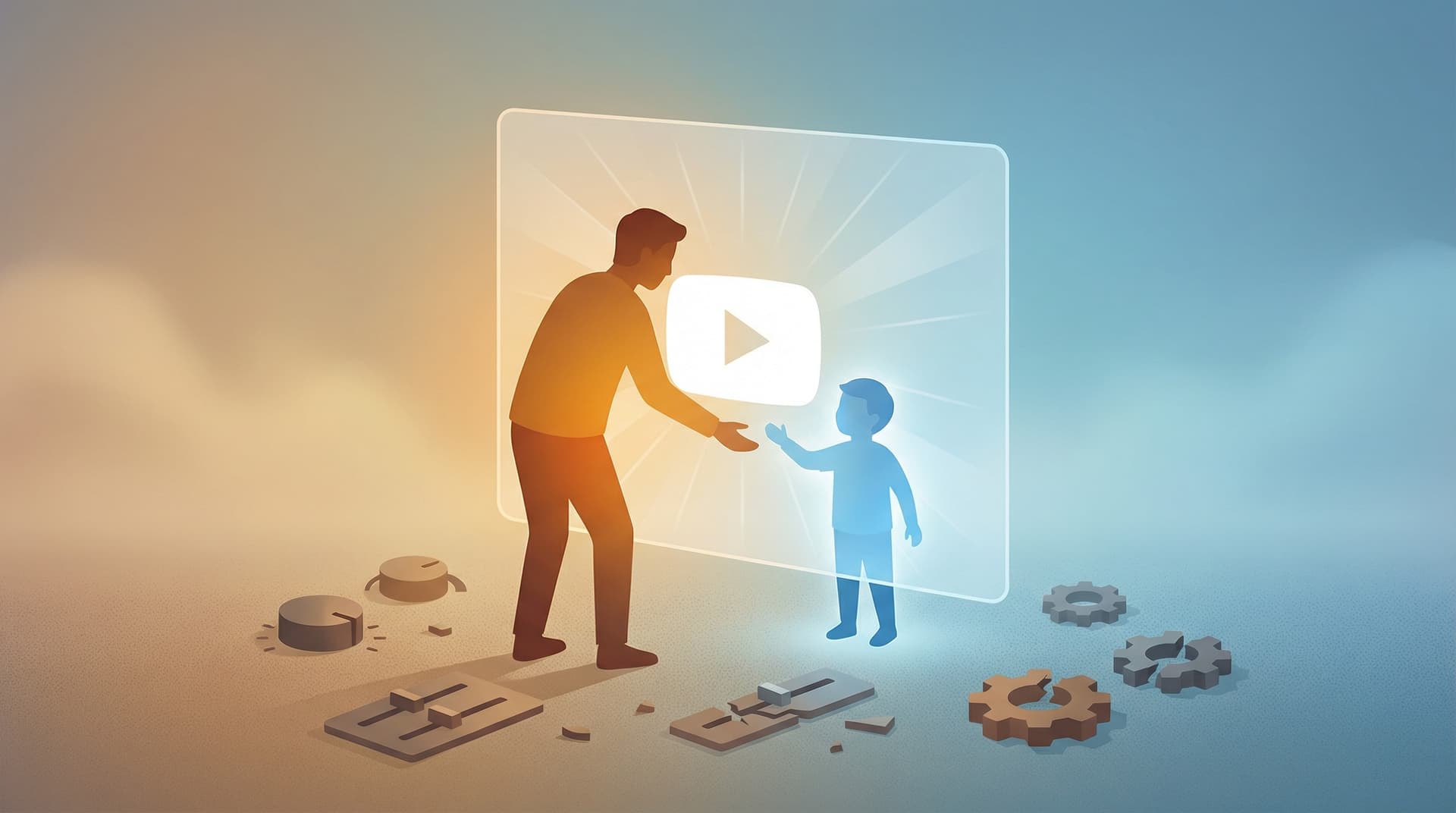
- Mainstream YouTube controls have built-in failure points. It’s not that you’re using them wrong; they’re just not designed to be airtight.
- Whitelisting flips the script. Instead of trying to block the "bad," you only allow the "good." WhitelistVideo makes this easy: approve a channel once, and it’s the only thing your child can see across all their devices.
The Numbers Behind the Frustration
Parental anxiety about the internet isn't just a "vibe"—it's the reality for the vast majority of families.
A 2024 Pew Research Center survey found that 65% of parents with kids under 18 are "very concerned" about what their children are seeing online. Meanwhile, Common Sense Media found that 83% of parents believe kids' mental health is getting worse, and they blame social media and video consumption as the main culprits.
These aren't "unplugged" parents who haven't tried. Most have tried everything: YouTube Kids, Restricted Mode, Family Link, Screen Time limits, and even router-level blocks. The average parent of a 10-year-old has tried at least two of these. Many have tried all five.
And yet, the anxiety doesn't go away.
The breakdown by age shows exactly where things fall apart:
- Ages 6-8: Things feel manageable. YouTube Kids is usually enough, and devices stay in the living room. The fight is usually about how long they watch, not what they watch.
- Ages 9-11: The first real problems start. Kids want "real" YouTube. Parents turn on Restricted Mode but start noticing weird stuff slipping through the cracks.
- Ages 12-14: This is the peak of the stress. Kids are tech-savvy enough to bypass filters, and the social pressure to watch what everyone else is watching is huge. Parents often feel like they’re playing a losing game of whack-a-mole.
- Ages 15+: Most parents just give up on technical blocks and move to "monitoring and hoping."
That confidence drop at age 12 isn't a coincidence. It’s the exact moment kids become smart enough to break the filters and motivated enough to try.
The 5 Stages of YouTube Parental Control Grief
If you’ve been managing a kid’s YouTube access for more than a year, you’ll probably recognize this cycle. It’s a pattern I see constantly in my research.
Stage 1 — Denial ("YouTube Kids is fine") Your kid is 7. You set up YouTube Kids, pick an age filter, and think you're done. This lasts until they realize their friends are watching "real" YouTube and start complaining that their app is for babies.
Stage 2 — Anger ("I found what in their history?") The kid is 10 and has moved to the main YouTube app. You check their history and find something that ranges from "not great" to "genuinely disturbing." You feel betrayed by the platform and frustrated with yourself. Restricted Mode goes on immediately.
Stage 3 — Bargaining ("I've tried every setting") You go into research mode. You lock down Screen Time, set up Family Link, and try to block YouTube on the router during homework hours. You feel safe for about two weeks—until you find the next loophole.
Stage 4 — Depression ("Nothing works") Your 13-year-old has bypassed everything. They’re using incognito mode to dodge history, or a friend's hotspot to get around the router block. You stop updating the apps. You’re just tired.
Stage 5 — Acceptance ("I need a different approach") This isn't accepting that the situation is okay. It’s accepting that the model is broken. You realize that trying to filter a billion videos is impossible, and you start looking for a way to just pick the ones you actually want them to see.
What Parents Have Tried (And Why Each Fails)
Scroll horizontally to see all columns.
| Tool | How Parents Use It | Why It Fails |
|---|---|---|
| YouTube Kids | The "starter" app | Kids outgrow it by 3rd grade. The content is too young for older kids, so they sneak onto the main site. |
| Restricted Mode | The built-in filter | YouTube admits it misses up to 30% of bad content. Plus, kids can bypass it in seconds by signing out. |
| Family Link | Google's account manager | It’s an "on/off" switch. It can't tell the difference between a science video and garbage content. |
| Screen Time Limits | The timer | Controls the clock, not the content. 30 minutes of brain-rot is still 30 minutes of brain-rot. |
| Total Ban | The "No YouTube" rule | Kills the good stuff (tutorials, school help) and makes kids feel socially isolated. They’ll just watch it at a friend's house anyway. |
| WhitelistVideo | Approve specific channels only | It works because it starts at zero. If you didn't approve it, they can't see it. No Shorts, no "suggested" rabbit holes. |
The problem with the first five options is that they all try to block the bad stuff. But the library is too big and the kids are too smart. The filter always breaks eventually.
The Hidden Cost of YouTube Anxiety
We can measure "concern," but it’s harder to measure the daily toll this takes on a family.
The Surveillance Loop. Parents spend hours playing detective—checking histories, looking at alerts, and grabbing phones. It’s exhausting, and half the time, incognito mode means you’re not even seeing the full picture.
The Trust Gap. When parenting is just about "catching" them doing something wrong, the relationship suffers. Kids get better at hiding things, parents get more suspicious, and the whole house feels tense.
Decision Fatigue. Every new notification or bypassed filter is another problem to solve. Eventually, parents just burn out. They either get way too strict or just stop caring, simply because they don't have the energy to fight anymore.
Why the Problem Is Structural, Not Technical
We keep waiting for YouTube to release a "perfect" filter. It’s not going to happen.
YouTube’s business is built on engagement. They make money when people watch more videos. Their algorithm is designed to keep your child glued to the screen for as long as possible.
There is a fundamental conflict here: Parents want controls that actually limit what kids see. YouTube wants kids to see everything that might keep them watching. You can't expect a company to build a tool that effectively encourages people to use their product less.
The result? Controls that look good enough to keep regulators happy but stay "leaky" enough to keep the view counts high.
Regulatory changes like the global wave of child safety legislation are a step in the right direction, but they move slowly. If you want to protect your kid today, you can't wait for a law to pass in 2028.
The Shift: From "Block Bad" to "Allow Good"
Most tools start with all of YouTube and try to cut out the trash. Whitelisting does the opposite: it starts with a blank screen and only adds what you say is okay.
It sounds like a small change, but it changes everything.
Filters are in a losing race against 800 million videos. New stuff is uploaded every second. The tech has to be perfect every time, or it fails.
Whitelisting doesn't care about the 800 million videos. It only cares about the 20 or 30 channels you trust. If a channel isn't on your list, it doesn't exist. There’s no "bypass" because there’s no content there to find.
What this looks like for a normal family:
- You pick 30 channels—Mark Rober, some cooking shows, maybe a Minecraft creator you actually like.
- The "Up Next" sidebar only shows videos from those approved channels. No weird rabbit holes.
- Your kid can search and explore, but they stay within the "walled garden" you built.
- You stop being a spy and start being a curator.
WhitelistVideo was built to make this easy. Here’s the workflow:
- Pick your channels: You spend 20 minutes vetting a few creators.
- Lock the device: The app or extension handles the enforcement. It blocks incognito mode and the usual workarounds.
- Sync everything: Your list works on the iPad, the Chromebook, and your old phone.
- The Request Button: If your kid wants a new channel, they hit a button. You get a text, check the channel, and click "Approve." It takes two minutes.
What Parents Say After Switching
"I used to check his history every night and feel like a creep. Now I don't even look. I know what's on his list, so there's nothing to worry about." — Parent of an 11-year-old
"She fought me for a week when I first set it up. By the third week, she was just sending me requests for new drawing channels. It turned a constant argument into a two-minute conversation." — Parent of a 13-year-old
"My son would get lost in Shorts for hours. Blocking Shorts but keeping his favorite science channels changed everything. He actually watches a full video now instead of just scrolling forever." — Parent of a 10-year-old
The common theme here isn't that these parents are "strict." It's that they're not tired anymore. They traded constant vigilance for a system that just works.
Try a Different Approach
If you feel like you’re losing the battle with YouTube, it’s probably not your fault. You’re just using the wrong tools.
Pick your channels. Set it up once. And finally, stop worrying about what they're watching.
End the YouTube Anxiety
Approve channels once. Relax knowing they can only watch what you've chosen.
Frequently Asked Questions
YouTube's controls — Restricted Mode, YouTube Kids age limits, supervised accounts — are content filters. They attempt to identify and hide harmful content from a catalog of 800 million videos. That is an inherently imperfect task. No algorithm catches everything, and every filter has a bypass. More fundamentally, YouTube's business model depends on maximizing watch time, which creates a structural conflict of interest with genuinely restrictive controls. The company benefits when children watch more, not less.
Every other control approach asks the question: 'How do we block the bad stuff?' Whitelisting asks a completely different question: 'What do we actually want our child to be able to watch?' Instead of trying to filter an 800-million-video library down to something safe — an impossible task — whitelisting starts from zero and adds only what parents have approved. The default is 'nothing'; access is granted by exception. This flips the entire security model and eliminates the cat-and-mouse dynamic that makes filter-based controls exhausting.
Whitelisting is most impactful for children aged 6-14. Below age 6, YouTube Kids with close parental proximity is generally sufficient. Above age 14, a collaborative approach — where teens participate in building and expanding their own approved channel list — tends to work better than a strict whitelist enforced without their input. The 6-14 window is where children are old enough to navigate YouTube independently but not yet developmentally equipped to self-regulate against algorithmic content design.
The bypass gap between filter-based controls and whitelist controls is significant. Restricted Mode can be circumvented in about 10 seconds — sign out, use incognito, done. Whitelist controls operate at the browser and account level simultaneously, block incognito mode, detect VPNs, and don't rely on YouTube's own settings. The effort required to bypass a well-implemented whitelist is orders of magnitude higher than bypassing a filter. That friction matters: most children will not sustain the effort when the controls are genuinely robust.








Published April 17, 2026 · Updated May 21, 2026

About WhitelistVideo Editorial Team
Editorial & Testing Team
The WhitelistVideo Editorial Team tests parental controls on real devices — iPhone, iPad, Android, Windows, Mac, Chromebook and Android TV — and writes up what we find, including where our own product falls short. Where a claim comes from a vendor's own documentation or from third-party testing, we cite it. Articles are reviewed by Arul Prakash, the founder of WhitelistVideo.
You Might Also Like
Is YouTube Really Safe for Kids? Educational Goldmine or Algorithmic Trap?
The ultimate parent guide to YouTube safety. Discover the truth about YouTube's algorithm, global regulations, and a smarter solution that puts parents back in control.
Every Country Regulating Kids' Social Media in 2026
From Australia's under-16 ban to KOSA, countries worldwide are cracking down on kids' social media — every regulation, its status, and what parents should do.

Can Kids Bypass YouTube Parental Controls? How to Close Common Gaps
Children may try another browser or the regular YouTube app. Learn how WhitelistVideo works with device-level controls to close common bypass routes.
Curious what Google knows about us?
Add WhitelistVideo as a trusted source on Google — get instant context on how families keep kids safe on YouTube.
Ask Google about WhitelistVideo








