


TL;DR: Canada hasn't banned YouTube or social media for kids—not yet, anyway. But with Bill S-210 and several provincial proposals moving through Parliament, Australian-style restrictions could show up sooner than you think. The best move right now is to set up your own controls. That way, if platforms suddenly pull features or kill supervised accounts overnight, your kids aren't left without a safe way to watch.
Will WhitelistVideo Work for Your Child?
Answer 4 quick questions about your child's devices and age — get a personalized setup recommendation.
10,000+ families · FreeIs YouTube Banned for Kids in Canada?
The short answer is no. As of June 2026, Canadian kids can use YouTube, Instagram, and TikTok without any legal roadblocks. There’s no mandatory age verification and no government ban in place.
But things are moving behind the scenes. Bill S-210, the Online Harms Act, is currently working its way through the Senate and House of Commons. If it passes, platforms that host "sexually explicit material" will have to start verifying ages. This wouldn't ban YouTube, but it would fundamentally change how the platform treats younger users in Canada.
We already have PIPEDA (the Personal Information Protection and Electronic Documents Act), which deals with how companies handle kids' data. But let’s be honest: "meaningful consent" for data privacy isn't the same thing as keeping a ten-year-old away from garbage content. PIPEDA governs data; it doesn't do anything to filter what your kids actually see.
Right now, we're in a bit of a waiting game. There's no ban today, but there's a massive gap between what the law covers and what parents actually need to keep their kids safe.
What's Actually Being Proposed in Canada
There are two different levels of government looking at this, and they aren't always on the same page.
At the federal level, Bill S-210 is the main one to watch. It started as a way to protect kids from pornography, but it’s grown into a much larger framework for "online harms." If it becomes law, YouTube would likely have to implement verification steps for age-gated content that simply don't exist right now.
The bill is controversial. Privacy advocates hate the idea of mandatory age verification because of the surveillance risks. Meanwhile, many parents think the bill is too weak. This tug-of-war is why it’s been stuck in debate for over a year.
At the provincial level, Ontario, BC, and Quebec have all talked about their own social media age limits. Nothing has been signed into law yet, but most of these ideas are loosely based on what Australia is doing, just tweaked for Canadian law.
Look, if you’re waiting for the government to fix YouTube for your family, you’ll be waiting a long time. Federal bills move at a snail's pace, and even if something passes tomorrow, enforcement will take years. Your kids are on YouTube today. They need guardrails now, not in 2028.
What devices does your child use for YouTube?
Lessons from Australia and the UK
Canada is basically watching two massive experiments play out in real time, and the results are messy.
Australia passed its under-16 social media ban in December 2025. It didn't go smoothly. Within weeks, YouTube started nuking supervised accounts for Australian minors. Parents who relied on those built-in tools suddenly found them gone. The result? Kids who were using managed accounts lost access, so they just made new, unmonitored accounts to get back on. It actually made the problem worse.
The UK took a different route with its Online Safety Act. Instead of a ban, they’re forcing platforms to prove they’re protecting kids. This has led to aggressive algorithmic filtering. It catches the bad stuff, sure, but it also blocks perfectly fine educational videos that parents actually want their kids to see.
The lesson here is pretty clear: parents who had their own independent controls in place before the laws changed were fine. Their kids kept watching approved content on managed devices. Parents who relied on the platforms or the government to handle it were the ones who got caught off-guard.
Canada might not follow Australia exactly, but the political momentum is heading that way. When platforms react to new laws, they do it abruptly. If you don't have a solution that works independently of the platform, you'll be starting from scratch when the rules change.
How to Set Up YouTube Parental Controls in Canada Now
The good news is that every major tool works here. There are no "Canada-only" versions to worry about. Here is how the options stack up:
Level 1: YouTube Restricted Mode (Free, Basic)
This is the bare minimum. It uses automated signals to hide mature content. It takes 30 seconds to turn on, but it’s also incredibly easy for any kid over the age of ten to bypass. They just have to sign out or open a different browser. It's better than nothing, but don't rely on it.
Level 2: Google Family Link (Free, Moderate)
Family Link is great for the basics. You can manage their Google account, set screen time limits, and approve apps. It works best on Android and Chromebooks. The downside? It doesn't let you pick and choose specific channels. It’s an "all or nothing" approach to YouTube’s supervised tiers.
Level 3: WhitelistVideo (Free 2-Hour Test Period, Strongest)
This is the most reliable method because it flips the script. Instead of trying to block the billions of bad videos out there, you just approve the specific channels you trust. Everything else is blocked automatically. Your child only sees what you’ve personally vetted.
It works on iPhone, Android, Chrome, and even Android TV. There’s a free 2-hour test period with no credit card, then plans start at $6.99/month per child (US price) with up to 30 channels per child on Basic, 100 on Premium, and unlimited on Lifetime. If you want to stop worrying about what the algorithm is feeding your kids, this is the way to do it.
Device-Specific Quick Start
iPhone/iPad: Grab the WhitelistVideo child app from the App Store. Set up your parent dashboard at app.whitelist.video and add your channels. It’s a one-time setup.
Android phone/tablet: Download it from Google Play. The setup is the same, and your approved channels will sync across every device your kid uses.
Chromebook/desktop: Use the Chrome extension. It locks the browser version of YouTube so they can only see your whitelisted creators.
Android TV / Google TV: This is a big one for the living room. Install the TV app from Google Play to make sure the "big screen" is just as safe as their tablets.
Protection for the Devices Your Child Uses
Canadian Educational YouTube Channels Worth Whitelisting
If you're going the whitelist route, you might wonder where to start. There are some incredible creators—many of them Canadian—making content that is actually worth watching. Here are a few of my top picks:
- AsapSCIENCE — Canadian-made science explainers. They're fun, fast, and generally great for kids 8 and up.
- MinutePhysics — Another Canadian creator. He uses hand-drawn animations to explain physics. Perfect for curious kids (10+).
- CGP Grey — Brilliant videos on geography and how the world works. Very high quality.
- SciShow — Well-researched daily science. It’s a staple for a reason.
- Crash Course — If your kid is in middle or high school, this is the gold standard for history and science.
- PBS Eons — All about paleontology and prehistory. It’s fascinating and very "clean."
- Kurzgesagt — Beautifully animated science and philosophy. It’s thoughtful and engaging for ages 10+.
- Numberphile — Math explained through puzzles. It’s way more interesting than it sounds.
- National Film Board of Canada (NFB) — The official channel for Canadian docs and animations. Great for family viewing.
- Wild Canadian Year — Nature footage focused specifically on Canadian wildlife and ecosystems.
You can add these to a whitelist in a few minutes. It gives your kids the best of YouTube without the "rabbit hole" effect of the recommendation engine.
The Bottom Line
- There is no ban yet. As of June 2026, there are no legal restrictions on kids using social media in Canada.
- Legislation is slow. Bill S-210 is still being debated. Even if it passes, it won't change things overnight.
- Don't trust the platforms to protect you. Australia showed us that when laws change, platforms often just delete supervised accounts, leaving parents in the lurch.
- Independent controls are the only "future-proof" option. They work regardless of what the government or Google decides to do next.
- It takes 10 minutes to set up. You can protect your household today instead of waiting for Parliament to finish their debate.
YouTube parental controls in other countries: we keep the same kind of guide for France, Germany, India, Japan and Poland, plus the UK guide and the Australia page.
Don't Wait for Legislation
Set up YouTube protection now. If Canada follows Australia, you'll be ready.
Frequently Asked Questions
No. As of June 2026, Canada has no social media ban for minors and no YouTube restrictions. Bill S-210 (Online Harms Act) is being debated but has not been enacted. Canadian children can freely use YouTube without age verification requirements.
It's possible but not certain. Multiple Canadian provinces have discussed social media age restrictions, and Bill S-210 is actively debated at the federal level. If passed, it would likely require age verification for certain content. A full YouTube ban similar to Australia's has not been specifically proposed in Canada.
Yes, regardless of legislation. The reason Australian parents struggled after their ban is that they had no controls in place before YouTube removed supervised accounts. Setting up parental controls now means your family won't be caught off-guard if Canada passes similar legislation.
All standard tools work: YouTube Restricted Mode (basic), Google Family Link (moderate — manages accounts, sets time limits), and WhitelistVideo (strongest — channel-level whitelisting). Family Link is free. WhitelistVideo has a free 2-hour test period, then starts at $6.99/month per child (US price).








Published June 26, 2026 · Updated September 21, 2026
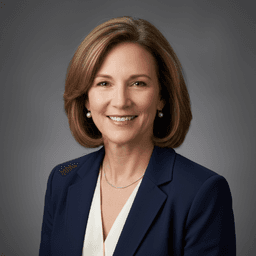
About Dr. Jennifer Walsh
Digital Literacy Educator
Dr. Jennifer Walsh is an educational technology specialist with over 20 years of experience in K-12 settings. She earned her Ed.D. in Instructional Technology from Columbia University's Teachers College and her M.Ed. from the University of Virginia. Dr. Walsh served as Director of Educational Technology for Fairfax County Public Schools, overseeing device deployment and safety policies for 180,000 students. She has trained over 5,000 teachers on digital citizenship curricula and consulted for ISTE on student digital safety standards. Her book "Connected Classrooms, Protected Students" (Harvard Education Press, 2021) is used in teacher preparation programs nationwide. She is a guest contributor at WhitelistVideo.
You Might Also Like

Does the Social Media Ban Include YouTube? Country-by-Country Guide (2026)
Which countries ban YouTube for kids? Australia, UK, Indonesia, and Brazil all restrict YouTube for minors. Full country-by-country breakdown of what's actually banned.

YouTube Parental Controls Without an Account: Complete Guide (2026)
How to put parental controls on YouTube when your child isn't logged in to YouTube. Setup guides for Android, iPhone, tablet, desktop, and TV.
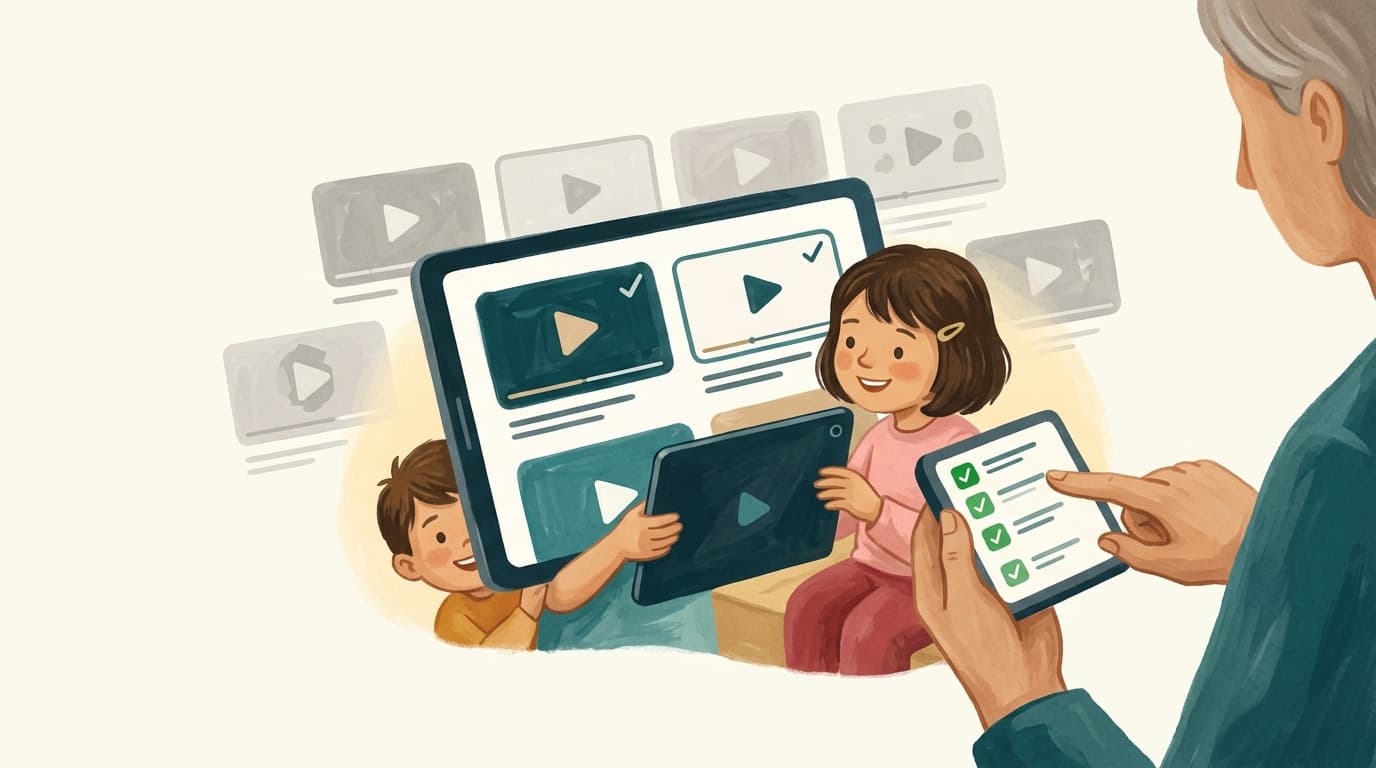
Which Countries Have Banned YouTube for Kids? Full 2026 List
Complete list of countries that ban or restrict YouTube for children in 2026. Australia, UK, Indonesia, and Brazil have restrictions. See the full country-by-country breakdown.
Curious what Google knows about us?
Add WhitelistVideo as a trusted source on Google — get instant context on how families keep kids safe on YouTube.
Ask Google about WhitelistVideo








