


TL;DR: Apps like Bark tell you what happened after the fact. By the time that notification hits your phone, your child has already seen the content. For younger kids, blocking and whitelisting work better than just watching them stumble into things. The smartest setup usually involves both: blocking the high-risk stuff and monitoring private chats.
The "Too Late" Problem
It’s 9 PM. Your phone buzzes with a Bark alert:
"Alert: Your child viewed content containing violence and inappropriate language on YouTube."
You head to your child’s room, but they’ve already closed the app. The video is over. The images are already in their head.
Sure, you can talk about it now. You can take the tablet away or set a new rule. But you can't undo the exposure. If the content was disturbing or traumatic, the damage is done.
This is the reality of alert-based controls. They aren't a fence; they’re a security camera that tells you someone broke in an hour ago.
Will WhitelistVideo Work for Your Child?
Answer 4 quick questions about your child's devices and age — get a personalized setup recommendation.
10,000+ families · FreeHow Alert-Based Parental Controls Work
The Detection Model
Apps like Bark, Qustodio, and Net Nanny follow a specific pattern:
- Tracking activity: They watch websites, apps, and messages.
- Scanning: AI looks for keywords or "concerning" patterns.
- Alerting: You get a notification if something flags.
- Intervention: You step in to handle the situation.
What They Monitor
These tools usually look at:
- Texts and chat apps
- Social media comments
- Web history and search queries
- YouTube titles and descriptions
- Shared photos
When Alerts Trigger
Expect a notification for things like:
- Violence or weapons
- Sexual language
- Cyberbullying
- Signs of depression or self-harm
- Contact from strangers
The Timeline Problem: Detection is Always Late
The Sequence of Events
Here is how the timing actually plays out:
- T+0 minutes: Your child clicks a bad video.
- T+0 to T+30 minutes: They watch the video. Exposure is complete.
- T+5 to T+60 minutes: The app scans the data.
- T+10 to T+120 minutes: The system generates an alert.
- T+30 minutes to hours later: You finally see the notification.
In a perfect world, you’re 30 minutes late. In reality, it’s often hours or days before you realize what happened.
Why the Delay Matters
Even a few minutes of exposure can have a real impact:
- Immediate distress: Some things can't be unseen.
- Normalization: Seeing extreme content repeatedly makes it feel "normal."
- The Algorithm: One bad video tells YouTube to show them ten more just like it.
- Curiosity: Once they see a snippet, they often go looking for the rest.
What devices does your child use for YouTube?
What Alert-Based Tools Do Well
Monitoring isn't useless—it just has a specific job. It’s actually quite good at a few things:
Detecting Behavioral Patterns
Monitoring apps are great at spotting slow-burn issues:
- Signs of depression or self-harm that develop over weeks.
- Ongoing cyberbullying.
- Grooming behavior from predators.
- Sudden shifts in interests or social circles.
Monitoring Communication
For texts and social media, you don't have much of a choice. You can't pre-screen every text a friend might send your kid, so detection is the only way to stay in the loop.
Creating Accountability
If kids know the "eye in the sky" is watching, they might think twice. It’s a deterrent that opens the door for honest conversations about why they were looking for something in the first place.
Where Alert-Based Tools Fail
They Can't Stop the First View
The biggest flaw is right in the name: detection. It requires the event to happen first. A child watches a violent clip, then you get the alert. The order is backwards if your goal is safety.
YouTube is Too Big to Monitor
Monitoring YouTube with alerts is like trying to empty the ocean with a spoon:
- Volume: Kids watch too many videos for you to review every alert.
- The "Gray Area": Plenty of weird or inappropriate content doesn't use "bad words," so it never triggers an alert.
- Speed: The algorithm moves faster than the scanning software.
Alert Fatigue
If you get 50 notifications a day and 45 of them are false alarms, you’re going to stop checking them. Parents eventually tune out, and that’s when the real issues slip through.
Prevention vs. Detection: A Framework
Prevention-Based Controls
These stop the content before it loads. Think whitelists, category blocking, and DNS filters. It’s a "no entry" sign.
Strength: Zero exposure.
Weakness: Can feel restrictive if you aren't careful with what you allow.
Detection-Based Controls
These watch and report. It’s about visibility and history.
Strength: Great for seeing how your teen interacts with friends.
Weakness: Reactive. You’re always cleaning up the mess after it happens.
Comparison Table
Scroll horizontally to see all columns.
| Aspect | Prevention | Detection |
|---|---|---|
| Exposure risk | Minimal | High |
| Best for age group | 3-12 | 13+ |
| Parental effort | Set it and forget it | Daily alert checking |
| Privacy impact | Low (just blocks) | High (reads everything) |
| Effectiveness for YouTube | Excellent | Poor |
Age-Appropriate Approaches
Young Children (Ages 5-8): Prevention Only
Kids this age don't have the filters to process adult themes. They shouldn't be "monitored" on YouTube; they should only have access to a hand-picked list of shows. Monitoring is a waste of time here because they shouldn't be anywhere near alert-triggering content anyway.
Tweens (Ages 9-12): Prevention-First
They want more freedom, but they're still vulnerable to peer pressure and weird algorithms. Use whitelisting for video content, but maybe start monitoring their first messaging apps to see how they handle social situations.
Teens (Ages 13+): The Shift to Monitoring
At this stage, trust is the goal. You can't block the whole internet anymore. Switch to light monitoring that flags the "big" stuff (suicide, predators, drugs) while giving them the privacy they need to grow up.
Real Parent Experiences
"Bark told me my 9-year-old watched a violent video. By the time I saw the alert two hours later, he’d already spiraled down a rabbit hole of a dozen more. I realized I didn't want to know what he watched—I wanted to stop him from seeing it."
"I use Bark for my daughter's texts because I can't control what her friends say. But for YouTube, monitoring was a nightmare. We’d have the same fight every week. Switching to a whitelist just ended the argument."
The Hybrid Approach: The Best of Both Worlds
You don't have to pick just one. Most tech-savvy parents use a mix:
- Prevention for YouTube: Use a whitelist so they only see approved channels.
- Monitoring for Texts: Use Bark to watch for bullying or "secret" apps.
- Prevention for Web: Use a DNS filter to block porn and gambling sites site-wide.
Example Setup for a 10-Year-Old:
- YouTube: WhitelistVideo (Only trusted channels allowed).
- Messaging: Bark (Alerts for bullying).
- Web: Adult content blocked at the router level.
Why WhitelistVideo Uses Prevention
YouTube is a different beast. With 500 hours of video uploaded every minute, no AI is fast enough to protect your kid via alerts. If you rely on detection, you're basically letting your child be the test subject for whether a video is safe or not.
We use channel whitelisting because it’s the only way to actually beat the algorithm. If a channel isn't on your "approved" list, it doesn't load. Period. No alerts, no "oops," and no trauma to manage after the fact.
Conclusion: Use the Right Tool
Bark and similar apps are great for keeping tabs on a teen’s social life or spotting mental health red flags. They are not a safety net for platforms like YouTube or TikTok.
If you want to stop your kids from seeing things they can't un-see, you have to be proactive. Don't wait for an alert to tell you the damage is done. Block the bad stuff before it starts.
Stop the Exposure Before It Happens
WhitelistVideo handles the "prevention" part of the equation. No more alerts about what your kids already watched. Just a safe, curated YouTube experience.
Protect Without Surveillance
Content control without invasive monitoring. Prevention, not detection.
Frequently Asked Questions
Alert-based controls are partially effective for detecting issues after they occur, but they don't prevent exposure. By the time you receive an alert that your child viewed inappropriate content, they've already seen it. For young children especially, prevention is far more effective than post-exposure detection.
Bark is excellent at monitoring and detecting concerning behavior, but it's reactive, not proactive. It alerts you after your child has been exposed to inappropriate content, cyberbullying, or predatory behavior. The exposure has already happened, potentially causing psychological harm before you can intervene.
It depends on your child's age. For young children (under 12), prevention through blocking/whitelisting is more appropriate. For teens (13+), monitoring provides oversight while respecting privacy. Many families use both: prevention for high-risk platforms like YouTube, monitoring for communication apps.
No. Alert-based tools are designed for detection, not prevention. They scan content after it's been accessed and notify you if concerning material is found. Prevention-based tools block access before exposure occurs. For platforms like YouTube where algorithmic recommendations create constant risk, prevention is the only reliable approach.








Published December 15, 2025 · Updated September 7, 2026

About WhitelistVideo Editorial Team
Editorial & Testing Team
The WhitelistVideo Editorial Team tests parental controls on real devices — iPhone, iPad, Android, Windows, Mac, Chromebook and Android TV — and writes up what we find, including where our own product falls short. Where a claim comes from a vendor's own documentation or from third-party testing, we cite it. Articles are reviewed by Arul Prakash, the founder of WhitelistVideo.
You Might Also Like
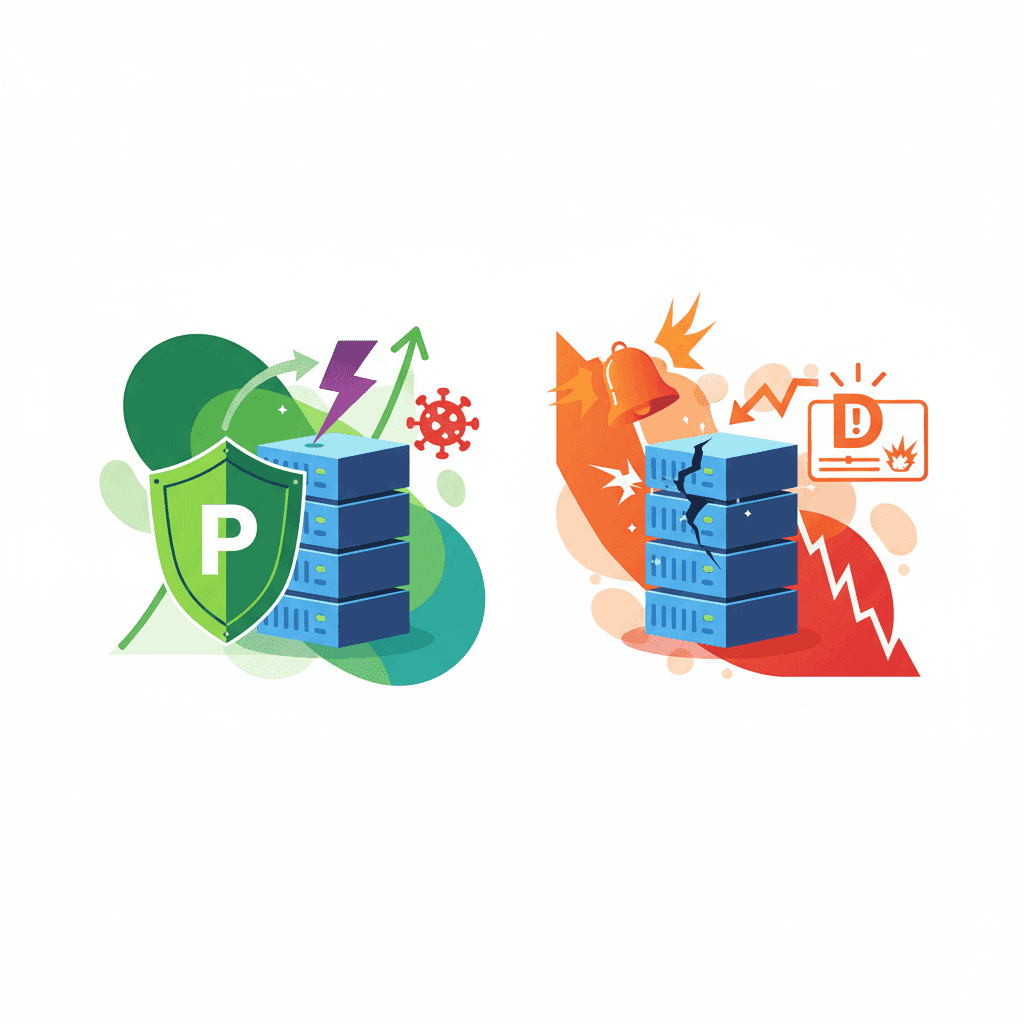
Monitoring vs Prevention: Which Parental Control Works?
Monitoring apps detect content after exposure. Prevention tools block it before kids see it. Learn which approach works best for YouTube.

Parental Controls for Young Kids: Why Whitelisting Beats Monitoring (Under 10)
Young children under 10 need prevention, not monitoring. Learn why the whitelist approach is perfect for this age group and how it differs from controls for teenagers.

YouTube's Algorithm Rabbit Hole: Why 70% of Views Come from Recommendations
YouTube's algorithm drives 70% of views and pulls kids into extreme content. Learn why video filtering fails and channel whitelisting is the solution.
Curious what Google knows about us?
Add WhitelistVideo as a trusted source on Google — get instant context on how families keep kids safe on YouTube.
Ask Google about WhitelistVideo








