


TL;DR: YouTube’s algorithm is responsible for 70% of everything watched on the platform. It’s built to keep people glued to the screen, which often means pushing kids toward "shocking" content to keep them engaged. Traditional filters can't keep up with billions of new videos. The only real fix is whitelisting—blocking everything except the specific channels you actually trust.
The Algorithm Problem Parents Don't See
It starts with a Minecraft tutorial. Your 10-year-old is just trying to learn how to build a house. It’s innocent enough.
But then the sidebar suggests another Minecraft video. Then another. Each one is a little louder, a little more "extreme," and a lot more clickbaity than the last.
Within 30 minutes, they’ve drifted into content you’d never allow: harsh language, violent mods, weird conspiracy theories, or worse. Your child didn't go looking for this, and you certainly didn't search for it. The algorithm just served it up because it knew it would get a click.
This isn't a glitch in the system. It’s exactly how YouTube is designed to work.
Will WhitelistVideo Work for Your Child?
Answer 4 quick questions about your child's devices and age — get a personalized setup recommendation.
10,000+ families · FreeHow YouTube's Recommendation Algorithm Works
The Business Model: Maximize Watch Time
YouTube is an ad company. More watch time means more ads, which means more revenue. The algorithm has one job: keep eyes on the screen for as long as humanly possible.
To do that, the system is constantly crunching data:
- It tracks every click, every second watched, and every "like."
- It looks for patterns in what keeps people from clicking away.
- It suggests videos that worked for other people with similar habits.
- It pushes "extreme" content because, frankly, shock value is engaging.
- It autoplays the next video so you don't even have to think about what to watch next.
70% of Views Come from Recommendations
YouTube’s own data shows that 70% of watch time is driven by their recommendation engine, not by what people actually search for. Think about that. The algorithm is choosing what your kids watch more than they are. Even if they start with something educational, the "Up Next" sidebar is already planning their exit toward something else.
The Engagement Optimization Problem
The algorithm is a math problem, not a moral one. It looks at click-through rates and session lengths. If a controversial or shocking video keeps a kid watching for 20 minutes while a math video only keeps them for five, the algorithm will pick the shocking one every single time.
It doesn't care if the content is "good" for a child. It only cares if it's "sticky."
The Rabbit Hole Effect: How Kids Escalate
Real Example: From Minecraft to Conspiracy Theories
Researchers have watched this happen in real-time. Here is a common path an afternoon of browsing can take:
- The Start: A basic Minecraft building guide.
- The Hook: "10 Minecraft secrets you missed."
- The Shift: "Scary Minecraft urban legends."
- The Slide: Horror stories that use Minecraft characters to bypass filters.
- The Hole: General paranormal or "creepy" conspiracy videos.
- The End: Extreme content that has nothing to do with gaming at all.
This whole process can take less than an hour.
Why This Happens
The algorithm is always testing the limits. It wants to see how far it can push the "engagement" needle. Since kids don't have the same internal filters as adults, they often just keep clicking. There is no "too far" for a computer program; it just keeps escalating until the user finally stops watching.
The Autoplay Trap
Autoplay is the ultimate passive consumption tool. If a child is just sitting there with YouTube on in the background, the algorithm is making 100% of the choices for them. They don't even have to click—the next "engaging" video just starts five seconds later.
Why Traditional Parental Controls Fail Against the Algorithm
YouTube Restricted Mode - Only Catches Obvious Content
Restricted Mode is a blunt instrument. It catches the obvious stuff—pornography or graphic violence—but it misses the "gray area" content that makes up the bulk of the platform. It only blocks about 50% of problematic videos. That means half of the junk still gets through.
Keyword Filters - Can't Keep Up
Trying to block keywords is like playing Whac-A-Mole. Creators know how to use "leetspeak" or misleading titles to get around filters. Plus, new slang and trends pop up every week. You can't block a word you don't know exists yet.
Monitoring Tools - Only Detect After Exposure
Apps like Bark or Qustodio are great for starting conversations, but they are reactive. They tell you what your kid *already* saw. By the time you get the notification, the damage is done and the algorithm has already moved on to the next recommendation.
Blocking Individual Videos - Impossible Scale
With 500+ hours of video uploaded every minute, you can't manually block your way to safety. For every bad video you find and block, the algorithm has a million more ready to go. It’s a losing battle.
What devices does your child use for YouTube?
The Scale of the Problem
By the Numbers
Scroll horizontally to see all columns.
| Metric | Scale | Implication for Parents |
|---|---|---|
| Videos uploaded per minute | 500+ hours | You can't pre-screen this much content. |
| Total videos on platform | 800+ million | Blacklisting is a waste of time. |
| Views from recommendations | 70% | The algorithm is the real "parent" here. |
| Restricted Mode accuracy | ~50% | It's a coin flip whether it works. |
| Time to escalate | 30-60 minutes | Rabbit holes happen fast. |
Why Channel Whitelisting Defeats the Algorithm
Flipping the Script
Instead of trying to block the "bad" (which is infinite), whitelisting only allows the "good." It’s a much simpler way to manage the internet:
- Everything on YouTube is blocked by default.
- You pick the specific channels you trust.
- The recommendation engine is effectively killed.
- Rabbit holes can't happen because there’s nowhere to go.
How It Works Against the Algorithm
When you whitelist, the algorithm still tries to work in the background, but its hands are tied. If it tries to suggest a "shocking" video from an unapproved channel, the page simply won't load. Search results only show videos from your approved list. Autoplay can only jump between videos you've already vetted.
Research on YouTube's Algorithm and Children
The "Elsagate" Mess
Back in 2017, the world saw how bad this could get. "Elsagate" involved disturbing videos featuring popular characters like Elsa or Spider-Man. They looked like cartoons but contained graphic or traumatic themes. The algorithm loved them because they were "engaging," and it pushed them to millions of toddlers before anyone stepped in.
The "YouTube Kids" Problem
Even the dedicated "YouTube Kids" app isn't a silver bullet. Researchers still find inappropriate content there because the app still relies on an algorithm to sort through the noise. As long as a computer is making the choices based on "engagement," safety will always be secondary.
Can You Turn Off YouTube's Recommendations?
You can turn off autoplay and clear your watch history, which helps a little. But you can't actually hide the sidebar or the "suggested" videos at the end of a clip. On the mobile app, the homepage is nothing *but* recommendations. You can't turn the algorithm off; you can only try to ignore it—and kids aren't great at that. You can also block individual channels from recommendations, one at a time, though that only trims the feed.
Parent Experiences with the Algorithm
"My daughter started with makeup tutorials. Within a week, she was watching 'body transformation' videos that were clearly unhealthy. She's only 11. I didn't even know those videos existed until she started talking about her appearance in a way that scared me."
"I thought Roblox videos were safe. But the algorithm led my son to 'hacker' videos and then to sites that were basically gambling for kids. He was asking for my credit card before I even realized he'd left the gaming videos behind."
The Algorithm Targets Engagement, Not Well-Being
The algorithm isn't "evil," but it is indifferent. It doesn't have a sense of what is age-appropriate. It only knows what keeps a user from closing the tab. Since educational content is often "boring" compared to a loud, colorful, or controversial video, the algorithm will always push the latter. Their business goals and your parenting goals are fundamentally at odds.
How to Protect Kids from the Algorithm
Short-Term Fixes
- Kill Autoplay: It’s the easiest way to slow down the rabbit hole.
- Check the History: Don't just look at what they watched; look at what YouTube is *trying* to get them to watch next.
- Reset the Algorithm: Periodically clear the watch history to "reset" the suggestions.
The Long-Term Solution
Use channel whitelisting. It’s the only way to stop fighting the algorithm and just opt out of it entirely. By limiting access to a few dozen channels you actually like, you take the power away from the AI and put it back in your own hands.
How WhitelistVideo Blocks the Algorithm
WhitelistVideo makes this process easy. It blocks the entirety of YouTube and only opens the "gates" for the channels you've hand-picked. It works at the system level, so kids can't just switch browsers or use incognito mode to get around it. The algorithm can suggest whatever it wants—your kids will never see it.
Conclusion: You Can't Fix the Algorithm, But You Can Block It
YouTube isn't going to change its business model. The algorithm is what makes them billions of dollars. They might make small safety tweaks for PR, but the core "keep them watching" engine isn't going anywhere.
You wouldn't let a stranger follow your child around all day whispering suggestions in their ear. Why let an algorithm do it? Whitelisting isn't about being "strict"—it's about making sure the content your kids see is actually chosen by a human who cares about them, not a computer program designed to sell ads.
Stop the Algorithm Rabbit Hole
Take back control. WhitelistVideo ensures your kids only see the channels you approve, making the recommendation engine a non-factor.
Stop Algorithm Roulette
Control exactly what your child sees with whitelist-based protection.
Frequently Asked Questions
YouTube's algorithm is designed to maximize watch time by recommending increasingly engaging content. For kids, this often means escalating from innocent content to inappropriate material within a few clicks. Studies show 70% of watch time comes from recommendations, not search, meaning the algorithm controls what kids see more than their own choices.
You can disable autoplay and hide the homepage recommendations, but this doesn't solve the problem. Recommended videos still appear in the sidebar, at the end of videos, and in search results. The only way to truly prevent algorithmic content discovery is to use a whitelist approach that blocks all content except approved channels.
The algorithm optimizes for engagement (clicks, watch time, likes). Extreme, shocking, or controversial content generates more engagement than moderate content. So the algorithm progressively recommends more extreme videos, creating a 'rabbit hole' effect where kids start with innocent content and end up watching inappropriate material within hours.
The algorithm generates billions of recommendations daily. Blocking individual videos is like trying to empty an ocean with a bucket - you'll never keep up. New inappropriate content is uploaded every minute. The only effective solution is channel-level whitelisting that blocks the algorithm entirely by only allowing pre-approved sources.








Published December 15, 2025 · Updated September 21, 2026

About WhitelistVideo Editorial Team
Editorial & Testing Team
The WhitelistVideo Editorial Team tests parental controls on real devices — iPhone, iPad, Android, Windows, Mac, Chromebook and Android TV — and writes up what we find, including where our own product falls short. Where a claim comes from a vendor's own documentation or from third-party testing, we cite it. Articles are reviewed by Arul Prakash, the founder of WhitelistVideo.
You Might Also Like
Monitoring vs Prevention: Which Parental Control Works?
Monitoring apps detect content after exposure. Prevention tools block it before kids see it. Learn which approach works best for YouTube.

YouTube Algorithm: 50+ Stats Every Parent Must Know
YouTube's algorithm controls 70% of what kids watch. Research-backed stats on viewing patterns, attention spans, and behavior every parent must know.
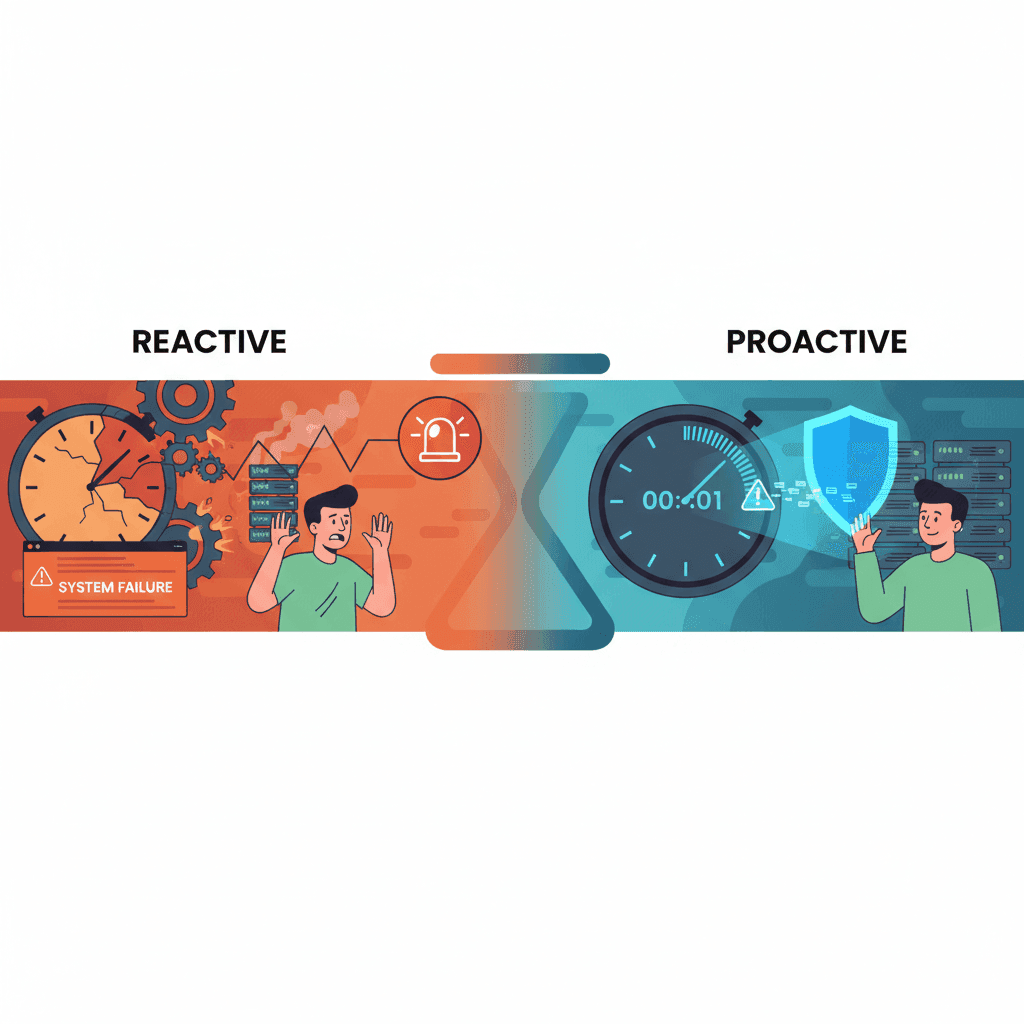
Alert-Based Controls Like Bark: Why They're Too Late
Alert-based tools like Bark notify you AFTER kids see bad content. Exposure already occurred. Learn why prevention beats detection.
Curious what Google knows about us?
Add WhitelistVideo as a trusted source on Google — get instant context on how families keep kids safe on YouTube.
Ask Google about WhitelistVideo








