
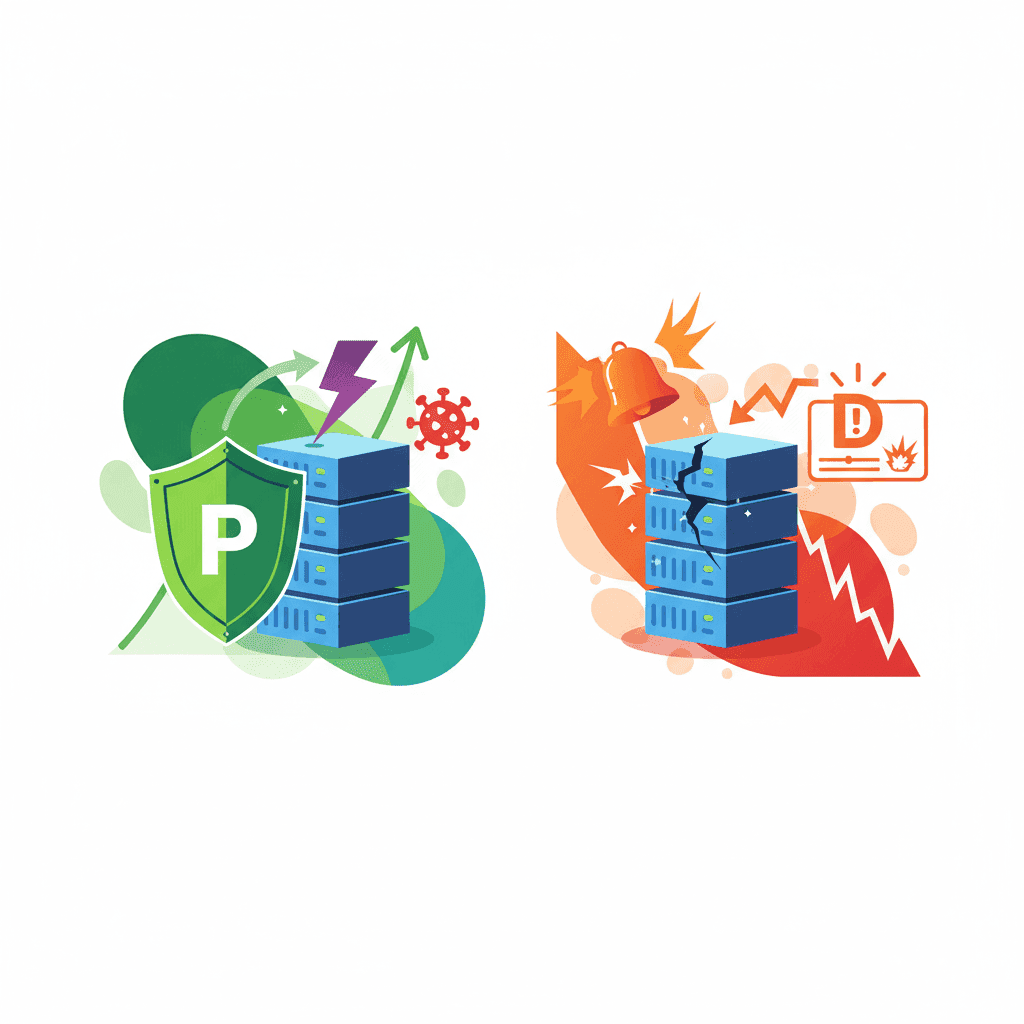

The short version: Monitoring apps like Bark tell you about a problem after it happens. Prevention tools like WhitelistVideo stop the problem from happening in the first place. While both have their uses, prevention is almost always better for YouTube. Why? Because by the time an alert hits your phone, your kid has already seen the content. Plus, YouTube is just too big to monitor effectively, and younger kids need a safe space, not just a digital paper trail of where they went wrong.
Two different ways to handle online safety
When you search for "YouTube parental controls," you’ll see two types of software that look similar but work in completely opposite ways.
Monitoring Apps (Bark, Qustodio, Net Nanny)
The Idea: Give kids freedom, watch what they do, and step in if things get weird.
How it works:
- It tracks what they watch, what they search for, and who they talk to.
- It uses AI to scan for "red flag" keywords or images.
- It pings your phone when it finds something concerning.
- You review the alert and decide if you need to have a talk with your kid.
Think of it like: Installing security cameras. You can see exactly who broke in, but only after they’re already inside.
Prevention Tools (WhitelistVideo, DNS Filters)
The Idea: Block the risky stuff entirely and only allow what you know is safe.
How it works:
- It shuts down access to YouTube (or specific parts of it) by default.
- You pick the specific channels or videos that are okay to watch.
- It stops the "bad" content before it even loads.
- You don't get alerts because there’s nothing to report.
Think of it like: Putting a high-quality deadbolt on your front door. No one gets in unless they have a key.
Will WhitelistVideo Work for Your Child?
Answer 4 quick questions about your child's devices and age — get a personalized setup recommendation.
10,000+ families · FreeA closer look at monitoring apps
Bark - The big name in monitoring
What it tracks:
- Over 30 apps, including YouTube, TikTok, Instagram, and even basic texts or emails.
- Every search query and browser history.
- The photos and videos saved on the device.
- How much time they spend on specific apps.
How the detection works:
- It constantly scans the data your child is interacting with.
- Machine learning looks for patterns that suggest trouble.
- It flags things like violence, drugs, cyberbullying, or potential predators.
- You get an alert ranked by how "serious" the AI thinks it is.
The parent experience:
- Alerts: "Your child viewed a violent video on YouTube."
- Context: You usually get the video title and a timestamp.
- Dashboard: A bird's-eye view of their digital life.
- Advice: Bark gives you "conversation starters" to help you talk to your kid about the alert.
Qustodio - Monitoring with a side of filtering
What it offers:
- Activity tracking across all devices.
- Basic web filtering (blocking categories like "adult content").
- Screen time schedules.
- Location tracking.
YouTube-specific features:
- A list of every video watched.
- Search history logs.
- Time limits specifically for the YouTube app.
- The ability to block the app entirely, though it can't filter specific channels.
The "Too Late" Timeline
The biggest issue with monitoring is the delay. Here is how it usually plays out:
- T+0 min: Your kid clicks on a disturbing video.
- T+5-30 min: The app scans the metadata and processes the risk.
- T+10-60 min: An alert is finally sent to your phone.
- T+30 min-3 hours: You actually notice the notification.
- T+hours-days: You finally sit down to talk about it.
In the best-case scenario, you're finding out 30 minutes after the damage is done. Usually, it's much longer.
How prevention tools work
WhitelistVideo - Curating YouTube by channel
How it works:
- It uses browser policies—the same tech big companies use to secure their computers.
- It blocks YouTube entirely at first.
- You add the specific channels you trust (like NASA, Mark Rober, or PBS Kids).
- Only those channels work. Everything else is a dead end.
- The site blocks content before it even has a chance to load.
The kid's experience:
- They can browse and watch their favorite approved creators.
- If they click a "suggested" video from an unapproved channel, they see a block page.
- They can ask for permission to watch a new channel, which sends you a quick notification.
- YouTube Shorts are gone by default (no more endless scrolling).
The parent experience:
- You spend 10 minutes setting up an initial list of channels.
- You approve or deny new requests in about 30 seconds.
- You don't have to worry about what they're seeing right now.
- No alerts to manage because the "bad stuff" never happened.
DNS Filtering (OpenDNS, Clean Browsing)
How it works:
- It works at the router or network level.
- It blocks entire categories of websites (porn, gambling, etc.).
- It covers every device on your home Wi-Fi.
The problem with YouTube:
- It’s all or nothing. You either allow all of YouTube or block all of it.
- It can't tell the difference between an educational video and a horror trailer.
- Kids can often bypass it by just turning off Wi-Fi and using data.
The Prevention Timeline
Compare this to the monitoring timeline:
- T+0 sec: Child clicks a video from a channel you haven't approved.
- T+0.1 sec: The tool recognizes the channel isn't on the list.
- T+0.2 sec: A block page appears.
- T+never: The video never plays. Your kid is never exposed to it.
Comparison: Monitoring vs. Prevention
Scroll horizontally to see all columns.
| Feature | Monitoring (Bark/Qustodio) | Prevention (WhitelistVideo) |
|---|---|---|
| Main Goal | Catch issues after they happen | Stop issues before they happen |
| Exposure Risk | High - they see it first | Zero - it's blocked first |
| Setup | Quick - just install and go | Moderate - you have to pick channels |
| Daily Effort | High - checking alerts is a chore | Low - just approve the occasional request |
| Best Age | Teens (13+) | Younger kids (5-12) |
| YouTube Safety | Low - too much noise | High - total control |
| Algorithm Protection | No - the algorithm still runs the show | Yes - the algorithm is effectively disabled |
| Privacy | Lower - you're reading their stuff | Higher - you're just setting boundaries |
| Bypass Difficulty | Moderate - kids are smart | High - built into the system settings |
| Cost | $14-20/month | $6.99-14.99/month |
When monitoring is actually the better choice
1. Social Media and Messaging
You can't "whitelist" a conversation. Monitoring is really the only way to keep an eye on:
- Texts: Spotting bullying or predatory behavior.
- DMs: Seeing who is reaching out to your kids on Instagram or Snapchat.
- Public Posts: Catching a post that might cause trouble before it goes viral.
2. Spotting mental health trends
Monitoring apps are good at seeing the "big picture" over time, such as:
- Language that suggests depression or self-harm.
- A sudden interest in dangerous topics like eating disorders.
- Signs that a child is being "groomed" by someone online.
3. Older teens who need some space
If you try to whitelist YouTube for a 16-year-old, you’re going to have a rebellion on your hands. At that age, light monitoring acts as a safety net while still letting them grow up.
When prevention is the clear winner
1. Platforms with "Rabbit Hole" algorithms
YouTube and TikTok are designed to keep you watching. Monitoring fails here because:
- Volume: Your kid can watch 30 videos in the time it takes you to check one alert.
- Speed: A kid can go from "Minecraft" to "conspiracy theories" in three clicks.
- The Gray Area: A lot of weird content doesn't use "bad words," so the AI won't flag it.
2. Kids under 12
Children in elementary and middle school don't have the impulse control to navigate the open web. They don't need a monitor; they need a curated environment where they can't accidentally stumble into something traumatic.
3. Peace of mind
Prevention stops the "alert fatigue." You don't have to spend your evening scrolling through a log of every video your kid watched just to make sure they're okay. If they're on the app, you already know they're safe.
What devices does your child use for YouTube?
Why YouTube is a special case
The sheer volume
With 500 hours of video uploaded every minute, no AI in the world can accurately pre-screen everything. If your kid watches 40 videos a day, and Bark flags 5 of them as "maybe bad," you're going to get tired of checking them very quickly.
The "Gray Area" content
Think about those weird "Elsagate" videos or "kids' challenges" that turn dangerous. They often have innocent titles and no swearing. A monitoring app looks at the title and says "Looks fine!" A prevention tool doesn't care about the title—if the channel isn't on your "safe list," it doesn't play. Period.
What parents are saying
"I tried Bark for a year, but I ended up ignoring the notifications. My son watches so much YouTube that I was getting 15 alerts a day, and 14 of them were nothing. I was spending way too much time playing digital detective. WhitelistVideo just ended the stress—I approved his favorite science channels, and now I don't even think about it."
"Bark is great for keeping an eye on my daughter's Instagram DMs, but it didn't do anything for YouTube. By the time I saw she'd watched something inappropriate, she'd already seen it and moved on. I needed a way to stop it before it started."
The Hybrid Strategy: How to use both
You don't actually have to choose just one. Most tech-savvy parents use a combination:
Use Prevention For:
- YouTube (WhitelistVideo)
- Web Browsing (Blocking adult sites)
Use Monitoring For:
- Text messages and WhatsApp
- Social media apps
- General search queries
This way, you aren't buried in useless alerts about YouTube videos, but you still have a "panic button" if someone starts bullying your kid over text.
Common Questions
"Can't I just talk to my kids?"
You should! But talking isn't a filter. Even the best kid is curious, and even the best kid can be tricked by a thumbnail or an algorithm. Think of controls as the seatbelt and the conversation as the driving lesson. You need both.
"What about workarounds?"
Kids are clever. They’ll try Incognito mode or use a friend's phone. Monitoring apps often struggle with Incognito mode. Prevention tools like WhitelistVideo are harder to beat because they are baked into the browser's core settings. But remember: no tool is 100% foolproof if they're on someone else's device.
The Bottom Line
Monitoring and prevention are just different tools for different jobs.
If you’re worried about who your teen is talking to, get a monitoring app like Bark. It’s built for that.
If you’re worried about what your 9-year-old is seeing on YouTube, use a prevention tool like WhitelistVideo. It’s the only way to stay ahead of the algorithm and ensure they only see what you've actually vetted.
Don't try to use a security camera when what you really need is a lock on the door.
Stop worrying about the YouTube algorithm
WhitelistVideo stops inappropriate content before your kids can click play. No rabbit holes, no "accidental" exposure, and no endless alerts for you to check.
Try the prevention-first approach for free.
Protect Without Surveillance
Content control without invasive monitoring. Prevention, not detection.
Frequently Asked Questions
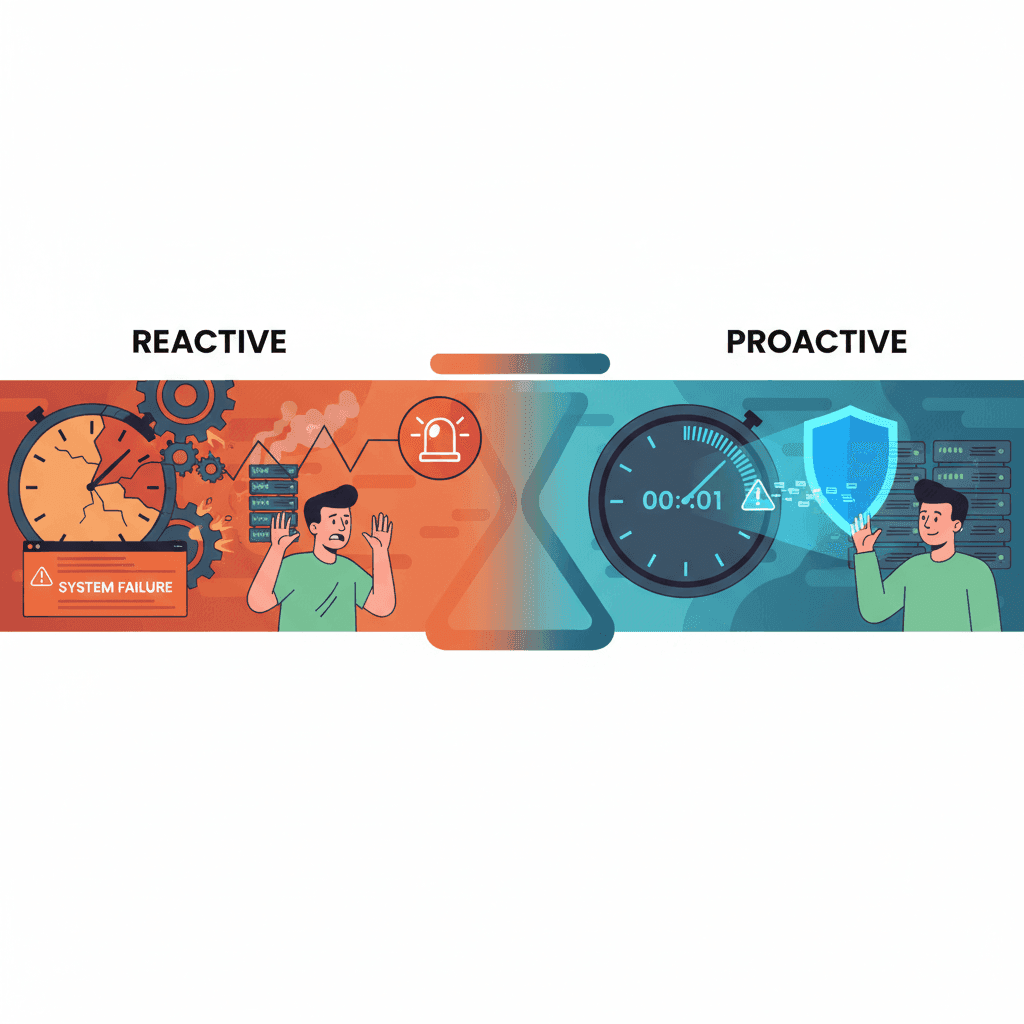
Monitoring tools (Bark, Qustodio) detect and alert you after your child accesses inappropriate content. Prevention tools (WhitelistVideo) block access before exposure occurs. Monitoring is reactive - it tells you what happened. Prevention is proactive - it stops it from happening. For YouTube, prevention is more effective because of the platform's scale and algorithmic risks.
It depends on your goal and child's age. Bark monitors YouTube activity and alerts you to concerning content after it's been viewed. WhitelistVideo prevents access to all YouTube except approved channels, stopping exposure before it occurs. For young children and YouTube specifically, WhitelistVideo's prevention approach is more effective.
Yes, many families combine both strategically: prevention (WhitelistVideo) for high-risk platforms like YouTube, monitoring (Bark) for communication apps and social media where prevention isn't practical. This hybrid approach prevents exposure on content platforms while maintaining visibility into social interactions.
Monitoring requires your child to have good judgment and self-regulation, plus constant parental alert review. On YouTube, where 500+ hours of content are uploaded per minute and algorithms actively push extreme content, monitoring is ineffective. You'd receive too many alerts to review, and exposure would occur before you could intervene.








Published December 15, 2025 · Updated May 19, 2026

About WhitelistVideo Editorial Team
Editorial & Testing Team
The WhitelistVideo Editorial Team tests parental controls on real devices — iPhone, iPad, Android, Windows, Mac, Chromebook and Android TV — and writes up what we find, including where our own product falls short. Where a claim comes from a vendor's own documentation or from third-party testing, we cite it. Articles are reviewed by Arul Prakash, the founder of WhitelistVideo.
You Might Also Like
Alert-Based Controls Like Bark: Why They're Too Late
Alert-based tools like Bark notify you AFTER kids see bad content. Exposure already occurred. Learn why prevention beats detection.

Parental Controls for Young Kids: Why Whitelisting Beats Monitoring (Under 10)
Young children under 10 need prevention, not monitoring. Learn why the whitelist approach is perfect for this age group and how it differs from controls for teenagers.

YouTube's Algorithm Rabbit Hole: Why 70% of Views Come from Recommendations
YouTube's algorithm drives 70% of views and pulls kids into extreme content. Learn why video filtering fails and channel whitelisting is the solution.
Curious what Google knows about us?
Add WhitelistVideo as a trusted source on Google — get instant context on how families keep kids safe on YouTube.
Ask Google about WhitelistVideo








