

The End of the "Honor System" for Social Media Age
Meta is finally ditching the honor system in Australia. To comply with the government’s new ban on social media for kids under 16, the company is rolling out AI tools that do more than just ask for a birth date. These scanners will dig through comments and photos to find users who lied to get an account. It’s a big move away from the "ask and believe" model, mostly because tech companies are now looking at multi-million dollar fines if they let kids slip through the cracks.
For years, the "age gate" was a joke. A kid could just type in a fake birth year and Instagram or Facebook would open right up. But as of May 2026, the Australian government has called time on that. Meta is under massive pressure to prove they can actually keep kids off their apps, which is why they’re turning to aggressive surveillance tools that would have seemed extreme just a few years ago.
If you're a parent in Australia, you should know that this isn't about checking a driver’s license. It's about an AI bot reading your child's posts and scanning their face to decide if they’re allowed to be online. At WhitelistVideo, we’ve seen these "blackbox" systems fail before. We think parents should be the ones in control, not corporate algorithms.
Will WhitelistVideo Work for Your Child?
Answer 4 quick questions about your child's devices and age — get a personalized setup recommendation.
10,000+ families · FreeHow Meta’s AI "Age Classifiers" Actually Work
Meta’s AI age verification is an automated system that tries to guess a user's age by looking at their digital footprint. It doesn't need a birth certificate. Instead, it watches how your child behaves, what they say, and what they look like in photos.
According to Meta’s 2026 internal reports, the system focuses on three main areas:
- Reading the Room: The AI scans captions and comments for phrases like "Happy 13th!" or mentions of "Year 8."
- Scanning Faces: Facial-age software looks at profile pictures and photos to see if someone’s features look like a 15-year-old or a 25-year-old.
- The Peer Group: The AI looks at who your child follows. If a "30-year-old" user is mostly followed by 14-year-olds and watches teen-focused content, the AI flags them.
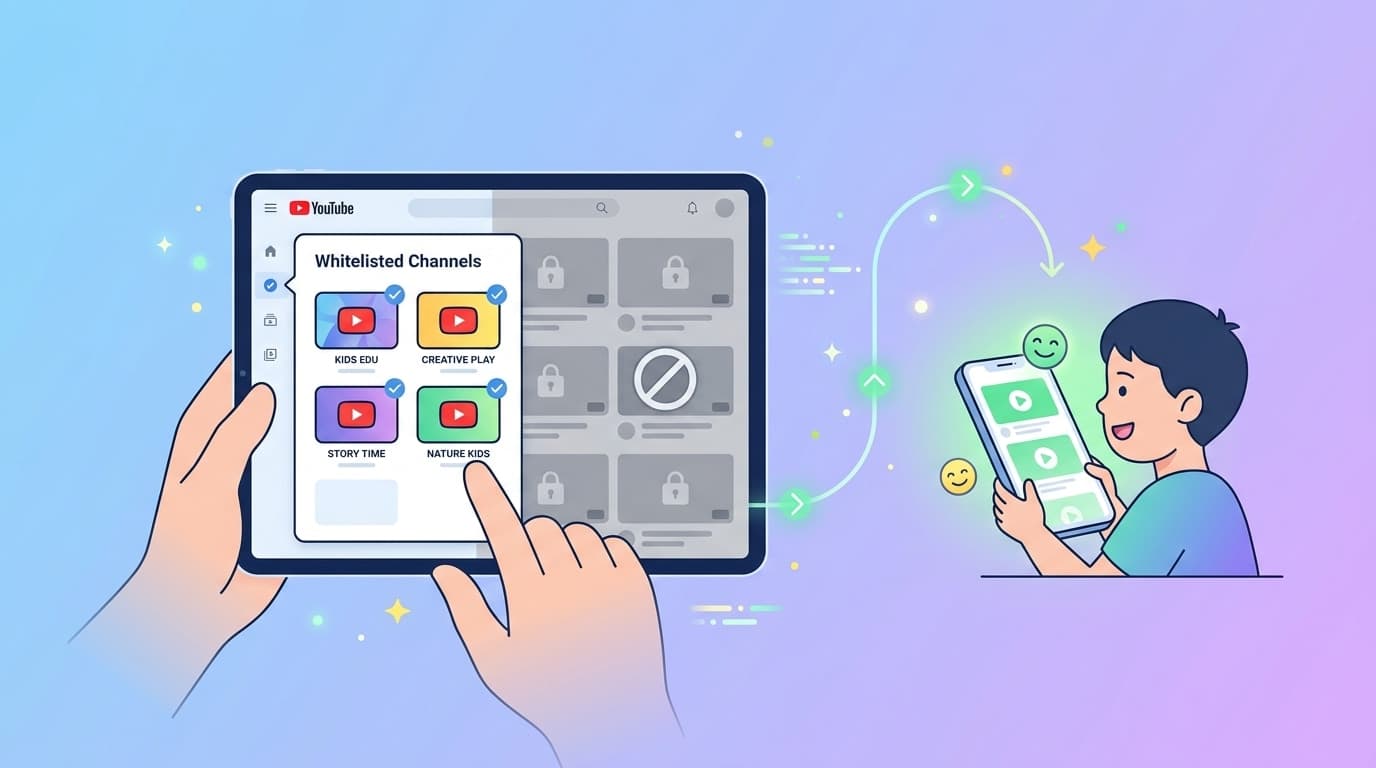
This is a reactive approach—it waits for your child to join and then tries to catch them. WhitelistVideo works the other way. We don't try to guess if a user is the right age or if a video is safe. We block everything by default and only let in the channels you’ve personally approved. While Meta plays cat-and-mouse with AI, whitelisting just closes the door to the junk entirely.
The Privacy Trade-off: Protection or Surveillance?
Privacy is the obvious problem here. For Meta’s AI to work, it has to have permission to read almost everything your child does on the platform. It needs those clues to verify their age.
Think about what that actually means. To prove your 15-year-old shouldn't be on Instagram, Meta’s AI might be scanning their private messages for mentions of school or analyzing their friends' photos. To satisfy the Australian government's strict regulations, Meta is turning on a massive surveillance engine.
Is the cure worse than the disease? If we want to keep kids safe from social media, is the answer to let an algorithm study their every move? Many families are moving away from social platforms and focusing on safer hobbies, like curated YouTube learning. Unlike social media, a whitelisted YouTube setup doesn't need to "watch" your child to keep them safe—it just restricts what they can access in the first place.
What devices does your child use for YouTube?
Why AI Detection Often Misses the Mark
AI age detection isn't perfect. In 2024, MIT Technology Review reported that similar AI tools had an error margin of up to 2.5 years for certain groups. That means a 14-year-old who looks older might slip through, while a 17-year-old might be banned by mistake.
And kids are smart. They already know how to fool these systems:
- Account Sharing: Using a sibling’s account or a parent’s secondary profile.
- Hiding from the AI: Using filters, avatars, or just never posting photos of their face.
- New Slang: Teens are great at developing code words. They’ll stop saying "birthday" and use terms the AI hasn't learned yet.
This is the flaw with any "blacklist" or detection system—they are always playing catch-up. We serve over 10,000 families who got tired of these leaky filters. Our data shows that while standard filters like YouTube's "Restricted Mode" miss 20-30% of bad content, a whitelist blocks 100% of what you haven't approved. When you choose what is allowed, you don't have to worry about the AI making a mistake.
The Australian Context: A New Reality for Parents
The Australian social media ban is a mandate, not a suggestion. If your child is under 16, their accounts will be targeted for deletion. This is causing a lot of friction at home. Kids feel isolated, and parents are scrambling to find alternatives that aren't quite as addictive as Meta’s apps.
One big hurdle is the loss of "supervised accounts." Under the new laws, many platforms are just blocking everyone under 16 to avoid legal risks. This leaves a vacuum. Where do kids go for entertainment or those "how-to" videos for their hobbies?
Most turn to YouTube. But YouTube can be just as risky as Instagram. The "Up Next" algorithm and YouTube Shorts are designed to keep kids scrolling, which leads to rabbit holes you never intended for them. If you want to follow the spirit of the Australian ban while still letting your kids learn online, whitelisting is the only practical way to do it.
Protection for the Devices Your Child Uses
WhitelistVideo: The Proactive Alternative to AI Surveillance
As Meta rolls out its scanners, you have a choice. You can let an algorithm decide what your child sees, or you can take control. WhitelistVideo was built for this exact moment—where the internet feels more like a minefield than a playground.
Here is why WhitelistVideo works for Australian parents navigating the ban:
- No YouTube Login Needed: Since kids under 16 are being purged from social platforms, they often lose their "supervised" YouTube accounts too. WhitelistVideo works without your child logging in to YouTube, so your child stays protected regardless.
- Bypass-Proof: Meta’s AI can be tricked by a VPN or a fake photo. WhitelistVideo works at the browser level. If a channel isn't on your "Approved" list, it won't play. Period.
- Kill the Shorts: A major reason for the ban is the addictive nature of short-form video. WhitelistVideo lets you block YouTube Shorts entirely while keeping long-form educational content.
- Auto-pilot: Too busy to vet every channel? Our Auto-pilot mode uses our database to allow "Educational" channels and block "Gaming" or "Vlogging" automatically.
While Meta uses AI to monitor your child, WhitelistVideo uses technology to empower you. You set the rules on your phone, and they sync across their Desktop, iOS, and Android devices. It’s a "set it and forget it" solution that doesn't involve spying on your child's private data.
How to Transition Your Child Away from Social Media
The news that Meta is "hunting" for underage accounts is a good chance to talk to your child. Instead of making it about them "getting caught," make it about moving to a better space.
1. Explain the Law: Tell them about the Australian ban. It’s not just you being strict—it’s the law designed to protect them. Mention that countries like Japan are doing the same because the science on social media addiction is so clear.
2. Give Them a "Yes" Space: Don't just take things away. Give them a curated YouTube experience. Let them pick 5 channels they love—like a coding tutorial or a science show. When they have a space that is truly theirs, losing Instagram doesn't hurt as much.
3. Use the Request System: If your child finds a new channel, they can hit "Request." You get a notification, watch a 30-second snippet, and hit "Approve." This teaches them digital responsibility and keeps you in the loop without you having to hover.
Final Thoughts: A Future of Curated Safety
Meta using AI for age verification is just the start. As more countries move toward strict age-gating, we’ll see more automated surveillance. But as a parent, you don't have to just sit back and watch.
By moving from a "detect and block" mindset to a "curate and allow" mindset, you protect your child's privacy and their mental health at the same time. The Australian ban is a chance to reset your family's relationship with the screen. Don't let Meta's AI raise your child—take back control with a whitelist.
Ready to see how whitelisting works?
Is YouTube Your Social Media Alternative?
As social media bans take effect, ensure your child's YouTube experience is 100% curated and safe.
Frequently Asked Questions
Meta uses 'age classifiers'—AI tools that scan a user’s profile for clues like birthday posts, school mentions, and facial features in photos to estimate their real age. If the AI suspects a user is under 16, it can flag the account for review or immediate suspension to comply with Australian law.
Many privacy advocates are concerned because the AI must 'trawl' through private interactions, comments, and photos to find age-related data. While Meta claims this is for safety, it involves a high level of automated surveillance on every account, regardless of the user's actual age.
Historically, kids have bypassed age gates by lying about their birth year or using VPNs. Meta’s new AI is designed to catch these 'liars' by looking at behavioral data, but tech-savvy teens may still find ways to mask their activity or use alternative platforms with less oversight.
For parents complying with the ban, curated video content is a popular alternative. Tools like WhitelistVideo allow you to hand-pick specific YouTube channels for your children, ensuring they stay off social media while still enjoying educational and entertaining content in a controlled environment.








Published May 19, 2026 · Updated September 6, 2026

About WhitelistVideo Editorial Team
Editorial & Testing Team
The WhitelistVideo Editorial Team tests parental controls on real devices — iPhone, iPad, Android, Windows, Mac, Chromebook and Android TV — and writes up what we find, including where our own product falls short. Where a claim comes from a vendor's own documentation or from third-party testing, we cite it. Articles are reviewed by Arul Prakash, the founder of WhitelistVideo.
You Might Also Like
Japan Social Media Age Verification: A 2026 Guide for Parents
Japan is debating mandatory age checks and a potential under-16 social media ban. Learn how these regulations affect your family and how to keep kids safe.
Aussie Crackdown: Social Media Fails Under-16 Ban, Legal Action Looms
Australia's eSafety Commissioner is threatening legal action against tech giants like YouTube and TikTok for failing to enforce the under-16 social media ban. Weak age verification systems mean underage users are still widely active, prompting parents to seek more effective digital safety tools.

Greece Bans Under-15 Social Media: What Parents Need to Know
Greece is joining the EU's push to ban social media for children under 15 by 2027, enforcing stricter age verification. Learn what this means for digital safety and how parents can proactively protect their kids online.
Curious what Google knows about us?
Add WhitelistVideo as a trusted source on Google — get instant context on how families keep kids safe on YouTube.
Ask Google about WhitelistVideo








