


En résumé : Securly est sous le feu des critiques pour sa gestion des données des élèves. Plus de 1 430 parents et élèves ont signé une pétition affirmant que l'entreprise collecte et vend des données sans autorisation, enfreignant potentiellement les lois fédérales. Bien qu'aucun recours collectif massif n'ait encore été remporté début 2026, la contestation est réelle. De nombreuses familles se tournent désormais vers des outils privilégiant la confidentialité comme WhitelistVideo, qui bloquent les contenus inappropriés sans surveiller chaque mouvement de l'enfant.
Qu'est-ce que Securly ?
Securly est un acteur majeur dans le domaine de la technologie scolaire. Il est actuellement utilisé par plus de 15 000 écoles pour surveiller plus de 10 millions d'élèves. Sur le papier, c'est un outil de sécurité conçu pour :
- Filtrer les parties « néfastes » d'Internet
- Suivre les activités des enfants sur les réseaux sociaux et dans leurs navigateurs
- Utiliser l'IA pour signaler les mentions d'automutilation ou de harcèlement
- Gérer les Chromebook prêtés par l'école
La plupart des écoles l'installent pour rester conformes aux règles de la CIPA (Children's Internet Protection Act). Mais ce qui a commencé comme un simple filtre web s'est transformé en un système de surveillance approfondi qui enregistre presque tout ce qu'un élève fait en ligne.
WhitelistVideo est-il adapté à votre enfant ?
Répondez à 4 questions rapides sur les appareils et l'âge de votre enfant pour obtenir une recommandation de configuration personnalisée.
Plus de 10 000 familles · GratuitLa controverse sur la vie privée : que s'est-il passé ?
La pétition (2021)
La tension est montée d'un cran en 2021 lorsqu'une pétition sur Change.org intitulée « Stop Securly from selling our data! » a commencé à circuler. Elle a fini par recueillir plus de 1 430 signatures. Les principaux griefs étaient :
- Securly récupère bien plus de données qu'un simple filtre web n'en nécessite
- Des allégations selon lesquelles les données des élèves seraient vendues à des fins lucratives
- Des violations potentielles de la FERPA et de la COPPA (les grandes lois fédérales sur la vie privée)
- Un manque général de transparence — les parents et les enfants ne réalisent souvent pas l'ampleur du suivi
Plaintes des élèves et des parents
Si l'on consulte les forums ou les commentaires de la pétition, le sentiment est généralement le même :
- « Securly me surveille sur mon ordinateur portable d'école même quand je suis à la maison sur mon propre Wi-Fi. »
- « Le logiciel prend des captures d'écran de mon écran à mon insu. »
- « J'ai l'impression que quelqu'un lit mes e-mails privés et mes documents scolaires. »
- « J'ai l'impression d'être surveillé 24h/24, même pendant mon temps libre. »
Inquiétudes des défenseurs de la vie privée
Des groupes comme l'Electronic Frontier Foundation (EFF) ne sont pas satisfaits non plus. Ils soutiennent que ce niveau de surveillance fait plus de mal que de bien. Ils ont souligné que les écoles ne réalisent souvent même pas la quantité de données qu'elles ont autorisé Securly à collecter, et que ces données sont utilisées pour entraîner les modèles d'IA de l'entreprise.
État des lieux du recours collectif (Class Action)
Voici où en sont les choses en février 2026 :
- Il n'y a pas encore eu de règlement de recours collectif réussi à grande échelle.
- Des avocats étudient toujours des plaintes individuelles dans plusieurs États.
- Les groupes de défense de la vie privée cherchent toujours des preuves claires de violations de la FERPA.
- Certaines écoles ont abandonné Securly parce que la mauvaise publicité sur la vie privée était devenue ingérable.
Quels appareils votre enfant utilise-t-il pour regarder YouTube ?
Quelles données Securly collecte-t-il réellement ?
Selon la politique de confidentialité de Securly
Securly est assez explicite sur ce qu'il suit dans ses petites lignes. Il collecte :
- Navigation Web : Chaque site visité sur un appareil scolaire.
- Requêtes de recherche : Chaque recherche Google ou Bing.
- Contenu des e-mails : Il scanne Gmail pour détecter un langage « préoccupant ».
- Google Drive : Il examine les documents, présentations et feuilles de calcul.
- YouTube : Chaque vidéo visionnée et chaque commentaire publié.
- Réseaux sociaux : L'activité sur des plateformes comme Instagram (si accédées sur l'appareil).
- Captures d'écran : Il capture automatiquement des images de l'écran si l'IA signale quelque chose.
- Localisation : Où l'appareil se trouve physiquement.
Comment les données sont utilisées
Securly affirme que ces données servent à la sécurité, mais il les utilise également pour l'entraînement de l'IA. En injectant des millions d'actions d'élèves dans leurs algorithmes, ils « améliorent » leurs modèles de détection. Ils partagent également certaines données avec des prestataires de services tiers, bien qu'ils restent vagues sur l'identité de ces prestataires.
Rétention des données
C'est un point de discorde majeur. La politique de Securly stipule qu'ils conservent les données « aussi longtemps que nécessaire ». C'est un jargon juridique pour dire « longtemps ». Certains journaux de navigation restent dans le système pendant des années, et les captures d'écran signalées pourraient ne jamais être supprimées. Ce qui arrive à ces données une fois qu'un élève est diplômé reste souvent flou.
Cadre juridique : FERPA et COPPA
FERPA (Family Educational Rights and Privacy Act)
Cette loi est censée protéger les dossiers scolaires. Les écoles peuvent partager des données avec des fournisseurs comme Securly sous une exception de « responsable scolaire », mais uniquement à des « fins éducatives légitimes ». La grande question est : l'entraînement d'un modèle d'IA commercial est-il réellement une « fin éducative légitime » ?
COPPA (Children's Online Privacy Protection Act)
La COPPA vise à protéger les enfants de moins de 13 ans. Habituellement, les entreprises ont besoin de l'accord des parents pour collecter des données. Les écoles peuvent techniquement donner ce consentement à la place des parents, mais seulement si les données sont utilisées pour l'éducation. Les critiques soutiennent que la surveillance des messages privés d'un enfant sur les réseaux sociaux ne correspond pas exactement à cette définition.
La zone grise juridique
Securly opère dans un vide juridique. Les écoles signent les contrats, les parents n'ont souvent pas leur mot à dire, et la surveillance suit l'élève à la maison. Parce que l'appareil appartient à l'école, les protections juridiques de l'élève sont beaucoup plus faibles que sur un téléphone personnel.
Comparaison : Securly vs Alternatives respectueuses de la vie privée
Faites défiler horizontalement pour voir toutes les colonnes.
| Aspect | Securly | WhitelistVideo |
|---|---|---|
| Cas d'utilisation principal | Surveillance à l'échelle de l'école | Contrôle YouTube à la maison |
| Données collectées | Navigation, e-mails, réseaux sociaux, localisation, captures d'écran | Uniquement votre liste de chaînes approuvées |
| Qui y a accès | Écoles, Securly, tiers | Uniquement les parents |
| Rétention des données | Indéfinie / Vague | Rien à conserver |
| Approche | Tout surveiller + filtrer | Tout bloquer sauf ce que vous autorisez |
| Impact sur la vie privée | Élevé - surveillance totale | Faible - pas de suivi d'activité |
| Entraînement de l'IA | Oui | Non |
Pourquoi les écoles utilisent Securly malgré les critiques
Conformité CIPA
Les écoles ont besoin de financements fédéraux (E-Rate) et, pour les obtenir, elles doivent prouver qu'elles filtrent Internet. Securly est une solution simple à mettre en œuvre pour les administrateurs.
Le problème des Chromebook
Puisque les Chromebook de Google dominent les salles de classe, les écoles ont besoin d'outils compatibles avec cet écosystème. Securly a été conçu spécifiquement pour cet environnement, ce qui permet à un responsable informatique de surveiller des milliers d'enfants d'un simple clic.
Responsabilité et sécurité
Aucun directeur d'école ne veut faire la une des journaux parce qu'un élève s'est fait du mal et que « l'école aurait dû savoir ». La pression pour prévenir les tragédies est immense. Securly vend l'idée d'un filet de sécurité — une IA qui détecte les signes avant-coureurs. Pour de nombreuses écoles, cette sécurité perçue vaut bien le sacrifice de la vie privée.
L'expérience de l'élève : ce que l'on ressent
Témoignages d'élèves
« Je suis constamment paranoïaque sur ce que je recherche. Même le week-end, Securly surveille. Ça me donne l'impression d'être un criminel juste parce que je suis en ligne. »
« Securly a bloqué mes recherches sur l'histoire LGBTQ+ pour un projet. Il l'a signalé comme "contenu sexuel" alors que c'était pour les cours. J'ai dû expliquer à mon professeur pourquoi je ne pouvais pas faire mon travail. »
L'effet dissuasif (Chilling Effect)
Quand les enfants savent qu'ils sont surveillés, ils changent de comportement. Ils arrêtent de chercher de l'aide pour leur santé mentale. Ils cessent de faire des recherches sur des sujets politiques ou sociaux sensibles. Ils perdent confiance en l'école. Ironiquement, cela les rend souvent *moins* en sécurité car ils déplacent leurs comportements « à risque » vers des appareils personnels non surveillés où personne ne peut les aider en cas de problème.
Ce que les parents peuvent faire
Si l'école de votre enfant utilise Securly
- Obtenez les faits : Demandez à l'école une liste exacte de ce que Securly suit.
- Vérifiez les options de retrait : Certains districts ont une politique de désinscription « discrète » si vous insistez suffisamment.
- Séparez le scolaire du personnel : Ne laissez pas votre enfant utiliser le Chromebook de l'école pour des activités personnelles. Utilisez une tablette ou un ordinateur séparé pour la vie à la maison.
- Parlez à votre enfant : Assurez-vous qu'il sait que l'école surveille, afin qu'il ne soit pas surpris par une recherche signalée.
Pour les appareils domestiques : choisissez des outils respectueux de la vie privée
À la maison, vous n'avez pas besoin d'être un espion. Vous pouvez utiliser des outils qui fixent des limites sans enregistrer chaque clic :
- WhitelistVideo : Idéal pour YouTube. Il ne leur permet de voir que les chaînes que vous avez approuvées, vous n'avez donc pas besoin de surveiller leur historique.
- Filtrage DNS : Bloque les catégories inappropriées (comme le porno ou les jeux d'argent) au niveau du routeur sans suivre les sites individuels.
- Contrôles natifs : Apple Screen Time et Google Family Link sont intégrés et généralement moins invasifs que les logiciels espions tiers.
Le débat plus large : la surveillance des élèves
L'argument en faveur de la surveillance concerne presque toujours la sécurité — prévenir le suicide et le harcèlement. L'argument contre concerne les droits civils. Des recherches montrent que les alertes de l'IA ont un taux de faux positifs massif (souvent 80 % ou plus), ce qui signifie que les conseillers passent leur temps à courir après des « fantômes » tandis que les élèves se sentent de moins en moins dignes de confiance. Il existe également des preuves que ces algorithmes signalent plus souvent les élèves de couleur et les enfants LGBTQ+, entraînant des mesures disciplinaires injustes.
La réponse de Securly
Securly maintient qu'il respecte toutes les lois et qu'il ne « vend » pas de données aux annonceurs au sens traditionnel. Ils ont mis à jour leur politique de confidentialité pour la rendre un peu plus claire et ont ajouté un portail parent pour que les familles puissent voir ce que l'école voit. Cependant, les critiques estiment qu'il ne s'agit que de pansements sur un système fondamentalement basé sur la surveillance.
Les écoles qui ont abandonné Securly
Il n'y a pas que les parents qui se plaignent — des districts entiers s'en vont. Les écoles publiques de Portland ont abandonné Securly en 2022 après une vague de plaintes. Minneapolis a fait de même après un audit sur la vie privée. Ces écoles reviennent à un filtrage de base et investissent davantage dans des conseillers humains plutôt que dans des algorithmes.
Pourquoi WhitelistVideo suit une voie différente
Nous ne pensons pas qu'il soit nécessaire de surveiller un enfant pour assurer sa sécurité. WhitelistVideo repose sur une philosophie différente :
- Pas de suivi : Nous ne nous soucions pas de ce que votre enfant regarde ; nous nous assurons simplement qu'il ne peut voir que ce que vous avez autorisé.
- Pas d'exploitation de données : Nous ne vendons pas de données et ne les utilisons pas pour entraîner une IA.
- La prévention plutôt que la surveillance : Si vous n'autorisez que « National Geographic » et « Blippi », vous n'avez pas besoin de surveiller les vidéos « inappropriées » — elles ne peuvent tout simplement pas être chargées.
Conclusion : la vie privée est un droit
La controverse Securly est un signal d'alarme. Nous devons nous demander si nous acceptons une approche de « la sécurité à tout prix » pour la vie numérique de nos enfants. La protection n'est pas synonyme de surveillance. En choisissant des outils qui respectent la vie privée, nous pouvons protéger nos enfants tout en les laissant grandir sans qu'une ombre numérique ne les suive partout.
Protégez vos enfants sans devenir un espion
WhitelistVideo vous donne le contrôle sur YouTube sans collecte de données. Pas de suivi, pas de surveillance — juste du contenu sûr et approuvé.
Essayez gratuitement le contrôle YouTube respectueux de la vie privée.
Protection YouTube priorisant la vie privée
WhitelistVideo ne surveille pas la navigation et ne collecte pas les données des utilisateurs. Approuvez simplement les chaînes et c'est tout.
Questions frequentes
Securly fait l'objet d'allégations concernant la collecte et la vente de données d'élèves sans consentement approprié, violant ainsi la FERPA (Family Educational Rights and Privacy Act) et la COPPA (Children's Online Privacy Protection Act). Plus de 1 430 parents et élèves ont signé une pétition exigeant que Securly cesse la collecte de données. Bien qu'aucun recours collectif majeur n'ait abouti début 2026, les défenseurs de la vie privée continuent de soulever des inquiétudes sur les pratiques de l'entreprise.
Selon leur politique de confidentialité et des audits indépendants, Securly collecte : l'historique de navigation, les requêtes de recherche, l'utilisation des applications, l'activité sur les réseaux sociaux, les e-mails, les fichiers Google Drive, l'activité YouTube, des captures d'écran de contenus signalés, les données de localisation (dans certaines configurations) et les modèles de frappe au clavier. Une grande partie de ces données est stockée sur les serveurs de Securly et utilisée pour l'entraînement de l'IA.
Cela dépend des politiques de votre district scolaire. Securly est généralement installé par les écoles sur les appareils appartenant à l'établissement, et de nombreux districts n'offrent pas d'option de désinscription car la surveillance fait partie de leur programme de sécurité des élèves. Cependant, Securly ne fonctionne que sur les appareils scolaires — les appareils personnels de votre enfant à la maison ne sont pas surveillés, sauf si vous l'installez séparément.
Pour une utilisation domestique, les alternatives respectueuses de la vie privée incluent WhitelistVideo (uniquement YouTube, aucune collecte de données au-delà des approbations de chaînes), le filtrage DNS (bloque des catégories sans enregistrer les sites individuels) et les contrôles parentaux natifs (Apple Screen Time, Google Family Link). Ces outils contrôlent l'accès sans surveillance complète de l'activité ni collecte massive de données.
Lire dans d’autres langues:








Publié le 15 décembre 2025 · Mis à jour le 22 mai 2026

À propos de WhitelistVideo Editorial Team
Editorial & Testing Team
The WhitelistVideo Editorial Team tests parental controls on real devices — iPhone, iPad, Android, Windows, Mac, Chromebook and Android TV — and writes up what we find, including where our own product falls short. Where a claim comes from a vendor's own documentation or from third-party testing, we cite it. Articles are reviewed by Arul Prakash, the founder of WhitelistVideo.
Vous pourriez aussi aimer

Contrôle parental sans espionnage : misez plutôt sur la confiance
WhitelistVideo ne lit pas les SMS, ne suit pas la localisation et ne surveille pas les messages. Découvrez comment la liste blanche de chaînes protège les enfants tout en respectant la vie privée et en instaurant la confiance.
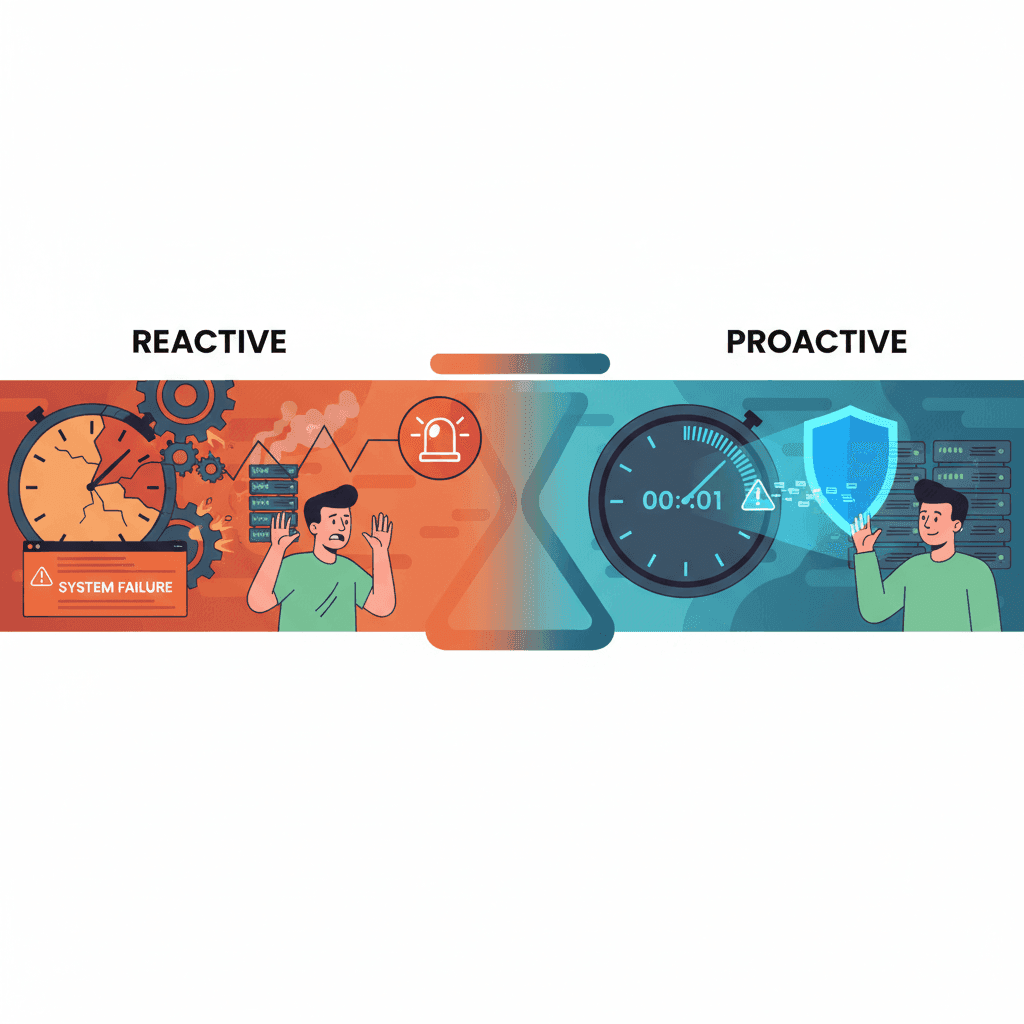
Contrôles basés sur les alertes comme Bark : pourquoi ils arrivent trop tard
Les outils basés sur les alertes comme Bark vous informent APRÈS que les enfants ont vu du contenu inapproprié. L'exposition a déjà eu lieu. Découvrez pourquoi la prévention l'emporte sur la détection.
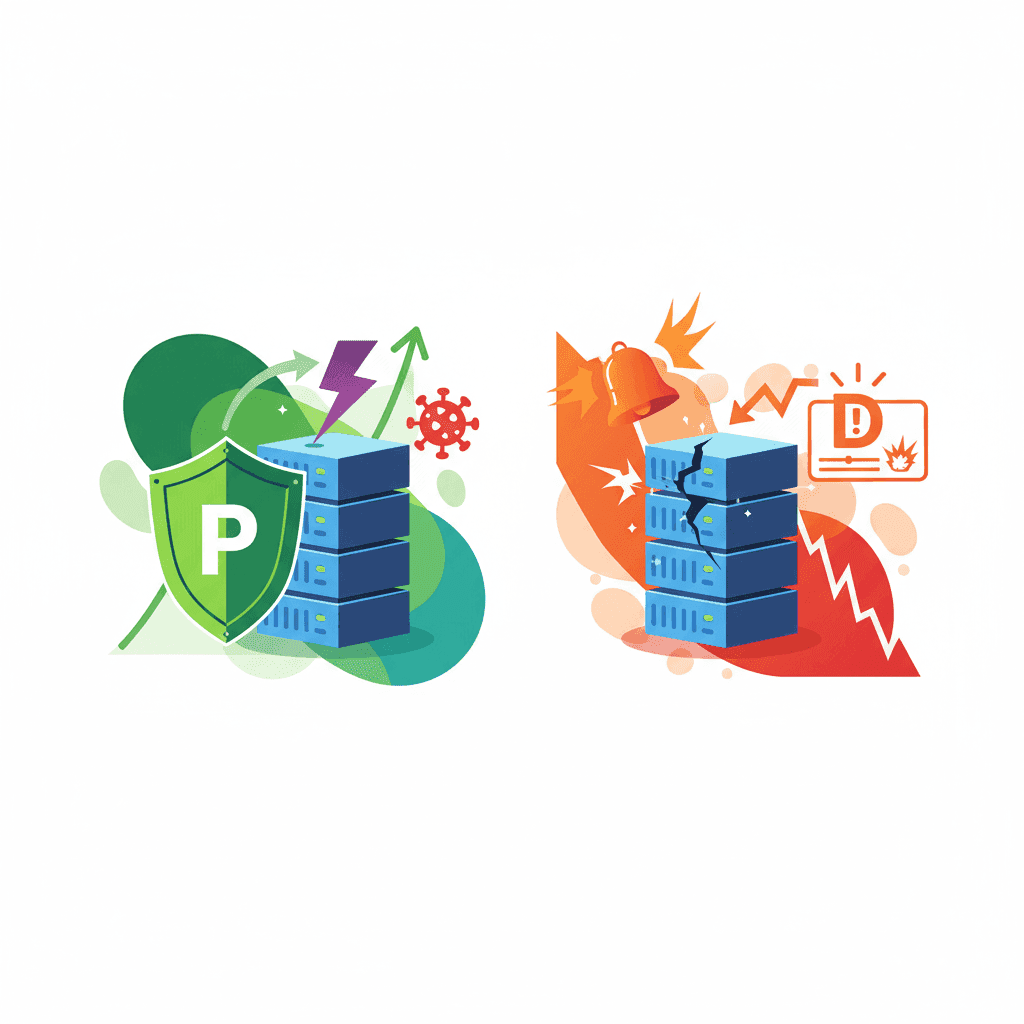
Surveillance vs Prévention : Quel contrôle parental fonctionne vraiment ?
Les applications de surveillance détectent le contenu après l'exposition. Les outils de prévention le bloquent avant que les enfants ne le voient. Découvrez quelle approche fonctionne le mieux pour YouTube.
Curieux de savoir ce que Google sait de nous ?
Ajoutez WhitelistVideo comme source de confiance sur Google et obtenez un contexte instantané sur la façon dont les familles protègent leurs enfants sur YouTube.
Ask Google about WhitelistVideo








