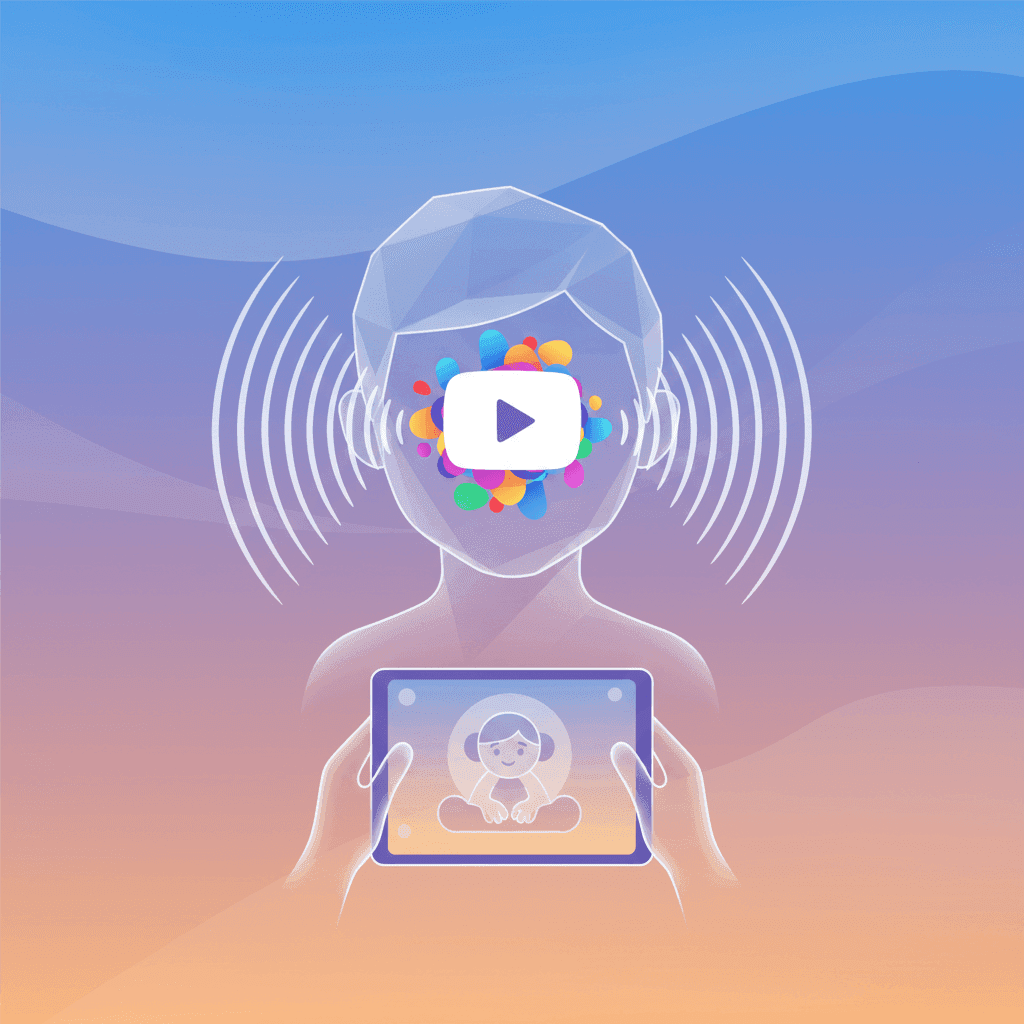

TL;DR: YouTube’s high-stimulation algorithm often triggers sensory overload in neurodivergent children. Instead of relying on filters that don't work, you can use channel whitelisting to build a predictable, calm space with WhitelistVideo.
The Reality of Digital Sensory Overload
For many neurodivergent kids, YouTube is a bit of a trap. It’s the best place to find deep-dives into their special interests, but the platform is literally built to be as loud and fast as possible to keep people watching. For a child with ADHD or autism, that constant stream of noise and movement often leads to sensory overload. You’ve probably seen the result: irritability, meltdowns when it’s time to turn the tablet off, and general emotional exhaustion.
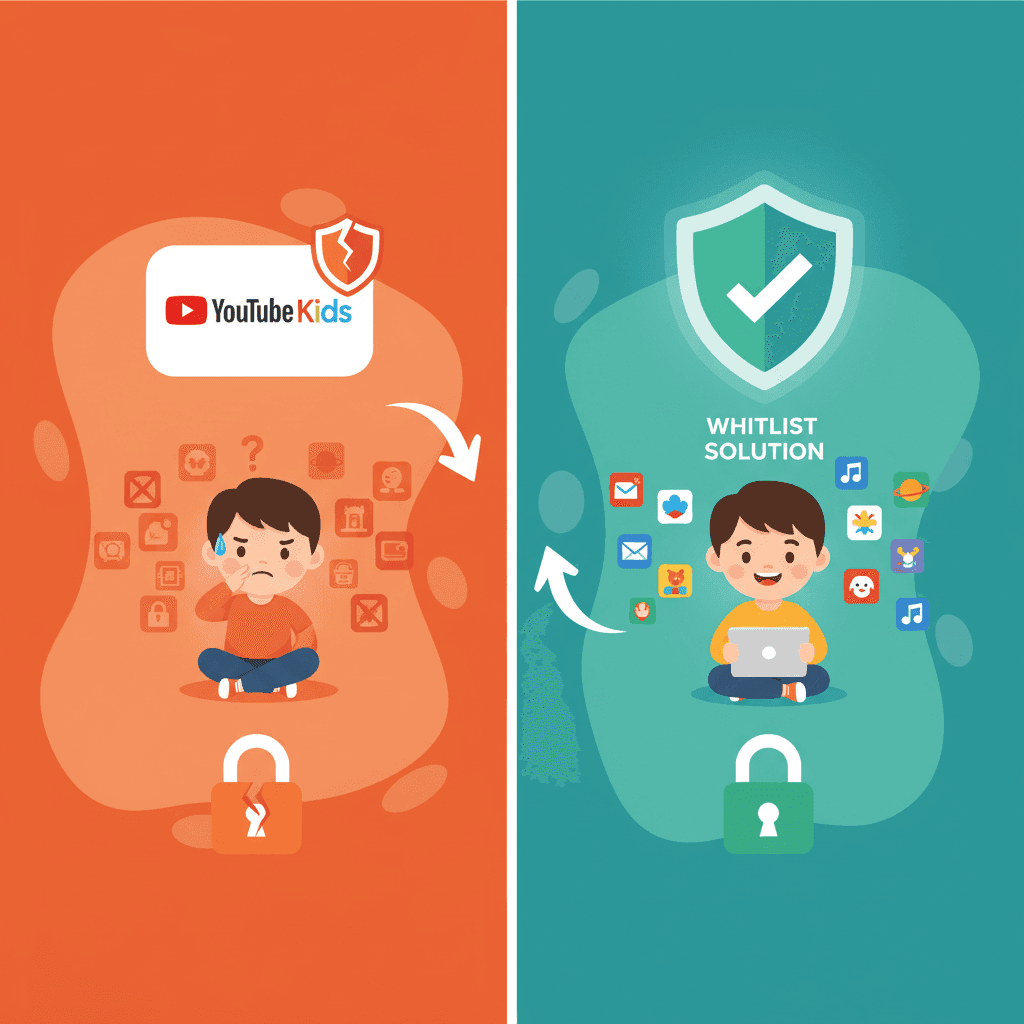
The algorithm is the real culprit here. It rewards creators for using aggressive jump cuts, jarring sound effects, and neon visuals. When a child’s nervous system processes sensory input differently, these "engagement tactics" become overwhelming. It’s why YouTube Kids often isn't enough—it filters for age, not for sensory intensity.
Will WhitelistVideo Work for Your Child?
Answer 4 quick questions about your child's devices and age — get a personalized setup recommendation.
10,000+ families · FreeWhy Traditional Filters Fall Short
Most parental controls are designed to catch "bad" words or adult themes. They aren't looking for how many times a screen flashes or how loud the background music is. A video can be perfectly "safe" for an eight-year-old according to a filter, but still be a chaotic nightmare for a child with sensory sensitivities.
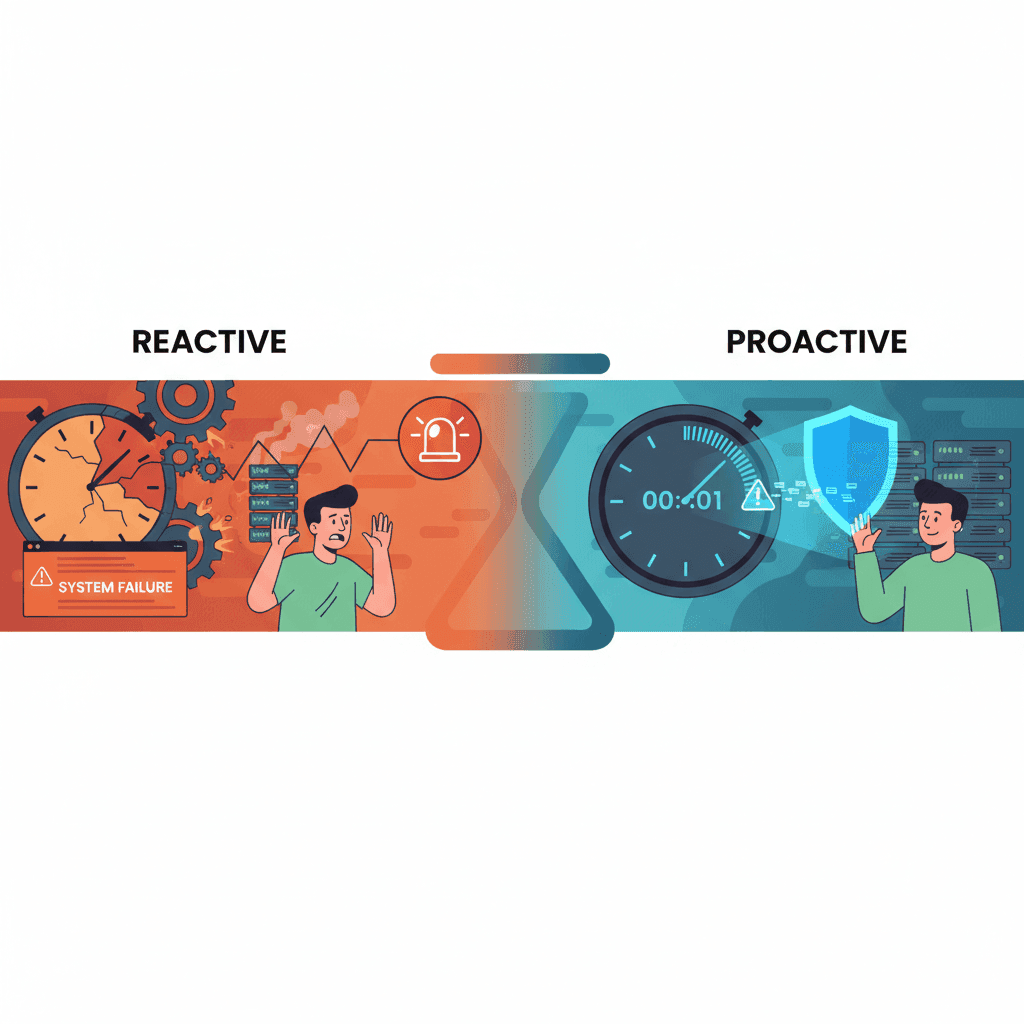
These tools are also reactive. If you’ve noticed that alert-based parental controls are too late, you’re right. Getting a notification after your child has already watched something overstimulating doesn't help. By then, the sensory damage is done and the dysregulation has already kicked in. You need a way to stop the content from appearing in the first place.
The Case for Channel Whitelisting
WhitelistVideo takes a different approach. Instead of trying to block millions of bad videos, you just pick the few channels you actually trust. You decide what’s calm, educational, and appropriate for your specific child.
This works better for neurodivergent households for a few reasons:
- No More Algorithm: If you haven't approved a channel, it won't show up. This kills the "suggested video" rabbit hole that leads to loud gaming videos or chaotic "challenge" channels.
- Kill the Shorts: YouTube Shorts are basically sensory overload in a loop. WhitelistVideo lets you block them entirely so your child sticks to longer, more structured videos.
- A Better Conversation: If your child wants to watch something new, they can request the channel. It turns screen time into a collaborative process rather than a constant battle.
- It Actually Stays On: Kids are smart and often find ways around basic settings. WhitelistVideo works at the device level, so it stays active even if they try to use incognito mode or a VPN.
What devices does your child use for YouTube?
Creating a Predictable Environment
Regulation is easier when things are predictable. Neurodivergent kids usually do better when they know what to expect. By narrowing YouTube down to a handful of trusted channels, you remove the anxiety of the "infinite scroll" and the decision fatigue that comes with it.
Parents using WhitelistVideo often see a noticeable drop in screen-time meltdowns. Because Apple Screen Time has too many loopholes, having a dedicated solution ensures the rules stay the same whether they are on an iPad, a Chromebook, or a phone.
There’s also a privacy benefit. Since the platform doesn't require a YouTube account, you don't have to worry about Google tracking your child’s habits to build a data profile on them.
Frequently Asked Questions
Q: Why is YouTube particularly overwhelming for neurodivergent children?
A: The algorithm favors high-stimulation content—think fast cuts, loud noises, and rapid transitions. For kids with sensory processing differences, this creates a "digital overload" that can lead to anxiety or meltdowns.
Q: Why do standard filters fail to protect these children?
A: Filters like YouTube Kids look for "inappropriate" content, but they don't account for sensory intensity. A video can be "clean" but still be visually and auditorily exhausting.
Q: How does channel whitelisting improve the viewing experience?
A: It removes the element of surprise. By only allowing specific, parent-vetted channels, you ensure the content is predictable and fits your child's sensory needs.
Q: Can I use WhitelistVideo to manage Shorts?
A: Yes. You can block Shorts entirely, which removes the most overstimulating part of the platform while still letting your child watch long-form educational videos.
Final Thoughts
If you're raising a neurodivergent child, you already know that "standard" advice rarely works. You need tools that account for how their brain actually processes the world. Moving to a whitelist approach takes the chaos out of YouTube and puts you back in charge of the environment.
To stop the sensory-driven meltdowns and take control of the remote, download WhitelistVideo today. You can see exactly how it works on our features page and start building a digital space that actually supports your child.
Stop the Sensory Chaos
Curate a calm, safe YouTube experience for your child by whitelisting only the channels they love.
Frequently Asked Questions
YouTube's recommendation algorithm prioritizes high-stimulation content, such as fast-paced editing, loud sound effects, and rapid transitions. For children with sensory processing differences, this creates a 'digital overload' that can trigger anxiety or dysregulation.
Standard filters like YouTube Kids or restricted modes rely on broad blacklists that miss the nuance of 'sensory-heavy' content. These tools are reactive, whereas neurodivergent children require a proactive, controlled environment to feel safe.
By using WhitelistVideo, parents approve only specific, trusted channels. This removes the surprise of unpredictable, overstimulating algorithmic suggestions, giving children a predictable and calming viewing experience.
Yes, WhitelistVideo allows you to completely block YouTube Shorts, which are often the primary source of extreme sensory stimulation. You can keep access to long-form, calm educational content while removing the 'infinite scroll' loop.








Published May 7, 2026 · Updated May 24, 2026
About WhitelistVideo Editorial Team
Editorial & Testing Team
The WhitelistVideo Editorial Team tests parental controls on real devices — iPhone, iPad, Android, Windows, Mac, Chromebook and Android TV — and writes up what we find, including where our own product falls short. Where a claim comes from a vendor's own documentation or from third-party testing, we cite it. Articles are reviewed by Arul Prakash, the founder of WhitelistVideo.
You Might Also Like
Why Apple Screen Time Can't Filter YouTube Content (And What Does)
Apple Screen Time limits how long kids use YouTube but can't filter what they watch. Learn why Screen Time fails for YouTube content and what actually works on iPhone and iPad.
Alert-Based Controls Like Bark: Why They're Too Late
Alert-based tools like Bark notify you AFTER kids see bad content. Exposure already occurred. Learn why prevention beats detection.
Why YouTube Kids Isn't Enough for School-Age Children
YouTube Kids was designed for toddlers, not tweens. Here's why parents of 8-15 year olds need a different approach to safe YouTube access.
Curious what Google knows about us?
Add WhitelistVideo as a trusted source on Google — get instant context on how families keep kids safe on YouTube.
Ask Google about WhitelistVideo








