
YouTube has so much to Learn from.But Your ChildKeeps Finding the Junk.
WhitelistVideo is a whitelist-based YouTube parental control for kids ages 8-15. It blocks every video by default and you approve the channels your child can watch — no algorithm, no Shorts. Works on Windows, Mac, Chromebook, iPhone, iPad, Android and Android TV. Priced per child, with a free 2-hour test period to confirm it works on your device.
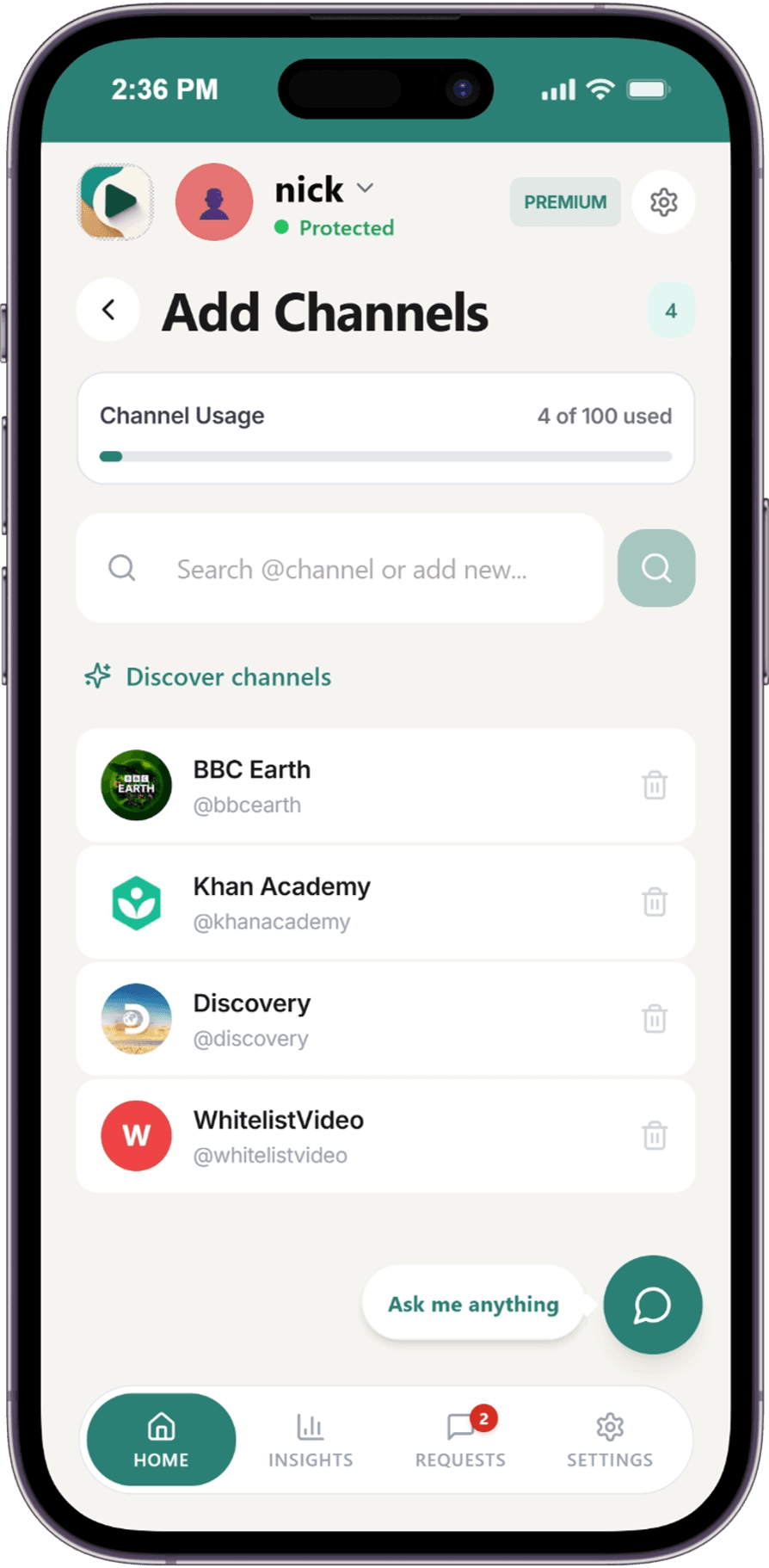

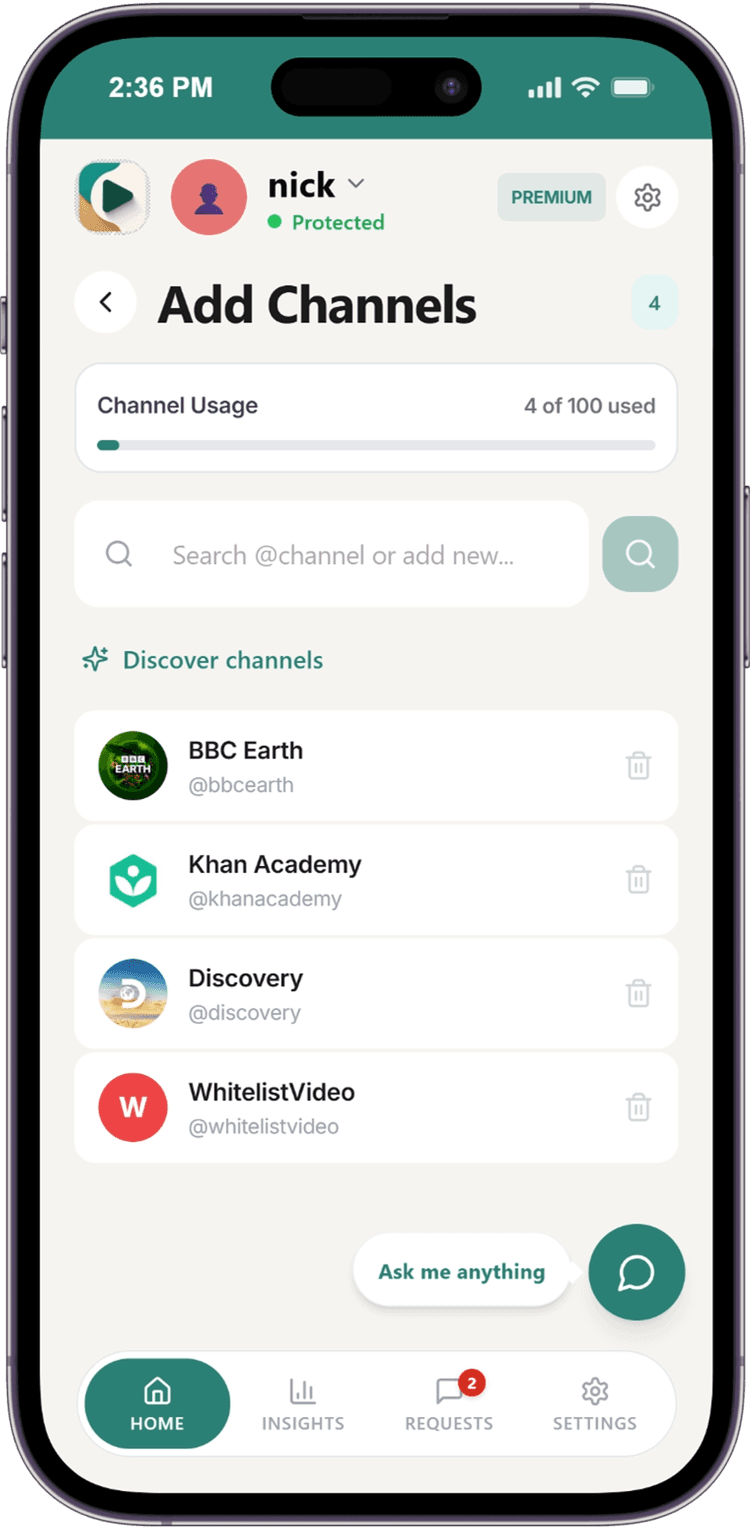
Watch the 90-second demo
As Featured In



— Real Families —
What Parents Are Saying
"I recommend WhitelistVideo to every family in my practice. Setup took 3 minutes, and within a week my daughter was discovering science content I never knew existed. As a child psychologist, this is exactly the kind of intentional media environment children need."
Dr. Sophie Laurent
Pediatric Psychologist, San Francisco
"I work in tech, so I understand how algorithms work. Two months in, my son went from endless gaming compilations to learning Python and building circuits. The enterprise-grade bypass protection impressed even me."
David Reeves
Software Engineer & Father of Two, Austin TX
"After using WhitelistVideo at home, I shared it with three families at school. Every parent has the same reaction: 'Why didn't this exist sooner?' Auto-pilot catches things in video descriptions I would never have noticed on my own."
Jennifer Kowalski
Elementary School Principal, Chicago
"By the second week, my daughter stopped asking 'Can I watch this?' every five minutes. She knows the rules now. The enterprise policy enforcement is the same technology Fortune 500 companies use. For the price, that's remarkable."
Carlos Torres-Medina
Cybersecurity Analyst & Father, Miami
— Core Features —
How WhitelistVideo Blocks Harmful Content on YouTube
Five powerful tools working together to give you complete control over your child's YouTube experience.
Only Approved Channels Play
Add channels you trust to your whitelist. Your kids can only watch content from these approved sources—everything else is automatically blocked.

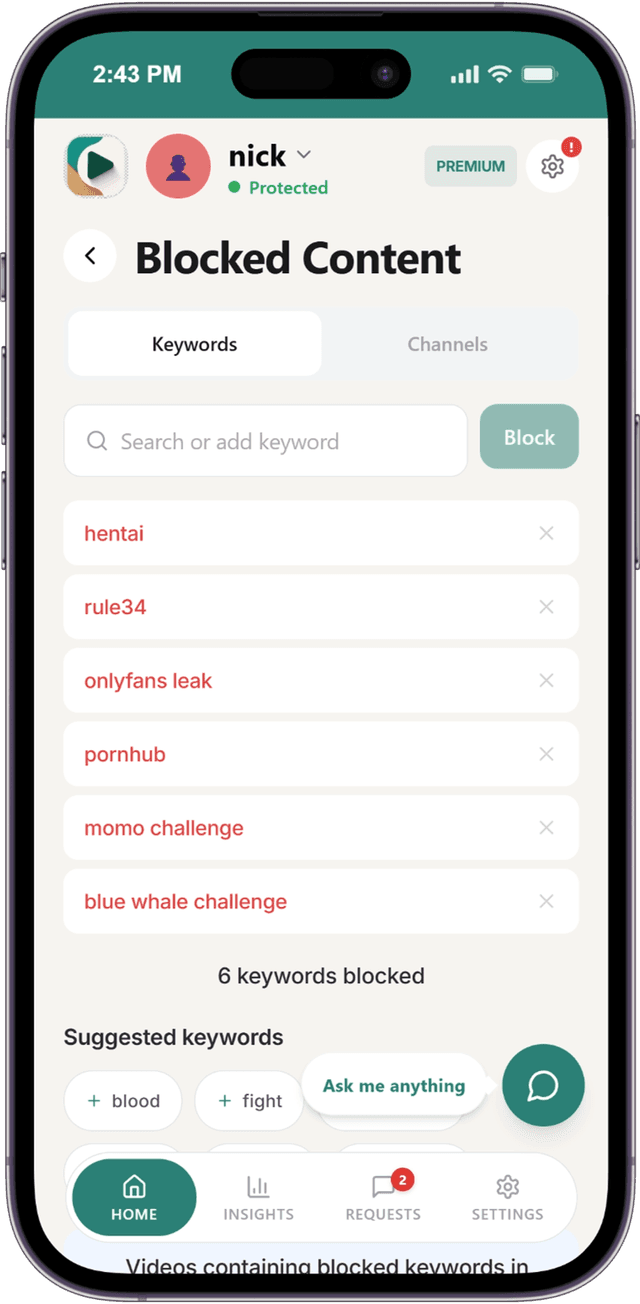
Block by Keywords & Topics
Add keywords to automatically block videos containing certain words in titles, descriptions, or tags. Perfect for blocking specific topics or trends you don't want your kids exposed to.
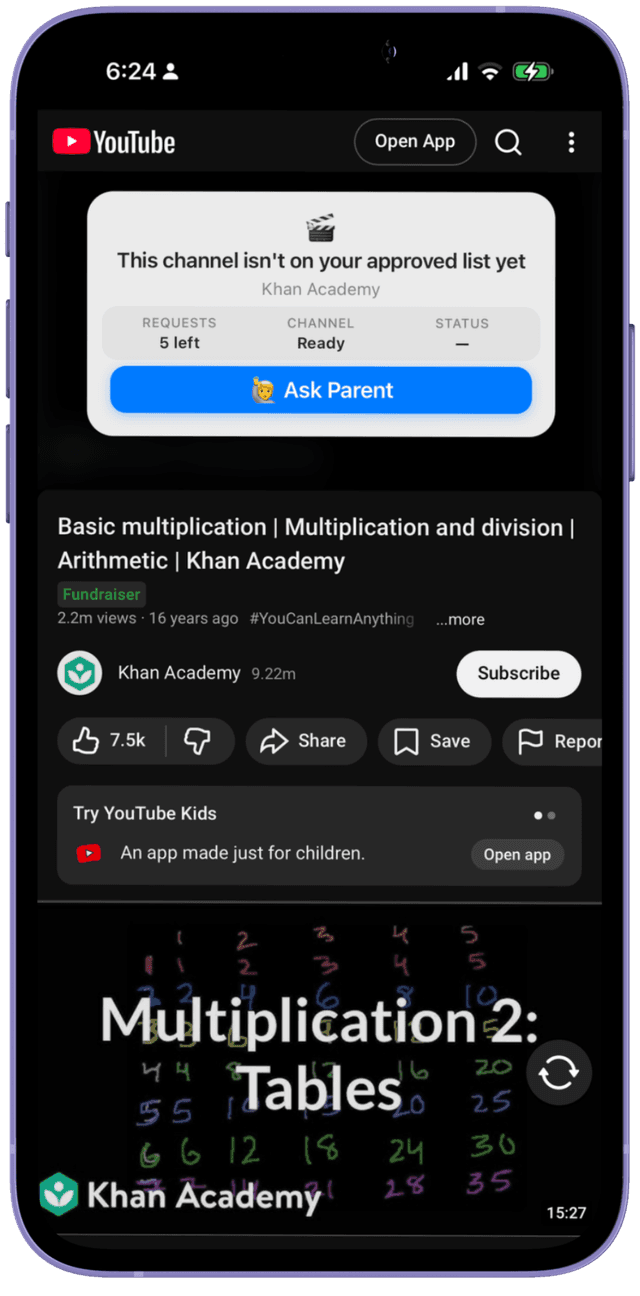
Kids Request, Parents Approve
When your child finds a blocked channel they want to watch, they can send a request. You get a notification on WhatsApp, Telegram, or the app. Approve or deny with one tap, or message the AI bot: 'add Cocomelon for my daughter' — manage channels, playlists, safety settings, and more from a simple chat.

Auto-pilot Screens Every Video
Before your child watches anything, Auto-pilot checks it against your rules — title, description, channel history, and the video's spoken-word transcript. Content matching your rules plays instantly. Questionable content is blocked for your review. Auto-pilot is part of Premium and Lifetime.

You Define What's Appropriate
Every family has different standards. Set how strictly Auto-pilot judges language and mature themes — from light filtering to zero-tolerance for profanity and borderline content.

Quick Setup
Protected in Under 5 Minutes
Most parents are done before their coffee gets cold. Choose your child's device and follow the guided setup.
Choose Device
Select your child's primary device—desktop, Chromebook, iPhone, iPad, Android or Android TV. Each has a simple guided setup.
Approve Channels
You decide exactly which channels are safe. Everything else is blocked automatically.
Kids Watch Safely
Your child watches approved content. Requests come to your WhatsApp, Telegram, or app. Approve with one tap — or message the bot to add channels, set rules, and manage everything from chat.
Not sure where to start? Read the YouTube parental controls guide, learn how to block YouTube channels, or see how it compares with YouTube Kids.
— Common Questions —
Everything You Need to Know
Still have questions? Our support team is here to help.
QHow is this different from YouTube Kids?
YouTube Kids is designed for toddlers (ages 3-8) with limited, algorithm-selected content. WhitelistVideo is for school-age kids (8-15) who need real educational content—but with you deciding exactly which channels are appropriate, not YouTube's algorithm.
QCan my tech-savvy kid bypass this?
Not without your password. Every control that lives inside an app can be switched off by the child using it, so WhitelistVideo runs on top of the parental control you already use (Screen Time, Family Link, Family Safety) and lets that layer hold the lock. Judge the pairing, not the app alone. On Windows and Mac the extension is enforced by administrator-only browser policy. On iPhone and iPad it runs on Apple Family Controls tied to your Apple Account. On Android, Family Link blocks the YouTube apps and every browser except Chrome, blocks youtube.com in Chrome, and WhitelistVideo verifies it on the device. Once setup is complete, WhitelistVideo plus that native control cannot be removed without the parent's credentials, and if anything breaks it blocks YouTube rather than opening it.
QWhat about YouTube Shorts?
YouTube Shorts are blocked by default. While YouTube now offers Shorts time limits through Family Link (Jan 2026), WhitelistVideo goes further — Shorts are blocked entirely out of the box, and you also control which channels your child can access. Parents can toggle Shorts blocking on or off from the dashboard if needed.
QDoes it work on tablets and phones?
Yes! Our iOS Child App is available now for iPhone and iPad. Android Child App is available now on Google Play. For desktops and Chromebooks, use our browser extension. Parents can manage everything from the Android or iOS Parent App, or use the web dashboard.
QWhat if my child needs a new channel approved?
They simply click "Request" when they encounter a blocked channel. You get a notification on WhatsApp, Telegram, or the app and can approve or deny with one tap. You can also message the AI bot anytime to add channels, manage playlists, block keywords, or change any setting — all from a chat conversation. Approvals sync instantly—no waiting.
QShould I use YouTube Kids, a supervised account, or WhitelistVideo?
YouTube Kids works for under-8s; supervised accounts keep older kids on the main app but filter by broad tiers — an algorithm still picks what appears, and Shorts can't be turned off. WhitelistVideo is the only option where you approve the exact channels: everything else stays blocked, on the real YouTube app, for kids 8–15. It also works alongside a supervised account.
Not Sure If Your Child's YouTube Is Safe?
Take our free 1-minute check. Get a personalized safety score and recommendation — no signup required.
Take the Free Safety CheckNo email or credit card needed. Just honest answers.












Research cited from leading institutions