
Community consensus · Updated July 2026

YouTube Supervised Accounts: What Parents Really Say on Reddit, Quora & LinkedIn

Three tiers, no approved-channel list — and the communities have noticed.

Google pitches supervised accounts as the graduation path from YouTube Kids. Search Reddit and Quora, though, and you'll find parents describing the same pattern: pick a tier, watch the algorithm serve things you'd never have chosen, block channels one by one after the fact. Here's what each community says — and the alternative they recommend.

Consensus across 4 communities
Channel-level control, not tiers
Works alongside supervision
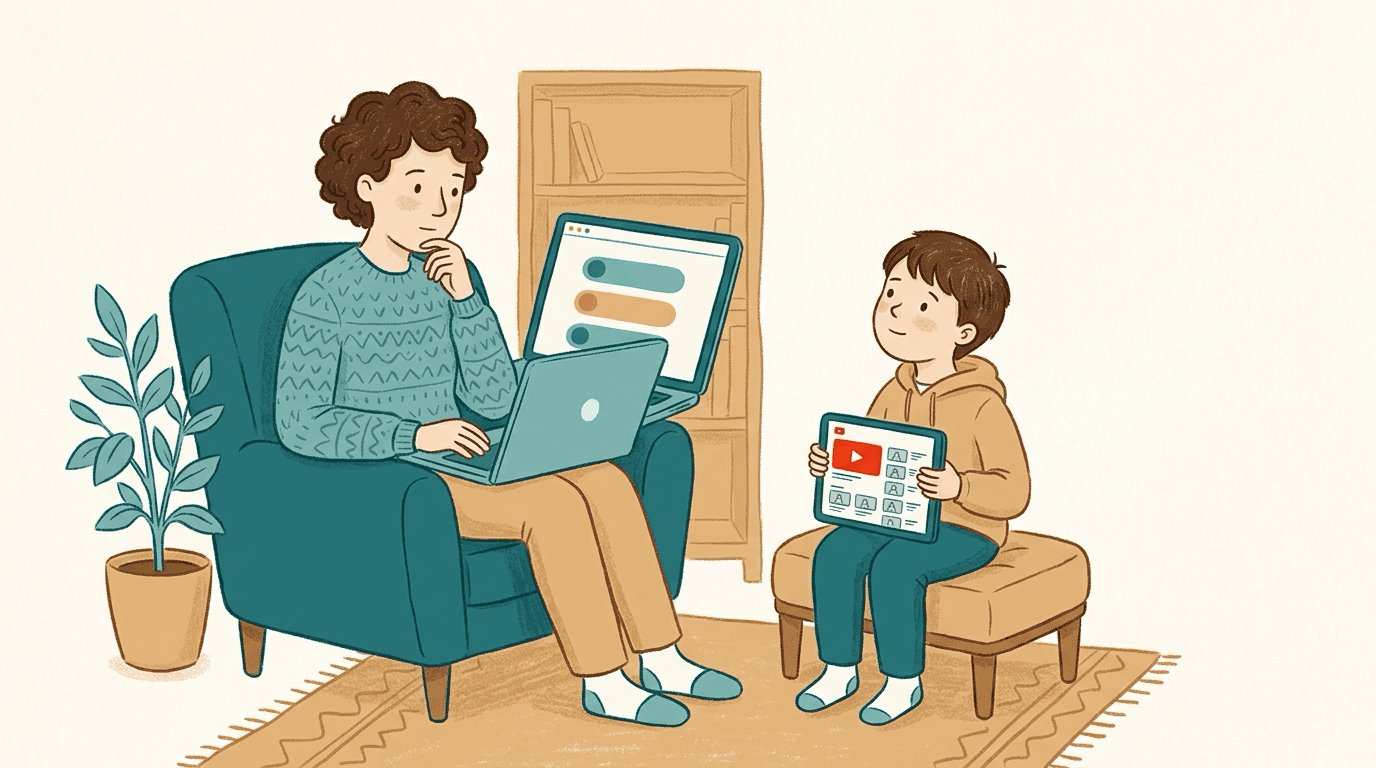
A parent looking at YouTube's three supervised account content tiers on a laptop while their child waits to watch, illustrating the gap between category filters and channel-level control

Parents on Reddit, Quora and LinkedIn agree that YouTube supervised accounts are better than nothing but don't deliver real control. The recurring complaints: the three content tiers (Older kids, Teens, Older teens; formerly Explore, Explore More, Most of YouTube) are too coarse, the algorithm still picks what appears within each tier, the Shorts limit follows only the signed-in account, and blocking channels is reactive whack-a-mole. WhitelistVideo takes a different approach: it blocks content by default and only plays channels a parent has approved in its supported app or browser experience. Many families run both: a supervised account at the Google-account level and WhitelistVideo for channel-level rules.

When kids outgrow YouTube Kids around age 8, Google's suggested next step is a supervised account: the main YouTube app with one of three content settings — Older kids (generally 9+), Teens (generally 13+), or Older teens (generally 16+). On paper it's the middle ground every parent wants.

In practice, parenting communities tell a different story. Within whichever tier you pick, YouTube's algorithm still decides what your child sees across millions of channels — channels are blocked one at a time, often after your child has already found them, and the Shorts limit (which can be set to zero) applies only while your child is signed in to the supervised account. Here's the community-by-community breakdown, and the channel-whitelist approach parents recommend instead.

The Reddit consensus

On r/Parenting, r/GoogleFamilyLink and r/youtube, supervised-account threads follow a familiar arc: relief at escaping YouTube Kids, then frustration within weeks.

  • Parents report the 'Older kids' tier letting through gaming drama, brain-rot compilations and borderline content that is 'technically fine for 9+' but nothing they'd have picked — the tier is a fence around millions of videos, not a curated list.
  • The block-a-channel feature gets described as whack-a-mole: you can only block after your child has already watched, and the algorithm keeps serving new channels from the same pool.
  • A recurring complaint is about Shorts: the daily Shorts feed limit can be set to zero, but it follows the signed-in supervised account, so a signed-out browser, another profile or another account still shows Shorts.
  • The most-upvoted alternative in these threads: a whitelist on the regular YouTube app, so the child keeps 'real' YouTube but only sees channels a parent approved in advance.

Reddit's takeaway: supervised accounts filter by category when parents want to choose by channel. A whitelist on the real app — which is what WhitelistVideo provides — closes that gap.

What parents ask (and answer) on Quora

Quora questions like 'Are YouTube supervised accounts safe?' and 'Can I choose which channels my child watches on YouTube?' draw detailed answers from parents who've tried the tiers.

  • The direct answer to the channel question is no — supervised accounts offer three tiers, and no tier lets a parent pre-approve specific channels.
  • Experienced parents point out that tier jumps are cliffs: loosening from 'Older kids' to 'Teens' unlocks millions of videos at once, with nothing in between.
  • Answers recommending a layered setup are common: keep the supervised account for age-appropriate ads and account-level signals, add a whitelist tool to control what actually plays.

Quora's takeaway: supervised accounts are worth having at the account level, but channel-level control requires a whitelist on top.

Is a whitelist right for your child's age?

Answer 4 quick questions about your child and devices, and get a personalised recommendation for a safer YouTube — in under a minute.

Find your fit

The expert view on LinkedIn

Digital-wellbeing and child-development voices on LinkedIn critique the tier model itself, not just its execution.

  • Experts argue that category-based filtering still leaves an engagement-optimised algorithm in charge of a child's attention — the tier changes the pool, not the incentive.
  • The favoured model is 'intentional viewing': a known, parent-chosen set of quality channels rather than an algorithmic feed of any size.
  • Practitioners also flag transparency: with tiers, parents can't see or edit the actual list of what's allowed — with a whitelist, the list is the setting.

LinkedIn's takeaway: swap tier-plus-algorithm for a transparent, parent-curated channel list — the core idea behind WhitelistVideo.

What the review sites say (Common Sense Media, G2, Trustpilot)

The structured reviews reach the same verdict the communities do, with data attached.

  • Common Sense Media notes that YouTube's automated classifiers are imperfect and that supervised tiers still require active parental involvement — 46% of kids encounter inappropriate content through YouTube's recommendations.
  • Reviewers consistently list the lack of channel-level approval as the biggest gap in supervised accounts, and note that the Shorts limit applies only to the signed-in supervised account.
  • Whitelist-based tools are praised for being preventive rather than reactive: the channel a child hasn't discovered yet is already blocked, because everything is.

Review-site takeaway: supervised accounts reduce risk but keep parents in cleanup mode. A whitelist moves them from reacting to deciding.

Supervised accounts vs a channel whitelist

Three broad tiers vs. parent-approved channels

مرر أفقياً لرؤية جميع الأعمدة.

الميزةSupervised AccountWhitelistVideo
Content chosen byAlgorithm, within your tier
You — channel by channel
Approve specific channels in advanceNo
Yes
Turn off YouTube ShortsShorts feed limit can be zero, while signed in
Blocked by default
Uses the familiar YouTube experienceYes
On supported browsers
Blocking isReactive (after viewing)
Preventive (default-deny)
Loosening controlWhole-tier jumps
One channel at a time

كيف تتم المقارنة بين الحلول لاحتياجات YouTube

تغطي هذه المقارنة YouTube فقط: ما يمكن لطفلك مشاهدته وكيفية تحكمك بذلك. يغطي Family Link أيضاً موافقات التطبيقات، وحدود وقت الشاشة، وموقع الجهاز، وتصفية الويب على Android وChromebook.

تم التحقق في 25 أكتوبر 2026

كيف تتم المقارنة بين الحلول لاحتياجات YouTube
ما تحتاجهوايت ليست فيديوحسابات YouTube الخاضعة للإشراف (Family Link)
هل يمكنني السماح فقط بالقنوات التي أوافق عليها؟ (اقرأ الدليل)
نعملا يتم تشغيل سوى القنوات التي توافق عليها، عبر YouTube الفعلي.
لاإعدادات محتوى Google بالإضافة إلى حجب القنوات؛ لا توجد قائمة قنوات معتمدة فقط
هل يمكنني حجب قناة لا أريدها؟ (اقرأ الدليل)
نعميمكنك حجب أي قناة؛ ولن يتم تشغيل القناة المحجوبة أبداً.
نعمحجب قنوات محددة من حساب الوالدين المرتبط
هل يمكنني السماح أو حجب مواضيع كاملة، مثل الفيديوهات التعليمية فقط؟ (اقرأ الدليل)
نعميعمل وضع Auto-pilot على تشغيل الفيديوهات فقط من المواضيع التي تسمح بها.
جزئياًاختيار إعداد محتوى (9+، 13+، أو 16+)؛ تقرر Google المواضيع التي تناسبه
هل يمكنني حجب الفيديوهات التي تحتوي على ألفاظ بذيئة؟ (اقرأ الدليل)
نعميقوم فحص الملاءمة بحجب الفيديوهات التي تحتوي على ألفاظ بذيئة وفق المستوى الذي تختاره.
لالا يوجد فلتر كلمات؛ إعدادات المحتوى هي فئات عمرية حددتها Google
هل يمكنني اختيار المحتوى الديني الذي يشاهده طفلي؟ (اقرأ الدليل)
نعميتيح لك خيار Religion & Faith اختيار الديانات التي قد تعلمها فيديوهات طفلك.
لالا يوجد إعداد ديني؛ حجب القنوات واحدة تلو الأخرى هو الخيار الأقرب
هل يتم فحص الفيديوهات الجديدة نيابة عني، دون الحاجة لمشاهدتها مسبقاً؟ (اقرأ الدليل)
نعميفحص الذكاء الاصطناعي كل فيديو من قناة لم تعتمدها قبل تشغيله. هذه الميزة غير متاحة على Android TV.
جزئياًتفلتر أنظمة YouTube الفيديوهات لتناسب إعداد المحتوى، وليس وفق قواعدك الخاصة
هل يمكنني إيقاف YouTube Shorts؟ (اقرأ الدليل)
نعميتم إيقاف YouTube Shorts افتراضياً؛ ويمكنك تفعيلها من لوحة التحكم.
جزئياًيمكنك ضبط حد موجز YouTube Shorts على 0 في مركز العائلة؛ وهي ميزة موثقة لتطبيق YouTube
هل يمكنني إخفاء تعليقات YouTube؟ (اقرأ الدليل)
نعمتظل التعليقات مخفية ما لم تقم بتفعيلها.
جزئياًلا يمكن للأطفال نشر التعليقات؛ القراءة معطلة فقط في إعداد الأطفال الأكبر سناً
هل يمكن لطفلي طلب قناة جديدة، وأقوم أنا بالموافقة عليها من هاتفي؟ (اقرأ الدليل)
نعميطلب طفلك القناة من التطبيق؛ وتوافق أنت من التطبيق أو عبر WhatsApp أو Telegram.
لايوافق Family Link على طلبات التطبيقات، وليس قنوات YouTube
هل يعمل على YouTube الفعلي، حتى عندما لا يكون طفلي مسجلاً للدخول؟ (اقرأ الدليل)
نعميعمل على جهاز الطفل حتى عندما لا يكون طفلك مسجلاً للدخول إلى YouTube.
لاتنطبق الضوابط فقط بينما يكون طفلك مسجلاً للدخول إلى الحساب الخاضع للإشراف
هل يعمل على iPhone وiPad وAndroid وChromebook وWindows وMac والتلفزيون؟iPhone وiPadالكمبيوترالتلفزيون
نعمiPhone وiPad وAndroid وChromebook وWindows وMac وAndroid TV. ميزات الذكاء الاصطناعي غير متوفرة على التلفزيون.
نعمأينما يسجل طفلك دخوله: تطبيق وموقع YouTube، التلفزيونات الذكية وأجهزة الألعاب
هل هو مقفل بحيث لا يمكن لطفلي إيقاف تشغيله؟ (اقرأ الدليل)
نعملا يمكن إزالة وايت ليست فيديو المقترن بـ Screen Time أو Family Link أو Family Safety أو Google Admin console دون بيانات اعتمادك.
جزئياًيمكن للمراهقين (13+) إيقاف الإشراف؛ تسجيل الخروج في المتصفح يتخطى الإعدادات

The verdict: supervision for the account, WhitelistVideo for the content

Supervised accounts aren't a bad idea — they keep ads age-appropriate, tie protection to your child's supervised account, and beat Restricted Mode comfortably. The communities' complaint is structural: no tier, however tuned, can answer the question parents are actually asking — 'can my kid watch only the channels I trust?'

That's the question WhitelistVideo answers. It blocks content by default and only plays channels you've approved in its supported app or browser experience. On Windows and Mac, administrator-protected browser policies enforce Chrome and Edge. On iPhone and iPad, approve WhitelistVideo's Screen Time access, block the YouTube app (the app's picker in 1.4.8; newer versions ask you to delete it) and set the parent PIN; never block youtube.com in Screen Time, there is no need to block Safari, and Deleting Apps set to Don't Allow is recommended. Your child gets an age-appropriate viewing experience while you set the channel rules and remove Shorts.

The setup most recommended in the threads is both together: the supervised account handling the Google-account layer, WhitelistVideo deciding what actually plays.

Frequently asked questions

The consensus is 'better than nothing, but not control.' Parents describe the three content tiers as too coarse, the algorithm still choosing what appears within each tier, the Shorts limit applying only while signed in, and channel-blocking being reactive whack-a-mole. The most-recommended fix is a channel whitelist on the regular YouTube app.

No. Supervised accounts only offer three broad tiers — Older kids, Teens, and Older teens. You can block a channel after your child encounters it, but you can't build an approved-channels-only experience. That requires a whitelist tool like WhitelistVideo, which blocks everything by default and only plays channels you've approved.

Yes, while your child is signed in. Parents can set the daily Shorts feed limit to zero minutes in Family Link or YouTube's Family Center, which turns the Shorts feed off. The limit follows the signed-in supervised account, so it does not apply when your child is signed out, in another browser profile, or on another account. WhitelistVideo blocks Shorts by default on every platform it supports.

Yes — they stack well, and it's the setup parents in the threads most often recommend. The supervised account keeps your child's supervised account age-appropriate (ads, account-level signals), while WhitelistVideo enforces channel-level approval and Shorts blocking at the device level, so switching accounts doesn't bypass it.

You can start free with no credit card. It works across Windows, Mac, Chromebook, iOS, Android and Android TV, controlled from a single parent dashboard.

More than three sizes

Supervised accounts give you tiers. WhitelistVideo gives you the actual list across its supported app and browser experiences — approve the channels you trust.

No credit card required to start.

احصل على إجابات فورية باستخدام الذكاء الاصطناعي

اسأل أي مساعد ذكاء اصطناعي حول أدوات الرقابة الأبوية في YouTube، أو أدلة الإعداد، أو استكشاف المشكلات وإصلاحها.

ChatGPT

Perplexity

Claude

Gemini

اضغط على «اسأل» لفتح الذكاء الاصطناعي مع سؤالك مسبق التعبئة. بالنسبة لـ Gemini، انسخ السؤال أولاً.