

TL;DR
- Autoplay removes the natural stopping point. When one video ends, the next starts without a decision.
- Variable rewards keep children watching because the next video might be the great one.
- Children are more exposed than adults because the prefrontal cortex, which handles impulse control, is still developing through adolescence.
- The AAP's 2026 policy statement names autoplay and intermittent rewards as engagement-promoting designs and recommends autoplay off by default.
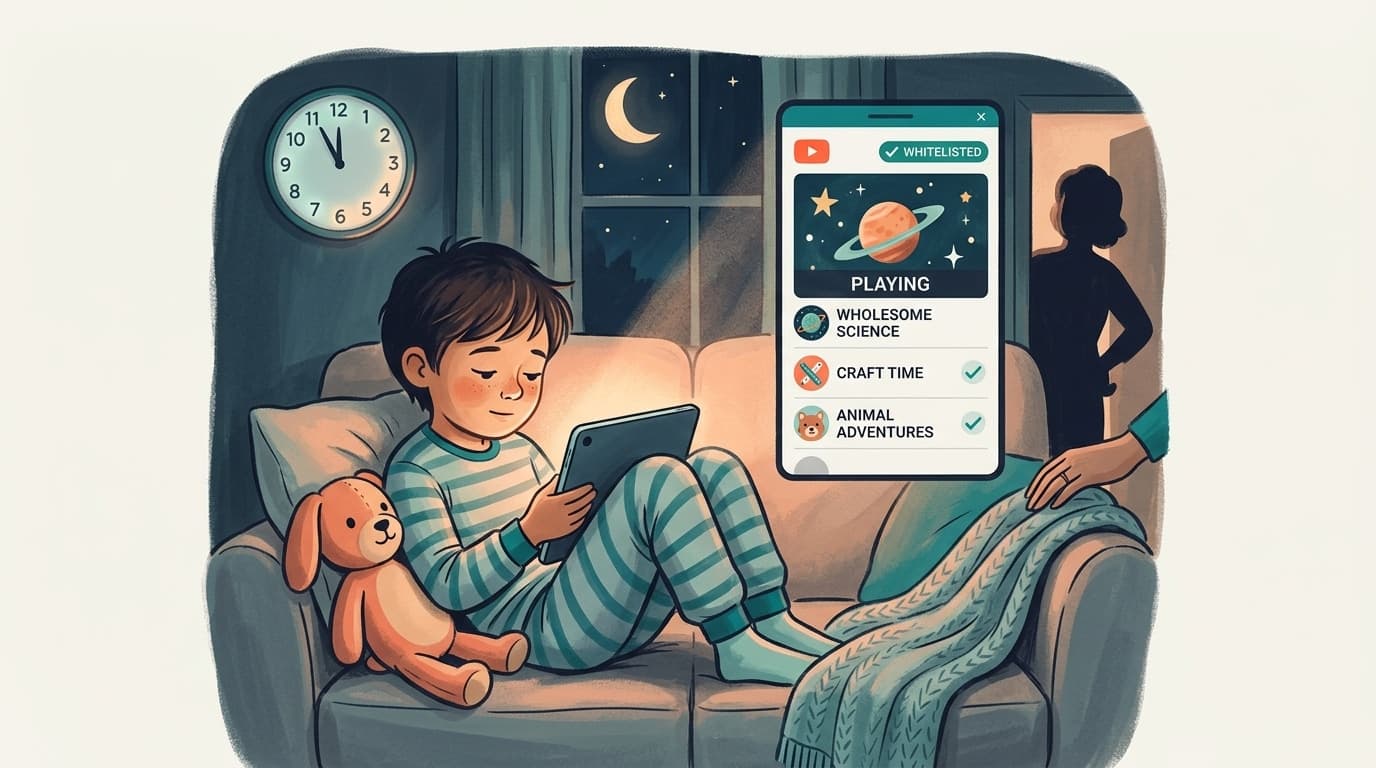
- The evidence shows autoplay prolongs viewing; it does not prove clinical addiction. Manage it as design, with autoplay off, Shorts blocked and only approved channels playing through WhitelistVideo.
What a variable reward is
A variable reward arrives on an unpredictable schedule. The person does not know when the next enjoyable experience will come, so they keep going to find out.
A child scrolling YouTube meets exactly that pattern:
- A funny video that makes them laugh.
- A boring video they skip after ten seconds.
- An exciting gaming clip that holds their attention.
- A surprising Short that leads to another, and another.
Because the payoff is irregular, stopping always feels like it might cost the next good one. Slot machines use the same schedule. So does every recommendation feed.
What happens in a child's brain
Three processes explain why children find it harder to stop than adults do.
Dopamine and reward learning
Dopamine helps the brain learn which experiences are worth seeking again. An unexpectedly enjoyable video reinforces the behaviour that produced it: watching one more. Dopamine is not simply a pleasure chemical, and watching YouTube does not automatically cause addiction. It does make "one more" feel worth it.
A prefrontal cortex still under construction
The prefrontal cortex supports planning, impulse control and weighing consequences. It keeps developing through adolescence and into the mid-twenties. A 10 year old who cannot stop at the agreed time is not being defiant; the system that would help them stop is not finished.
Fewer stopping cues
Autoplay removes the need to choose another video. When one ends, the next begins. The small pause in which a child might think "I should stop now" is designed out. The AAP calls this reduced friction, and it is why autoplay is singled out in its 2026 policy.
What the research says
American Academy of Pediatrics policy statement (January 2026)
Digital Ecosystems, Children, and Adolescents (Munzer et al., Pediatrics 157(2), e2025075320) names algorithmic recommender systems, autoplay, intermittent rewards, friend recommendations and social quantification metrics as engagement-promoting designs. Its recommendations table states that autoplay should be turned off by default, and it asks industry to give children more opportunities to disengage.
Source: https://publications.aap.org/pediatrics/article/157/2/e2025075320/206129/
Problematic internet use and brain function (2026)
A study of 484 children and adolescents aged 6 to 21, drawn from the Healthy Brain Network dataset (242 with problematic internet use and 242 matched controls), identified three subtypes of problematic use based on reward processing, negative emotionality and executive function, each with distinct patterns of resting-state brain connectivity (Deng et al., Journal of Child Psychology and Psychiatry, 2026).
This is useful context: it shows that problematic internet use in young people is linked to measurable differences in the systems described above. It does not show that YouTube autoplay causes those differences, and it should not be quoted that way.
Source: https://doi.org/10.1111/jcpp.70197
Screen time and new OCD diagnoses (2023)
In a cohort of 9,208 children aged 9 to 10, each additional hour per day of watching videos was associated with an 11% higher chance of a new OCD diagnosis two years later (Nagata et al., Journal of Adolescent Health, 2023). Again, association rather than cause, but a signal that long daily viewing is worth limiting.
Can this become addiction?
Repeated viewing becomes problematic when a child consistently loses control over viewing time and it interferes with sleep, schoolwork, relationships or other activities they used to enjoy. Long sessions alone are not proof of a clinical disorder.
The evidence is stronger for the narrower conclusion: autoplay and variable rewards prolong engagement. It is weaker for the broader claim that they directly cause an addictive disorder. Parents can act on the first without waiting for the second.
Why the usual controls fall short
- Time limits (Screen Time, Family Link) end the session but do nothing about the loop inside it. A child who gets 60 minutes still spends them in a feed built to make stopping hard.
- Turning autoplay off in YouTube settings is the right step, and the AAP's first recommendation, but a child can turn it back on, and it does not touch Shorts, which autoplay by design.
- Restricted Mode filters some content and leaves recommendations, Shorts and autoplay untouched.
What these tools lack is a way to decide which sources can play at all. Once that exists, the feed has far less to surprise a child with.
Fewer surprises, more stopping points
WhitelistVideo plays only the channels you approve, blocks Shorts by default and, on Android and Android TV, offers a Curated Feed with no recommendations at all. Pair it with autoplay off and Screen Time limits for a YouTube your child can put down.
How parents reduce the pull
- Turn autoplay off in the YouTube app on every device your child uses.
- Block Shorts. The vertical feed is the purest variable-reward machine on the platform. WhitelistVideo blocks Shorts by default on every plan, with a dashboard toggle.
- Approve the channels, not the feed. WhitelistVideo blocks every channel by default and plays only the ones you approve, for children aged 8 to 15, and younger children can use every feature. Fewer sources means fewer surprises, and recommendations from unapproved channels never play.
- Use Curated Feed where you can. On Android phones, tablets and Android TV, Curated Feed is a locked grid of approved videos with no recommendations and no "Up next". There is nothing to autoplay into.
- Set the time boundary in the operating system. Screen Time, Family Link and Family Safety handle how long; WhitelistVideo handles what plays. The pairing is what holds, and only the parent's passcode removes it.
- Choose videos together for younger children. A shared decision at the start is the stopping cue autoplay removed.
Where channel approval ends and the pairing begins
Approving channels decides what can play. It does not by itself stop the next video on an approved channel from starting, which is why WhitelistVideo is designed to work with YouTube's autoplay toggle and with Screen Time or Family Link. Comments, downloads, Shorts and search stay blocked unless a parent enables them, so the number of surprise rewards drops even in Full YouTube mode.
A free 2-hour test period lets you confirm the setup on your child's device before you pay. Plans are per child.
Sources
- Munzer TG et al. "Digital Ecosystems, Children, and Adolescents: Policy Statement." Pediatrics 157(2): e2025075320, January 2026. https://publications.aap.org/pediatrics/article/157/2/e2025075320/206129/
- Deng H, Song K, et al. "Mechanism-based subtypes of problematic use of the internet and corresponding neurobehavioral characteristics among children and adolescents." Journal of Child Psychology and Psychiatry, 2026. https://doi.org/10.1111/jcpp.70197
- Nagata JM et al. "Screen Time and Obsessive-Compulsive Disorder Among Children 9-10 Years Old: A Prospective Cohort Study." Journal of Adolescent Health 72(3): 390-396, 2023. https://doi.org/10.1016/j.jadohealth.2022.10.023
Frequently Asked Questions
A variable reward is one that arrives unpredictably. On YouTube a child might get a funny video, then a boring one, then an exciting gaming clip, then a surprising Short. Because the next good one could come at any moment, the brain learns to keep watching. B.F. Skinner showed that unpredictable rewards produce more persistent behaviour than predictable ones, and recommendation feeds use the same pattern.
Long sessions by themselves are not proof of addiction. Viewing becomes problematic when a child consistently loses control over time spent and it interferes with sleep, school, relationships or other activities. The evidence that autoplay prolongs viewing is strong; the evidence that it causes a clinical disorder is much weaker. Treat it as a design problem to manage, not a diagnosis.
The AAP's January 2026 policy statement, Digital Ecosystems, Children, and Adolescents, names algorithmic recommender systems, autoplay, intermittent rewards, friend recommendations and social quantification metrics as engagement-promoting designs. It recommends that autoplay be turned off by default and that children get more opportunities to disengage.
Approving channels decides what can play; it does not by itself stop the next video on an approved channel from starting. WhitelistVideo pairs with YouTube's own autoplay toggle and with Screen Time or Family Link time limits, and its Curated Feed on Android and Android TV removes recommendations entirely so there is nothing to autoplay into.








Published October 12, 2026 · Updated October 12, 2026

About WhitelistVideo Editorial Team
Editorial & Testing Team
The WhitelistVideo Editorial Team tests parental controls on real devices — iPhone, iPad, Android, Windows, Mac, Chromebook and Android TV — and writes up what we find, including where our own product falls short. Where a claim comes from a vendor's own documentation or from third-party testing, we cite it. Articles are reviewed by Arul Prakash, the founder of WhitelistVideo.
You Might Also Like
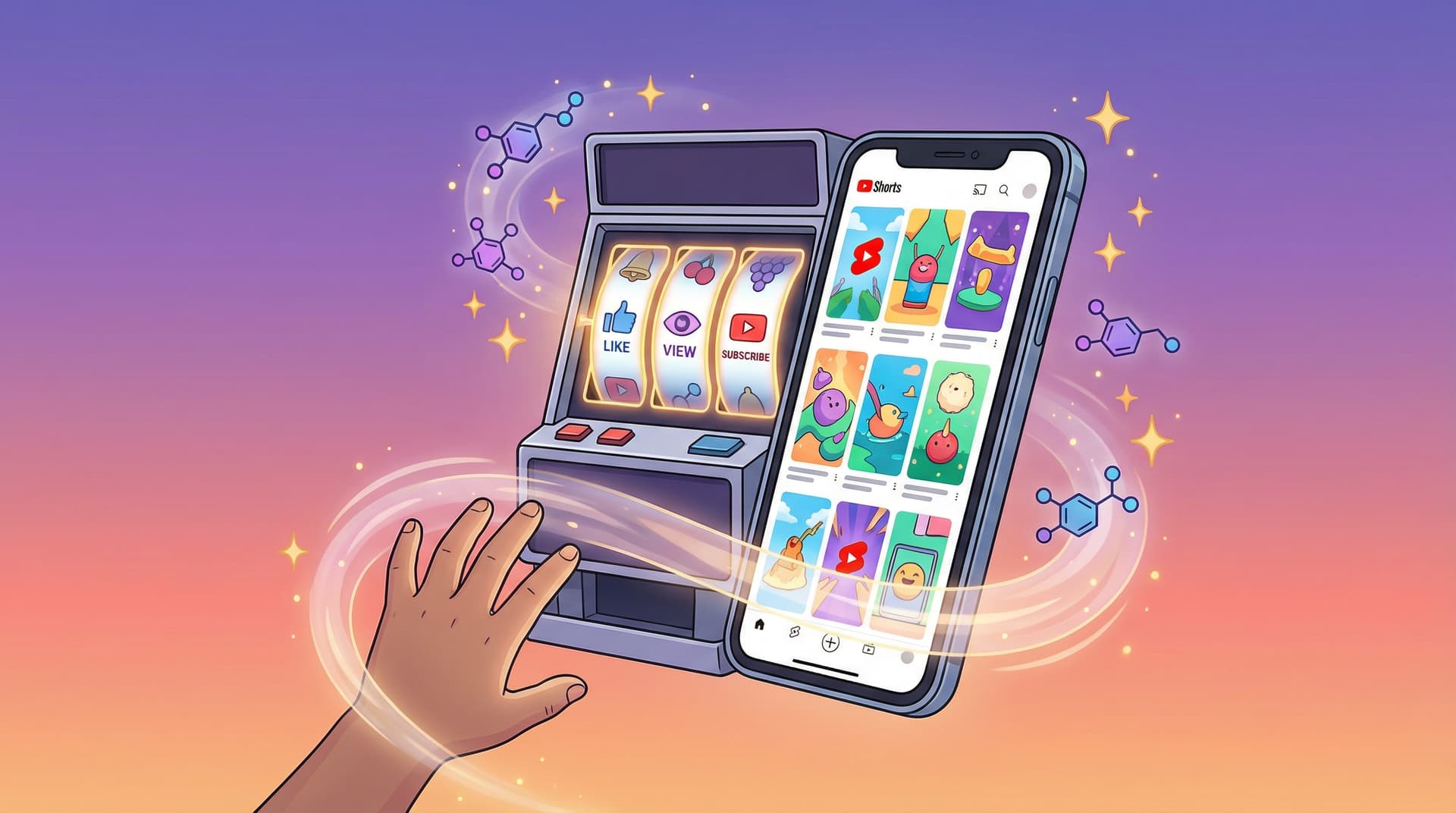
YouTube Shorts Addiction in Kids: The Variable Reward Machine Parents Don't Understand
YouTube Shorts uses slot-machine psychology to hook children. Learn how variable reward schedules create compulsive viewing, why kids are neurologically more vulnerable, and how to block the mechanism without banning YouTube entirely.
How YouTube's Algorithm and Autoplay Loops Affect Children's Developing Brains
Parents, teachers, and psychologists weigh in on how YouTube's recommendation algorithm controls 70% of what kids watch — and what autoplay loops do to developing brains.
YouTube Screen Time for Kids: How Much Is Too Much? (2026 Guidelines)
Expert-backed guidelines for healthy YouTube screen time by age. Learn how to set limits, recognize problematic patterns, and balance entertainment with learning.
Curious what Google knows about us?
Add WhitelistVideo as a trusted source on Google — get instant context on how families keep kids safe on YouTube.
Ask Google about WhitelistVideo








