

TL;DR
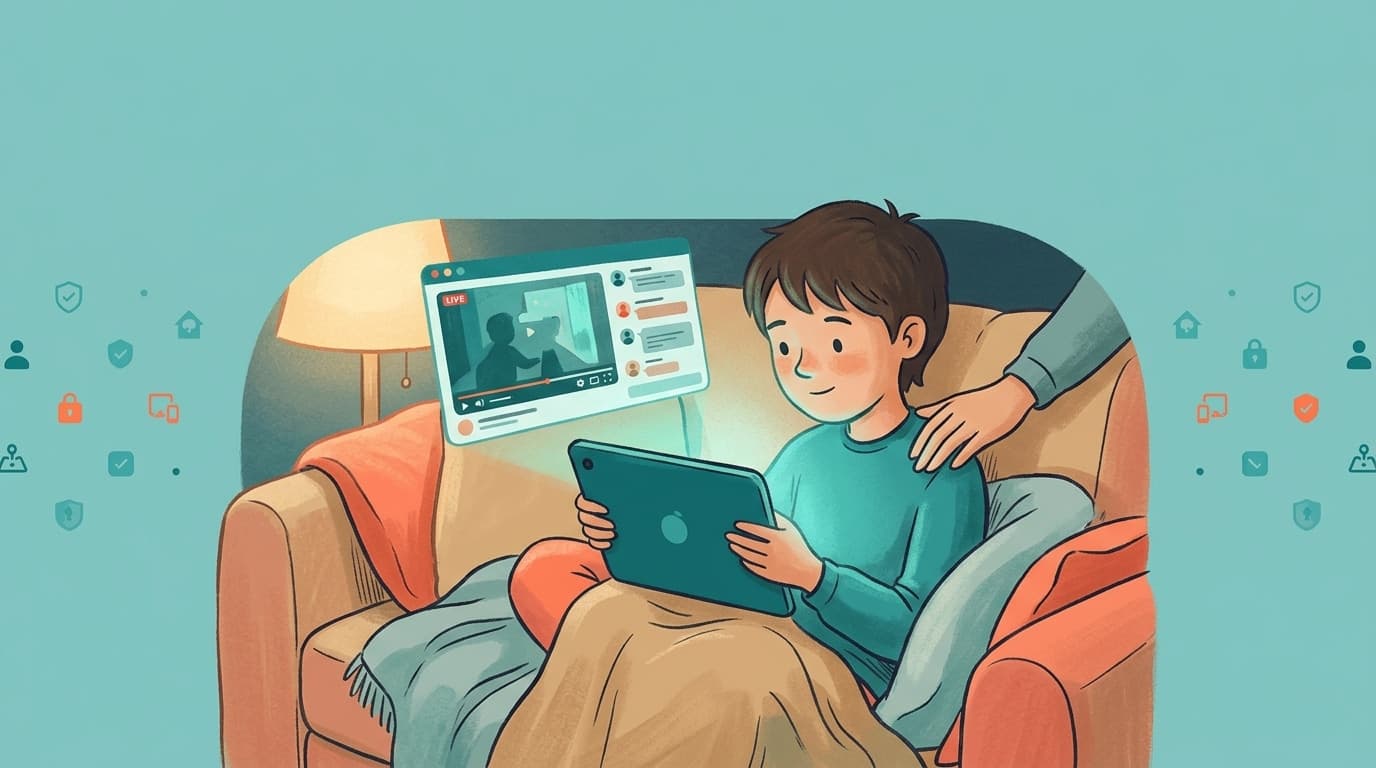
- Gaming live streams are the most popular YouTube format for kids aged 8 to 15. Fortnite, Roblox, Minecraft and GTA streamers play for hours while chatting with viewers in real time.
- Six risks sit inside the format itself: prolonged viewing, unscripted content, gambling-style monetization, parasocial attachment, mood and sleep effects, and contact with strangers in chat.
- Standard filters miss most of it because a live stream has no transcript to scan and the risky part is often the chat, not the video.
- The fix is to choose the streamers first. WhitelistVideo blocks every channel by default and plays only the ones you approve, on every device your child uses. Streams from approved channels still play, so your child keeps the creators they love.
Why live streams are different from ordinary videos
An uploaded video is finished before anyone sees it. YouTube can scan the audio, the creator can edit out mistakes, and age-restriction flags have time to catch up. A live stream is none of those things. The streamer reacts in the moment, the chat scrolls past faster than any moderator can read, and the stream can run for four or five hours.
For a child between 8 and 15, that combination matters. Gaming streamers feel like older friends, the chat feels like a club, and there is always a reason to stay for one more round.
The six risks parents report most
1. Streams are built to keep kids watching
Live streams have no natural end point. The streamer announces "one more game", the chat celebrates a win, a notification tells your child a favourite creator just went live. Parents describe children who skip meals, delay homework or stay up past midnight because the stream is still running.
The research on screen time and children supports the concern without overstating it. In a cohort of 9,208 children aged 9 to 10, every extra hour per day of watching videos was associated with an 11% higher chance of a new OCD diagnosis two years later, and every extra hour of video games with a 15% higher chance (Nagata et al., Journal of Adolescent Health, 2023). The study measured general video watching, not gaming streams specifically, and it shows association rather than cause. It is still a useful signal that long daily viewing is worth limiting.
2. Unscripted content
Streamers swear, make sexual jokes, discuss mature topics and lose their temper under pressure. Games like GTA show violence that an edited "family-friendly" highlights video would have cut. Because a stream is live, YouTube's own systems only react after the fact, if at all.
The chat beside the stream is the bigger problem. It can contain slurs, bullying, links to off-platform content and adult jokes that volunteer moderators miss. Your child reads all of it while the video plays.
3. Gambling-style monetization
Many gaming streams feature loot-box openings, skin gambling, mystery boxes and constant promotion of in-game purchases. Viewers pay for Super Chats, channel memberships and gifted memberships to get a shout-out from the streamer. Children watch other viewers spend money for attention and feel the pull to do the same.
The practical risk is unauthorized spending on a parent's card. The longer-term risk is that opening a mystery box on stream looks exactly like a slot machine, and children learn to find that exciting.
4. Parasocial attachment
A streamer who talks to the camera for three hours a day feels like a friend. Children form one-sided attachments, defend the streamer in arguments, and start to believe they know the person. That attachment makes a child more open to influence, from "buy this skin" to "join my Discord".
5. Mood, sleep and self-esteem
Parents commonly describe irritability when a stream is cut off, fear of missing a live moment, and late nights that show up as tired mornings. Watching a high-skill streamer for hours can also lower a child's view of their own ability at the same game. None of this requires a clinical label to be worth preventing.
6. Contact with strangers
Open chat, linked Discord servers and community posts give strangers a route to your child. Grooming attempts, phishing links and requests for personal information are documented across gaming and streaming communities. The stream itself may be harmless while the community around it is not.
Why the usual controls fall short
Parents usually try three tools first, and each solves a different problem than the one above.
- YouTube Restricted Mode hides some flagged videos. It does not know a live stream is risky until someone reports it, and it does nothing about chat.
- Screen Time and Family Link limit total time and lock the device at bedtime. They are the right tool for "how long", and WhitelistVideo is designed to work in direct conjunction with them. They cannot decide which streams are acceptable.
- YouTube Kids removes almost every gaming streamer, which is why children over 8 abandon it and move to the main app.
What is missing is a control over which creators can play. Once that exists, chat toxicity, donation pressure and random recommendations lose most of their reach.
Keep the streamers you trust. Nothing else plays.
WhitelistVideo blocks every YouTube channel by default and plays only the ones you approve, on phones, tablets, computers and Android TV. Your child asks for a new streamer from inside the app, you approve or decline in one tap.
How WhitelistVideo handles each risk
WhitelistVideo is a parental control built only for YouTube, for children aged 8 to 15, and younger children can use every feature. It blocks every channel by default and plays only the channels a parent approves.
A real channel whitelist. You approve specific YouTube channels. Only videos and streams from those channels play; everything else is blocked with a clear message. Your child requests new channels from inside the app and you approve or decline from the parent app.
Two viewing modes. Curated Feed (Android phones, tablets and Android TV) is a locked grid of only approved content: no search, no homepage, no recommendations. Full YouTube with filtering (every platform) lets older children search and browse the regular YouTube app while only approved channels play.
Shorts off, comments hidden, ads blocked. Shorts are blocked by default on every plan, with a dashboard toggle if you want them on. Comments can be hidden, downloads blocked and YouTube ads removed. Together these cut off the live-chat exposure and the autoplay traps that make gaming streams hard to leave.
Auto-pilot category screening (Premium). Checks category signals on new videos inside approved channels, so a family-friendly gaming channel that pivots to mature content is caught.
One list, every device. Phones, tablets, Chrome and Edge on computers, and Android TV all read the same approved list from the parent dashboard at app.whitelist.video, or from WhatsApp and Telegram.
Protection that holds. WhitelistVideo + Screen Time (iOS), Family Link (Android), Family Safety (Windows) or the Google Admin console (Chromebook) anchors the whitelist in the operating system. Only the parent's passcode or password can remove the pairing.
A practical setup for a gaming-mad household
- Sit down with your child and list the streamers they actually watch. Most children name five to ten.
- Approve those channels in WhitelistVideo. Leave Shorts off and comments hidden.
- Set time limits and bedtime locks in Screen Time or Family Link. WhitelistVideo handles what plays; the native controls handle how long.
- Turn on purchase approval for the child's Google or Apple account and keep your card off it.
- Agree a rule for new streamers: your child requests, you watch one stream, you approve or decline.
Expect the request list to fill up in the first week and settle down after that. Children stay engaged because they have a legitimate way to ask, and parents stay in control because nothing plays until they say so.
What this does not do, and what covers it
WhitelistVideo does not limit total viewing time or block other apps. Apple Screen Time, Google Family Link and Microsoft Family Safety do that well and for free, and WhitelistVideo is built to pair with them. It also does not moderate live chat inside an approved stream; hiding comments and choosing streamers with active moderation covers most of that gap.
A free 2-hour test period lets you confirm the whitelist holds on your child's device before you pay. Plans are per child, so you pay only for the children you protect.
Sources
- Nagata JM et al. "Screen Time and Obsessive-Compulsive Disorder Among Children 9-10 Years Old: A Prospective Cohort Study." Journal of Adolescent Health 72(3), 2023. https://doi.org/10.1016/j.jadohealth.2022.10.023
- Munzer TG et al. "Digital Ecosystems, Children, and Adolescents: Policy Statement." Pediatrics 157(2), 2026. https://publications.aap.org/pediatrics/article/157/2/e2025075320/206129/
- UK Government. "Social media to be banned for under-16s", 15 June 2026, which also announces restrictions on under-16s livestreaming themselves. https://www.gov.uk/government/news/social-media-to-be-banned-for-under-16s-in-landmark-government-move-to-givekids-their-childhood-back
Frequently Asked Questions
Live streams are unscripted, so a streamer who is fine in edited videos can swear, react badly or discuss adult topics on a live broadcast. The live chat beside the video is open to strangers and moderation is uneven. The safest approach is to decide which streamers your child can watch, then block everything else, rather than trying to catch bad moments one at a time.
YouTube has no setting that separates live streams from uploaded videos. With a channel whitelist you approve the channels themselves, so streams from approved channels play and every other stream is blocked. Pair that with a Shorts block and hidden comments and most of the live-chat exposure disappears.
Super Chats and channel memberships are real-money purchases tied to the Google account that is signed in. Use purchase approval in Family Link or Screen Time, keep your card off the child's account, and talk through why streamers ask for donations. On WhitelistVideo-protected devices the whitelist does not add a payment method, so no new spending path is created.
WhitelistVideo blocks every channel the parent has not approved, so live streams from unapproved channels never play. Live streams from approved channels do play, because you chose that creator. Comments and Shorts stay blocked unless you switch them on from the dashboard.








Published October 12, 2026 · Updated October 12, 2026

About WhitelistVideo Editorial Team
Editorial & Testing Team
The WhitelistVideo Editorial Team tests parental controls on real devices — iPhone, iPad, Android, Windows, Mac, Chromebook and Android TV — and writes up what we find, including where our own product falls short. Where a claim comes from a vendor's own documentation or from third-party testing, we cite it. Articles are reviewed by Arul Prakash, the founder of WhitelistVideo.
You Might Also Like
YouTube Shorts Addiction in Kids: The Variable Reward Machine Parents Don't Understand
YouTube Shorts uses slot-machine psychology to hook children. Learn how variable reward schedules create compulsive viewing, why kids are neurologically more vulnerable, and how to block the mechanism without banning YouTube entirely.
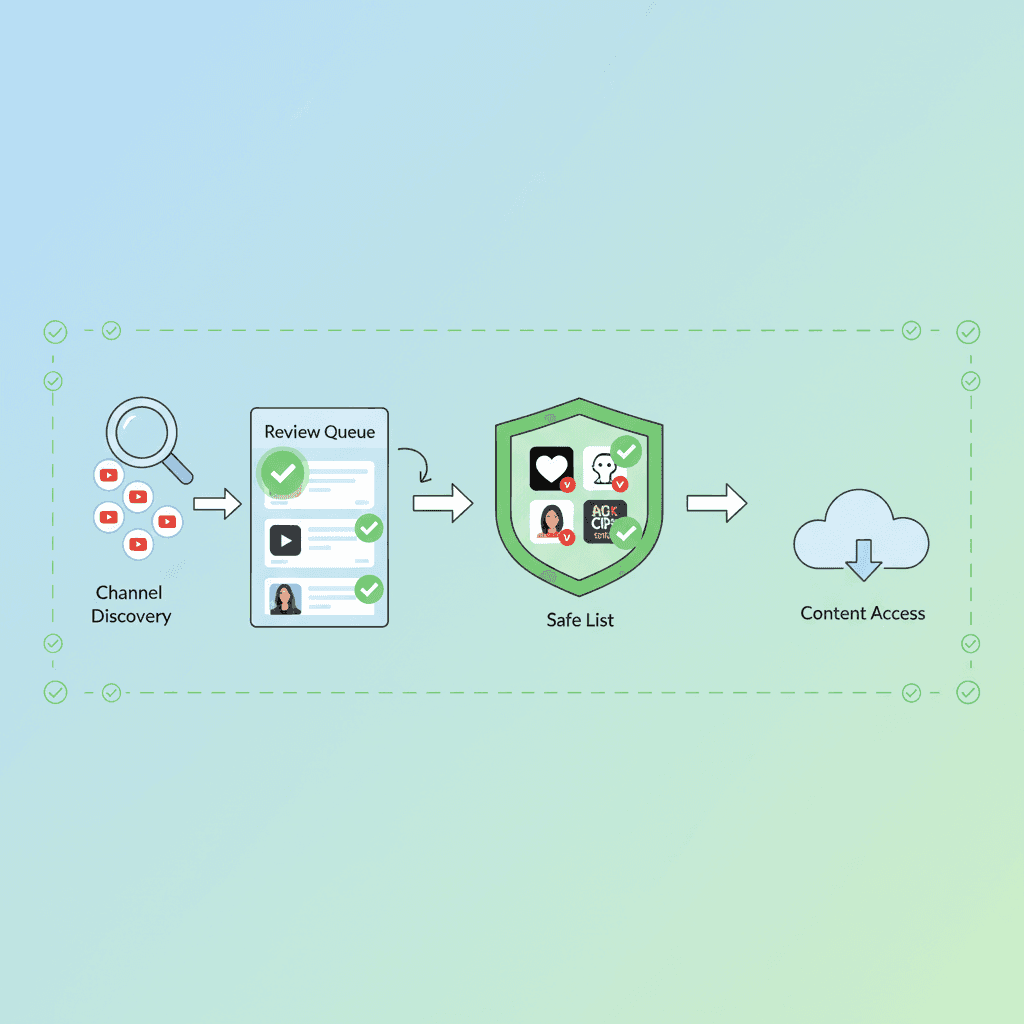
How to Whitelist YouTube Channels: The Complete Step-by-Step Guide (2026)
Learn to whitelist YouTube channels so kids only watch approved content. Step-by-step setup, recommended channels by age, and why it's the safest approach.

YouTube's Algorithm Rabbit Hole: Why 70% of Views Come from Recommendations
YouTube's algorithm drives 70% of views and pulls kids into extreme content. Learn why video filtering fails and channel whitelisting is the solution.
Curious what Google knows about us?
Add WhitelistVideo as a trusted source on Google — get instant context on how families keep kids safe on YouTube.
Ask Google about WhitelistVideo








