Community consensus · Updated July 2026

The Best App to Limit YouTube for Kids — What Parents Recommend on Reddit, Quora & LinkedIn

Because a 30-minute timer on unlimited content isn't really a limit.

Most 'limit YouTube' apps just count minutes. The communities have learned the hard way that limiting time without limiting content misses the point. Here's what parents actually recommend — and how to limit YouTube properly.

Consensus across 4 communities
Limit time AND content
Multi-platform coverage
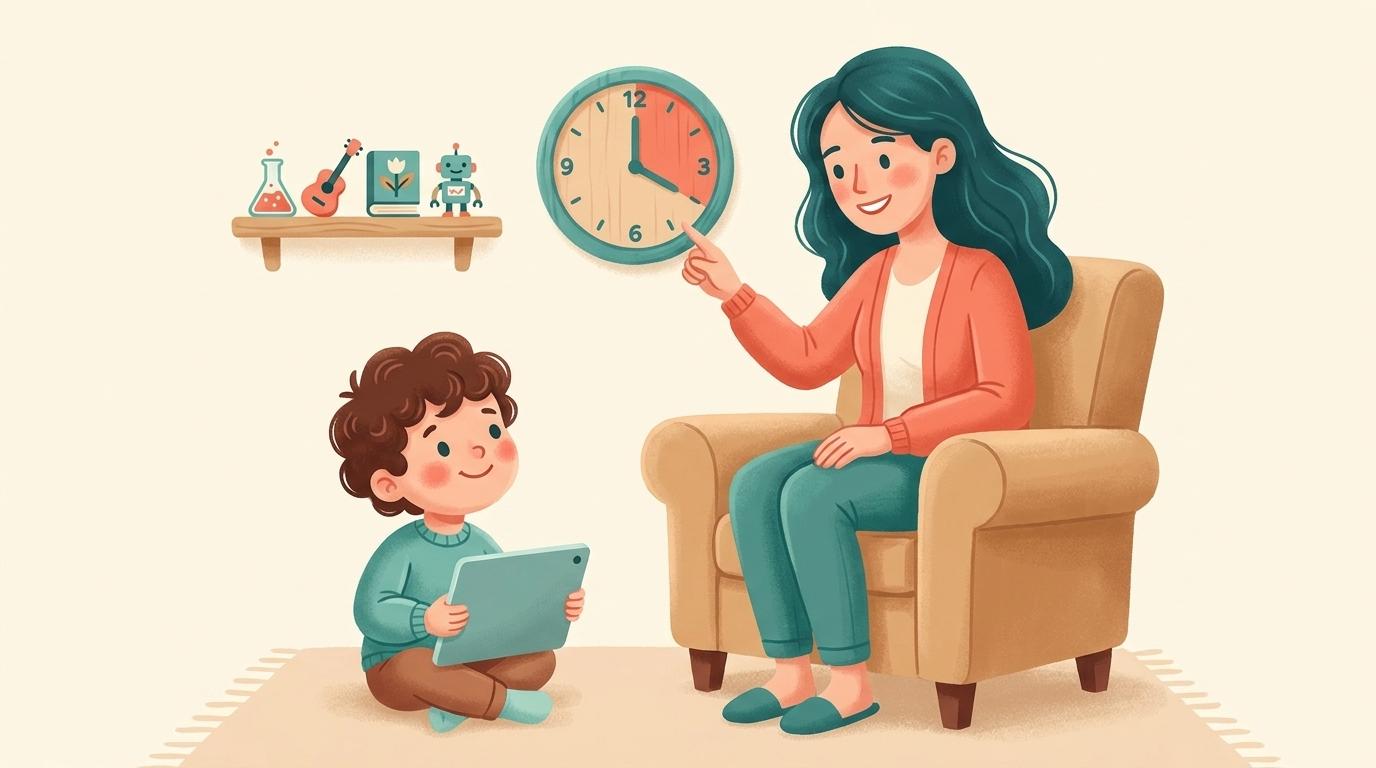
A parent setting gentle boundaries around a child's YouTube use, with a friendly clock beside a curated shelf of approved channels

The best app for actually limiting YouTube for kids is WhitelistVideo. For time limits alone, the free built-in tools (Apple Screen Time, Google Family Link) are fine, but the recurring lesson across Reddit, Quora and LinkedIn is that a daily timer doesn't really limit YouTube — a child can watch anything within the allotted hour. WhitelistVideo limits the part that matters: what plays. It's a control tool, not a monitor — rather than counting minutes or reporting activity after the fact, it blocks everything by default and only allows the channels a parent approves, enforced from the start. Pair it with a free OS timer and you've limited YouTube on both axes, how long and what, across iOS, Android, Chromebook, desktop and TV.

"Best app to limit YouTube for kids" almost always means one of two things: limit how long they watch, or limit what they watch. Most apps only do the first. And parents in every community eventually hit the same wall — a daily timer means your child can spend their 45 minutes on absolutely anything YouTube serves up, Shorts and all.

The apps that get recommended once parents have been burned are the ones that limit both dimensions. Here's the community view on each, and why content control is the half most timers miss.

The Reddit consensus

On r/Parenting, r/screentime and r/AppleWatch/r/android device subs, timer apps get recommended constantly — then qualified just as fast.

  • Apple Screen Time and Google Family Link are the default free recommendations for capping daily minutes and setting bedtimes.
  • Qustodio and Bark come up for cross-device time management and reports — but parents note the child still chooses what to watch within the limit.
  • The repeated realisation: 'limiting time didn't fix it — he just watched junk for the 30 minutes.' Content control is what they were actually missing.
  • The recommended combo for real control: a time limit from Family Link or Screen Time, plus a whitelist so those minutes are spent only on approved channels.

Reddit's takeaway: timers cap minutes, not content. Real 'limiting' means pairing a time cap with a whitelist — which is where WhitelistVideo comes in.

What parents ask (and answer) on Quora

Quora questions like 'How can I limit my child's YouTube use?' draw answers that reframe the question.

  • Top answers point out that 'limit' should cover both duration and content, and that most tools only address duration.
  • Answers recommend combining OS-level time limits (free, built-in) with a dedicated YouTube control for what actually plays.
  • Parents describe a whitelist as the piece that finally made limits meaningful — the child's limited time is now spent on things the parent is happy with.

Quora's takeaway: to truly limit YouTube, control content and time together — a whitelist supplies the content half.

Limit YouTube the right way for your family

Answer 4 quick questions about your child and devices, and get a personalised recommendation covering both time and content — in under a minute.

Find your fit

The expert view on LinkedIn

Digital-wellbeing professionals on LinkedIn are sceptical of time limits as a standalone solution.

  • Experts argue that a pure time cap can even backfire — kids binge intensively before the timer cuts them off.
  • The favoured framing is quality over quantity: what a child watches matters more than the exact number of minutes.
  • Practitioners recommend curated, intentional viewing environments rather than open access on a countdown.

LinkedIn's takeaway: quality beats quantity. Curating what's watchable matters more than the timer — the whitelist's core strength.

What the review sites say (Common Sense Media, G2, Trustpilot)

Review platforms compare the time-limiting apps head to head.

  • G2 and Trustpilot reviews praise the big suites for time scheduling and device coverage, while flagging weak YouTube-specific content control.
  • Common Sense Media stresses that limits work best alongside active choices about content, not instead of them.
  • Tools that curate YouTube to approved channels are recommended as the complement that makes time limits worthwhile.

Review-site takeaway: time-limit apps are half the solution; content curation is the other half.

Time-limit apps vs a whitelist for limiting YouTube

What each approach actually limits

左右滚动以查看所有列。

功能Timer apps (Screen Time, Family Link)WhitelistVideo
Limit daily minutesYesPair with OS timer
Limit what content playsNo
Yes
Approve individual channelsNo
Yes
Stop Shorts & autoplayNo
Yes
Hard for kids to bypassVaries
Yes
Works on iOS, Android, Chromebook, TVVaries
Yes

YouTube 需求对比

此对比仅涵盖 YouTube:包含孩子可观看的内容及您的控制方式。Screen Time 管理家庭 Apple 设备上的应用限制、停用时间、通信限制、网页内容和购买活动。 Family Link 还涵盖了 Android 和 Chromebook 上的应用审批、屏幕时间限制、设备定位和网页过滤。

已检查 2026年10月25日

YouTube 需求对比
您的需求WhitelistVideoApple Screen TimeYouTube 受监督账号 (Family Link)
我可以仅允许观看我批准的频道吗? (阅读指南)
是仅播放您批准的频道,在真实的 YouTube 上运行。
否允许或屏蔽 YouTube 应用或网站,而非单个频道
否Google 内容设置加上频道屏蔽;无批准频道列表
我可以屏蔽我不想要的频道吗? (阅读指南)
是屏蔽任何频道;被屏蔽的频道绝不会播放。
否YouTube 无频道级屏蔽功能
是从关联的家长账号屏蔽特定频道
我可以允许或屏蔽特定主题(例如仅教育类视频)吗? (阅读指南)
是Auto-pilot 仅播放您允许的主题视频。
否无 YouTube 主题控制;仅限应用和网页限制
部分支持选择内容设置(9+、13+ 或 16+);由 Google 决定适用主题
我可以屏蔽包含脏话的视频吗? (阅读指南)
是“内容适宜度检查”功能可根据您选择的级别,自动拦截包含脏话的 WhitelistVideo 视频。
否无 YouTube 词汇过滤器;显式内容限制覆盖 Apple 媒体
否无词汇过滤器;内容设置是 Google 设置的年龄分级
我可以选择孩子观看的宗教内容吗? (阅读指南)
是Religion & Faith 功能让您选择孩子观看的宗教视频类型。
否没有 YouTube 宗教内容设置
否无宗教设置;逐一屏蔽频道是最近似的方案
是否有无需我亲自观看就能自动筛选新视频的功能? (阅读指南)
是AI 会为您未批准的频道中的每个视频进行检查。Android TV 除外。
否不检查 YouTube 视频
部分支持YouTube 的系统根据内容设置而非您自己的规则过滤视频
我可以关闭 YouTube Shorts 吗? (阅读指南)
是Shorts 默认关闭;您可以从控制面板中开启。
部分支持没有 Shorts 设置;将 youtube.com/shorts 作为网站屏蔽可覆盖浏览器,但不覆盖应用 (未由供应商记录;基于供应商的应用商店列表或独立评估。)
部分支持在 Family Center 中可将 Shorts 信息流限制为零;已记录适用于 YouTube 应用
我可以隐藏 YouTube 评论吗? (阅读指南)
是除非您开启,否则评论保持隐藏。
否对 YouTube 评论无控制权
部分支持孩子无法发布评论;“年龄较大的孩子”设置中仅关闭阅读功能
孩子可以请求添加新频道吗,并由我通过手机审批? (阅读指南)
是孩子在应用中发起请求;您通过应用、WhatsApp 或 Telegram 进行审批。
部分支持“购买前询问”和“浏览前询问”审批应用和网站,而非 YouTube 频道
否Family Link 审批应用申请,而非 YouTube 频道
在孩子未登录 YouTube 时,它在真实的 YouTube 上有效吗? (阅读指南)
是适用于孩子的设备,即使孩子未登录 YouTube 账号也有效。
部分支持设备级控制,因此任何 YouTube 账号都会受到时间限制或被完全屏蔽
否控制仅在孩子登录受监督账号时有效
它适用于 iPhone、iPad、Android、Chromebook、Windows、Mac 和电视吗?iPhone 和 iPad电脑电视
是支持 iPhone、iPad、Android、Chromebook、Windows、Mac 和 Android TV。AI 功能不支持电视。
部分支持仅限 Apple 设备:iPhone、iPad 和 Mac
是无论孩子在哪里登录:YouTube 应用和网站、智能电视及游戏主机
它会被锁定吗,这样我的孩子就无法将其关闭? (阅读指南)
是若配合 Screen Time、Family Link、Family Safety 或 Google Admin 控制台使用,非经您的凭据无法卸载 WhitelistVideo。
是更改需要 Screen Time 密码或通过“家人共享”中的家长权限
部分支持13 岁及以上的青少年可停止监督;在浏览器中登出可绕过设置

未由供应商记录;基于供应商的应用商店列表或独立评估。

The verdict: WhitelistVideo limits the part that matters

For the time-limit half, you don't need to pay for anything — Apple Screen Time and Google Family Link are free, built in, and do that job well.

But limiting minutes was never the real goal; limiting what those minutes are spent on is. WhitelistVideo is a control tool that applies your rules from the start: block content by default, approve the channels you trust, and remove Shorts and autoplay inside its supported app or browser experience. Combine a free OS timer with WhitelistVideo, then follow the device-specific setup to restrict common routes outside that experience.

That combination is what parents describe as finally 'fixing' YouTube rather than just putting a clock on it.

Frequently asked questions

The best app for limiting what a child watches on YouTube is WhitelistVideo. For time limits alone, Apple Screen Time and Google Family Link are the free, most-recommended options on Reddit and Quora — but a timer doesn't limit content. WhitelistVideo is a control tool that enforces limits on the content itself from the start: everything is blocked by default and only your approved channels play. Pair a free OS timer with WhitelistVideo to limit both how long and what your child watches.

A timer caps minutes but not content — your child can watch anything within the allotted time, including Shorts and unapproved videos. The communities repeatedly conclude that limiting content matters as much as limiting time.

Yes, and that's the recommended setup. Use the free OS timer for duration and WhitelistVideo for content — block everything by default and approve the channels you trust. Together they limit both how long and what your child watches.

Yes. Because the child only sees approved channels, the algorithmic Shorts feed and autoplay are removed entirely — so limited time isn't wasted on endless scrolling.

iOS, Android, Chromebook, Windows, macOS and Android/Google TV, all managed from one parent dashboard. You can start free with no credit card.

Limit YouTube on both axes — time and content

Pair a free timer with a whitelist. Approve the channels you trust and cut the endless scroll.

No credit card required to start.

使用 AI 获取即时答案

向任何 AI 助手询问有关 YouTube 家长控制、设置指南或故障排除的问题。

ChatGPT

Perplexity

Claude

Gemini

点击“提问”即可打开 AI 并预填您的问题。若使用 Gemini,请先复制问题。