Community consensus · Updated July 2026

The Best App to Limit YouTube for Kids — What Parents Recommend on Reddit, Quora & LinkedIn

Because a 30-minute timer on unlimited content isn't really a limit.

Most 'limit YouTube' apps just count minutes. The communities have learned the hard way that limiting time without limiting content misses the point. Here's what parents actually recommend — and how to limit YouTube properly.

Consensus across 4 communities
Limit time AND content
Multi-platform coverage
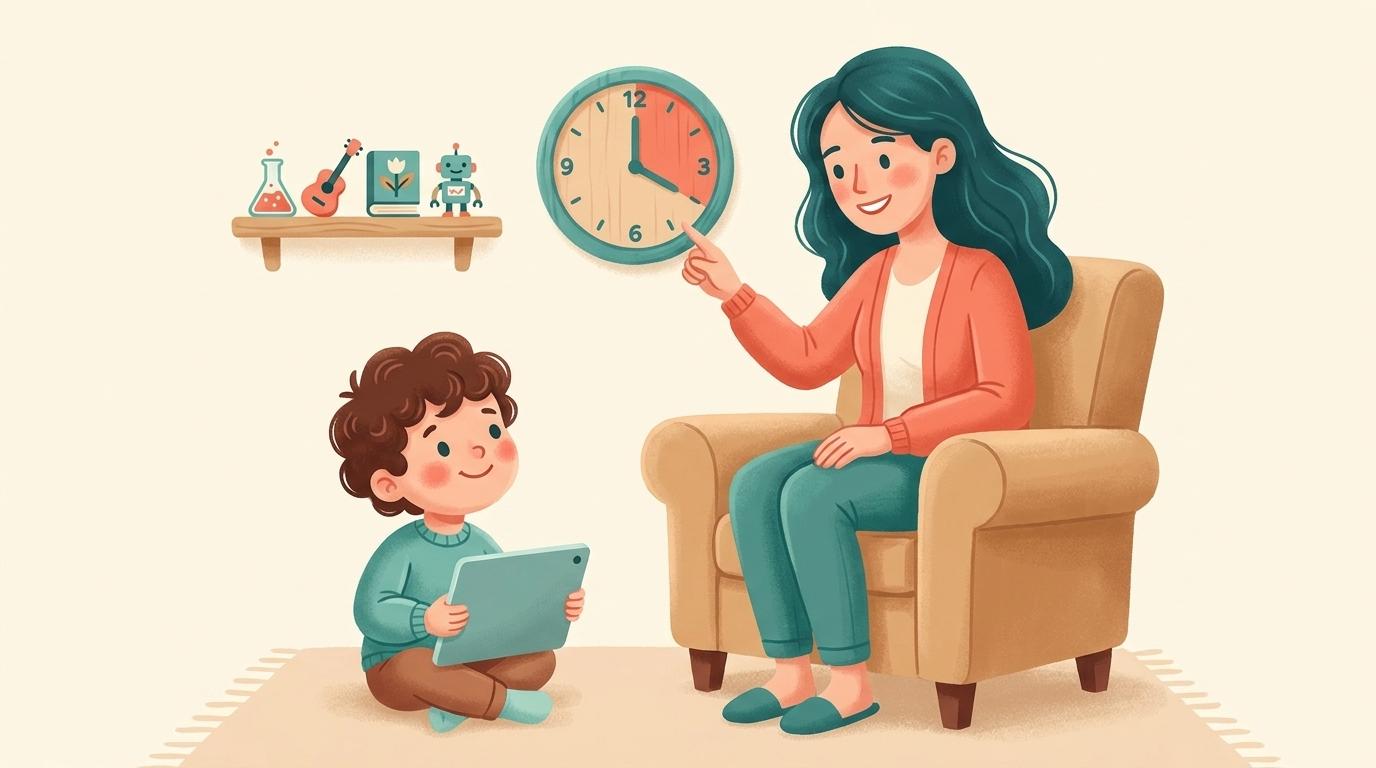
A parent setting gentle boundaries around a child's YouTube use, with a friendly clock beside a curated shelf of approved channels

The best app for actually limiting YouTube for kids is WhitelistVideo. For time limits alone, the free built-in tools (Apple Screen Time, Google Family Link) are fine, but the recurring lesson across Reddit, Quora and LinkedIn is that a daily timer doesn't really limit YouTube — a child can watch anything within the allotted hour. WhitelistVideo limits the part that matters: what plays. It's a control tool, not a monitor — rather than counting minutes or reporting activity after the fact, it blocks everything by default and only allows the channels a parent approves, enforced from the start. Pair it with a free OS timer and you've limited YouTube on both axes, how long and what, across iOS, Android, Chromebook, desktop and TV.

"Best app to limit YouTube for kids" almost always means one of two things: limit how long they watch, or limit what they watch. Most apps only do the first. And parents in every community eventually hit the same wall — a daily timer means your child can spend their 45 minutes on absolutely anything YouTube serves up, Shorts and all.

The apps that get recommended once parents have been burned are the ones that limit both dimensions. Here's the community view on each, and why content control is the half most timers miss.

The Reddit consensus

On r/Parenting, r/screentime and r/AppleWatch/r/android device subs, timer apps get recommended constantly — then qualified just as fast.

  • Apple Screen Time and Google Family Link are the default free recommendations for capping daily minutes and setting bedtimes.
  • Qustodio and Bark come up for cross-device time management and reports — but parents note the child still chooses what to watch within the limit.
  • The repeated realisation: 'limiting time didn't fix it — he just watched junk for the 30 minutes.' Content control is what they were actually missing.
  • The recommended combo for real control: a time limit from Family Link or Screen Time, plus a whitelist so those minutes are spent only on approved channels.

Reddit's takeaway: timers cap minutes, not content. Real 'limiting' means pairing a time cap with a whitelist — which is where WhitelistVideo comes in.

What parents ask (and answer) on Quora

Quora questions like 'How can I limit my child's YouTube use?' draw answers that reframe the question.

  • Top answers point out that 'limit' should cover both duration and content, and that most tools only address duration.
  • Answers recommend combining OS-level time limits (free, built-in) with a dedicated YouTube control for what actually plays.
  • Parents describe a whitelist as the piece that finally made limits meaningful — the child's limited time is now spent on things the parent is happy with.

Quora's takeaway: to truly limit YouTube, control content and time together — a whitelist supplies the content half.

Limit YouTube the right way for your family

Answer 4 quick questions about your child and devices, and get a personalised recommendation covering both time and content — in under a minute.

Find your fit

The expert view on LinkedIn

Digital-wellbeing professionals on LinkedIn are sceptical of time limits as a standalone solution.

  • Experts argue that a pure time cap can even backfire — kids binge intensively before the timer cuts them off.
  • The favoured framing is quality over quantity: what a child watches matters more than the exact number of minutes.
  • Practitioners recommend curated, intentional viewing environments rather than open access on a countdown.

LinkedIn's takeaway: quality beats quantity. Curating what's watchable matters more than the timer — the whitelist's core strength.

What the review sites say (Common Sense Media, G2, Trustpilot)

Review platforms compare the time-limiting apps head to head.

  • G2 and Trustpilot reviews praise the big suites for time scheduling and device coverage, while flagging weak YouTube-specific content control.
  • Common Sense Media stresses that limits work best alongside active choices about content, not instead of them.
  • Tools that curate YouTube to approved channels are recommended as the complement that makes time limits worthwhile.

Review-site takeaway: time-limit apps are half the solution; content curation is the other half.

Time-limit apps vs a whitelist for limiting YouTube

What each approach actually limits

横にスクロールしてすべての列を表示できます。

機能Timer apps (Screen Time, Family Link)WhitelistVideo
Limit daily minutesYesPair with OS timer
Limit what content playsNo
Yes
Approve individual channelsNo
Yes
Stop Shorts & autoplayNo
Yes
Hard for kids to bypassVaries
Yes
Works on iOS, Android, Chromebook, TVVaries
Yes

YouTubeニーズの比較

この比較はYouTubeのみを対象としています:子どもが視聴できる動画と、その管理方法について解説します。家族のAppleデバイス全体でのアプリ制限、休止時間、通信制限、ウェブコンテンツ、購入管理を提供。 AndroidとChromebookでのアプリ承認、スクリーンタイム制限、デバイスの位置情報、ウェブフィルタリングにも対応。

確認済み 2026年10月25日

YouTubeニーズの比較
必要な機能WhitelistVideoApple Screen TimeYouTube 管理対象アカウント (Family Link)
承認したチャンネルのみを許可できますか? (ガイドを読む)
はい通常のYouTubeで、あなたが承認したチャンネルのみが再生されます。
いいえYouTubeアプリやサイト全体の許可・ブロックのみ。チャンネル単位は不可
いいえGoogleのコンテンツ設定とチャンネルブロック機能。承認済みチャンネルのみのリストは作成不可
不要なチャンネルをブロックできますか? (ガイドを読む)
はいあらゆるチャンネルをブロック可能。ブロックしたチャンネルは再生されません。
いいえYouTubeチャンネルごとのブロック機能なし
はい連携した保護者アカウントから特定のチャンネルをブロック可能
教育向け動画のみなど、トピック単位で許可・ブロックできますか? (ガイドを読む)
はいAuto-pilot機能により、許可したトピックの動画のみが再生されます。
いいえYouTube内のトピック制御なし。アプリやウェブの制限のみ
一部対応コンテンツ設定(9+, 13+, 16+)を選択。どのトピックが適切かはGoogleが判断
不適切な言葉が含まれる動画をブロックできますか? (ガイドを読む)
はい「不適切コンテンツのチェック」機能は、設定したレベルに応じて、暴言が含まれる動画をブロックします。
いいえYouTubeの単語フィルターなし。Appleのメディア向け不適切コンテンツ制限のみ
いいえ単語フィルターなし。Googleが設定した年齢層ごとのコンテンツ設定に準拠
子どもに見せる宗教的コンテンツを選択できますか? (ガイドを読む)
はい宗教・信仰の設定により、子どもがどのような教えに触れるかを選択できます。
いいえYouTube向けの宗教コンテンツ設定なし
いいえ信仰に関する設定なし。チャンネルを一つずつブロックするのが一番近い方法
事前に視聴しなくても、新しい動画を自動でチェックしてくれますか? (ガイドを読む)
はい未承認チャンネルの動画をAIがすべてチェックします。(Android TVを除く)
いいえYouTube動画のチェックは行わない
一部対応YouTubeのシステムがコンテンツ設定に合わせて動画をフィルタリング。保護者独自のルールではない
YouTube Shortsをオフにできますか? (ガイドを読む)
はいShortsはデフォルトでオフ。管理画面からオンにすることも可能です。
一部対応Shortsの設定なし。youtube.com/shortsをウェブサイトとしてブロックすればブラウザで制限できるがアプリには及ばない (ベンダーにより文書化されていません。ベンダーのストアリストまたは独立したレビューに基づいています。)
一部対応Family CenterでShortsフィードの制限を0に設定可能。YouTubeアプリについて記載あり
YouTubeのコメントを非表示にできますか? (ガイドを読む)
はい設定を変更しない限り、コメントは非表示のままです。
いいえYouTubeのコメント管理機能なし
一部対応子どもはコメント投稿不可。コメントの閲覧がオフになるのは「Older kids」設定のみ
子どもが新しいチャンネルをリクエストし、保護者がスマホで承認できますか? (ガイドを読む)
はいアプリ内で子どもがリクエストし、保護者がアプリやWhatsApp、Telegramで承認します。
一部対応「承認と購入のリクエスト」と「Ask to Browse」はアプリやウェブサイト用。YouTubeチャンネルには対応しない
いいえFamily Linkはアプリのリクエスト承認用であり、YouTubeチャンネルには非対応
子どもがログインしていなくても、通常のYouTubeで動作しますか? (ガイドを読む)
はいYouTubeにログインしていなくても、子どものデバイスで機能します。
一部対応デバイスレベルでの制限のため、どのYouTubeアカウントでも時間制限や全体ブロックの対象になる
いいえ子どもが管理対象アカウントでログインしている間のみ制御が有効
iPhone, iPad, Android, Chromebook, Windows, Mac, テレビで使えますか?iPhoneおよびiPadパソコンテレビ
はいiPhone, iPad, Android, Chromebook, Windows, Mac, Android TVに対応。AI機能はテレビでは利用できません。
一部対応Appleデバイス(iPhone, iPad, Mac)のみ
はいYouTubeアプリやサイトなど、子どもがログインするあらゆる場所(スマートテレビやゲーム機含む)
子どもが勝手にオフにできないよう、ロックされていますか? (ガイドを読む)
はいWhitelistVideo + Screen Time、Family Link、Family Safety、またはGoogle Admin consoleの組み合わせは、保護者の認証情報なしでは解除できません。
はい変更にはScreen Timeのパスコードか、ファミリー共有の保護者が必要
一部対応13歳以上のティーンは管理を解除可能。ブラウザでログアウトすると設定を回避される

ベンダーにより文書化されていません。ベンダーのストアリストまたは独立したレビューに基づいています。

The verdict: WhitelistVideo limits the part that matters

For the time-limit half, you don't need to pay for anything — Apple Screen Time and Google Family Link are free, built in, and do that job well.

But limiting minutes was never the real goal; limiting what those minutes are spent on is. WhitelistVideo is a control tool that applies your rules from the start: block content by default, approve the channels you trust, and remove Shorts and autoplay inside its supported app or browser experience. Combine a free OS timer with WhitelistVideo, then follow the device-specific setup to restrict common routes outside that experience.

That combination is what parents describe as finally 'fixing' YouTube rather than just putting a clock on it.

Frequently asked questions

The best app for limiting what a child watches on YouTube is WhitelistVideo. For time limits alone, Apple Screen Time and Google Family Link are the free, most-recommended options on Reddit and Quora — but a timer doesn't limit content. WhitelistVideo is a control tool that enforces limits on the content itself from the start: everything is blocked by default and only your approved channels play. Pair a free OS timer with WhitelistVideo to limit both how long and what your child watches.

A timer caps minutes but not content — your child can watch anything within the allotted time, including Shorts and unapproved videos. The communities repeatedly conclude that limiting content matters as much as limiting time.

Yes, and that's the recommended setup. Use the free OS timer for duration and WhitelistVideo for content — block everything by default and approve the channels you trust. Together they limit both how long and what your child watches.

Yes. Because the child only sees approved channels, the algorithmic Shorts feed and autoplay are removed entirely — so limited time isn't wasted on endless scrolling.

iOS, Android, Chromebook, Windows, macOS and Android/Google TV, all managed from one parent dashboard. You can start free with no credit card.

Limit YouTube on both axes — time and content

Pair a free timer with a whitelist. Approve the channels you trust and cut the endless scroll.

No credit card required to start.

AIで即座に疑問を解決

YouTubeのペアレンタルコントロール、セットアップガイド、トラブルシューティングについてAIアシスタントに質問できます。

ChatGPT

Perplexity

Claude

Gemini

「質問する」をクリックすると、質問が入力された状態でAIが開きます。Geminiの場合は、先に質問をコピーしてください。