
Parenting in the Digital Age
Page 4 of 5
Showing 73-96 of 106 articles

Bark vs Qustodio vs WhitelistVideo: 2026 Comparison
Compare Bark, Qustodio, and WhitelistVideo. See which parental control protects kids on YouTube, which can be bypassed, and which offers best value.

Can Kids Bypass Qustodio? 7 Methods Explained + The Bypass-Proof Solution
Yes, kids can bypass Qustodio using VPNs, factory resets, and 5 other methods. Here's why all blacklist-based controls are vulnerable—and how whitelist filtering solves the problem permanently (5-minute setup).
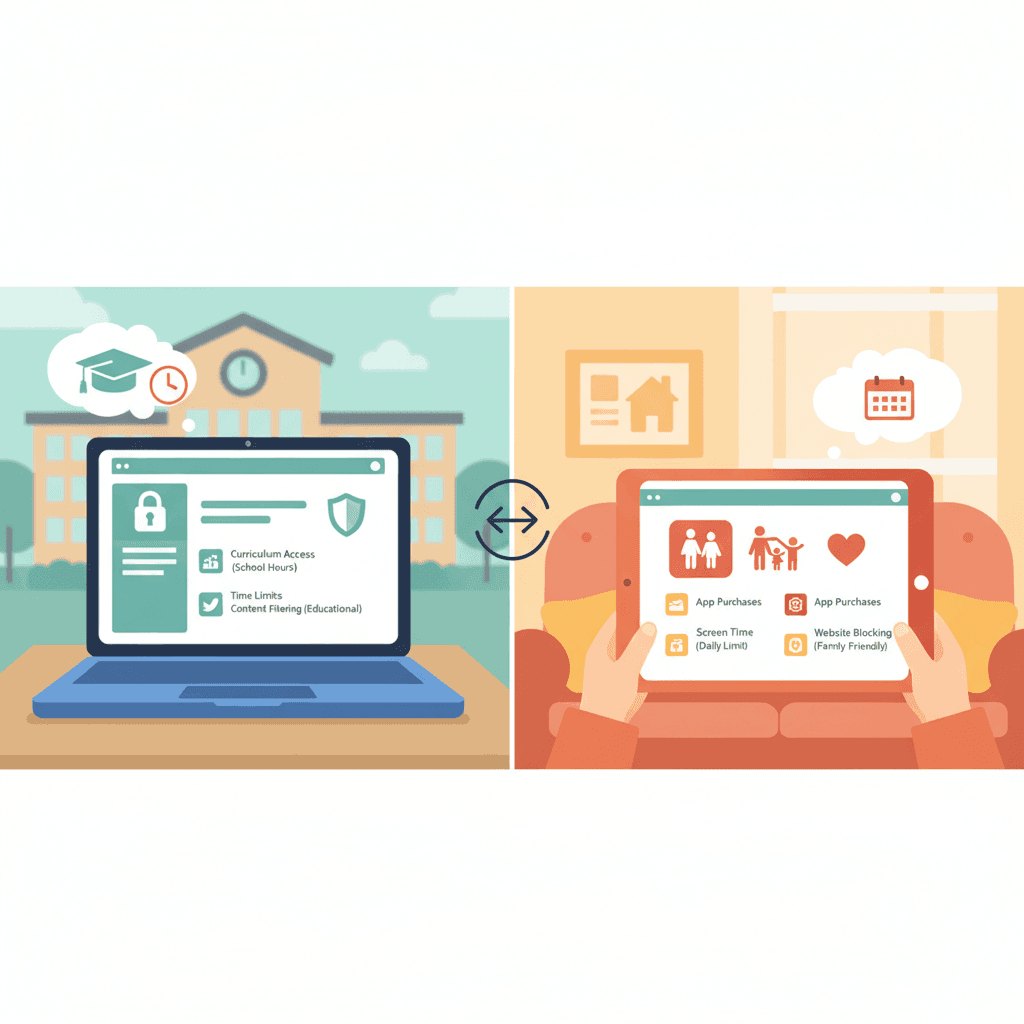
School Chromebook vs Personal Device: Why Home Controls Fall Short (2026)
School Chromebooks have strong controls, but personal devices are unprotected. Learn the differences and how to protect YouTube on both.

GoGuardian for Home Use: Why It Doesn't Exist (And What to Use Instead)
GoGuardian is school-only with no home product. Parents want the same YouTube channel whitelisting they see at school but can't buy it. Here's the best alternative.

How to Whitelist YouTube Channels: The Complete Step-by-Step Guide (2026)
Learn to whitelist YouTube channels so kids only watch approved content. Step-by-step setup, recommended channels by age, and why it's the safest approach.

Monitoring vs Prevention: Which Parental Control Works?
Monitoring apps detect content after exposure. Prevention tools block it before kids see it. Learn which approach works best for YouTube.

Parental Controls Without Text Monitoring: Building Trust While Keeping Kids Safe
The best parental controls focus on YouTube safety without spying on texts or location. Build trust with teens while keeping them safe online.

Parental Controls with Request Access: How This Feature Changes Everything
Request/approval features transform blocking into collaboration. Learn how this reduces conflict, teaches responsibility, and builds trust with kids.

Parental Controls Without Spying: Build Trust Instead
WhitelistVideo doesn't read texts, track location, or monitor messages. Learn how channel whitelisting protects kids while respecting privacy and building trust.

Parental Controls for Young Kids: Why Whitelisting Beats Monitoring (Under 10)
Young children under 10 need prevention, not monitoring. Learn why the whitelist approach is perfect for this age group and how it differs from controls for teenagers.

Qustodio Alternatives (2026): 4 Options That Control What Plays on YouTube
Qustodio relies on YouTube Restricted Mode which fails 20-30% of the time and is easily bypassed. Here are better alternatives with true YouTube channel whitelisting.

School vs Home Parental Controls: What Actually Works
School controls like Securly work great at school but fail at home. Learn why institutional tools don't work for families and what to use instead.

Best Securly Alternatives for Parents (2026 Guide)
Securly Home has a 1.3-star rating and doesn't offer YouTube channel whitelisting. Parents want Securly's school features at home but can't get them. Here are the best alternatives.

Securly Class Action Lawsuit: Data Privacy Concerns and Why Parents Are Switching
Securly faces data privacy controversy and class action concerns. Learn about the issues and why families are switching to privacy-first alternatives.

Securly Home App Not Working? Here's Why (And What Actually Works)
Securly Home has a 1.3-star rating and only works on school-issued devices. Learn why it fails at home and discover the parental control solution actually designed for families.

10 Signs Your Parental Control App Isn't Working
Is your parental control providing real protection or false security? Learn the 10 signs kids bypassed your controls and what actually works.

7 Ways Kids Bypass YouTube Restricted Mode (And Fixes)
YouTube Restricted Mode is shockingly easy to bypass. Learn the 7 specific methods kids use to circumvent it—and why whitelist controls are the only approach that actually works.

What is Whitelist Parental Control? Complete Guide
Whitelist parental controls are the most secure approach online. Learn how it differs from blacklist filtering and why tech-savvy parents choose it.

Why Kids Bypass Parental Controls: Psychology & Fixes
Understand why kids circumvent parental controls. Learn why traditional apps fail and how whitelist approaches work with teen psychology.

YouTube's Algorithm Rabbit Hole: Why 70% of Views Come from Recommendations
YouTube's algorithm drives 70% of views and pulls kids into extreme content. Learn why video filtering fails and channel whitelisting is the solution.

5 YouTube Features Bark & Qustodio Don't Have
Bark and Qustodio are popular parental control apps, but they can't do what WhitelistVideo does for YouTube safety. Learn the 5 critical features only channel whitelisting provides.
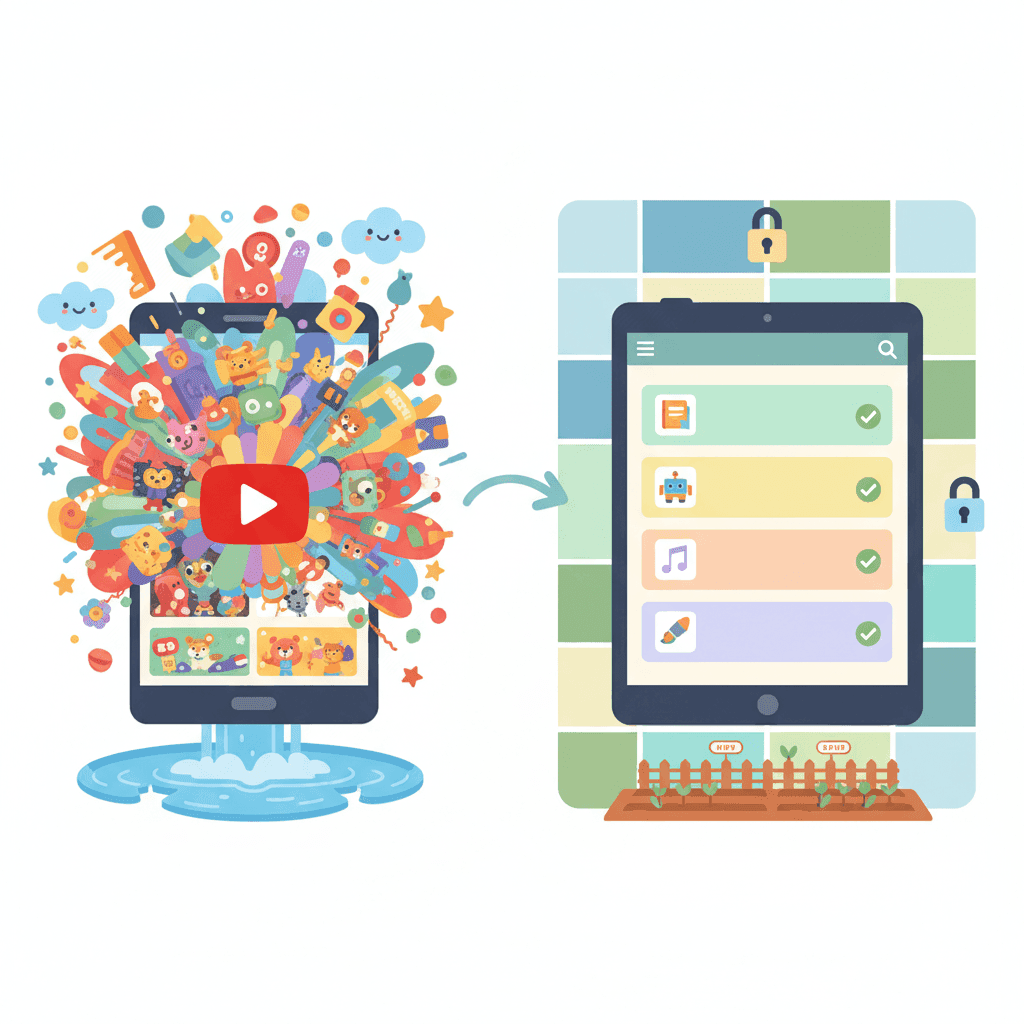
Is YouTube Kids Safer Than Regular YouTube? (2026 Truth)
YouTube Kids filters miss disturbing content and kids age out by 8. Compare real safety data for YouTube Kids vs regular YouTube and find what actually protects your child.

Why Parental Controls Don't Work in Incognito Mode (And What Actually Does)
Most parental controls fail completely in incognito mode. Learn why private browsing bypasses YouTube restrictions and discover the only solution that works regardless.

YouTube Safety for Kids: The Complete 2026 Parent's Guide to Every Option
Compare every YouTube control: YouTube Kids, Restricted Mode, Family Link, and whitelist controls. Learn which actually works and which is security theater.









