How to Add More Children
Need to protect more children? This guide shows you how to add more child profiles based on your plan.
Check Your Plan First
Scroll horizontally to see all columns.
| Your Plan | Can Add More? | What to Do |
|---|---|---|
| Free / Test Period | 1 child max | Upgrade to Basic or Premium |
| Basic / Premium | Unlimited | Buy more slots if needed |
| Lifetime | Up to 5 | Included in your plan |
Test Period and Free Users (Upgrade Required)
Free accounts and the 2-hour test period include 1 child. To add more, you'll need to upgrade to a paid plan.
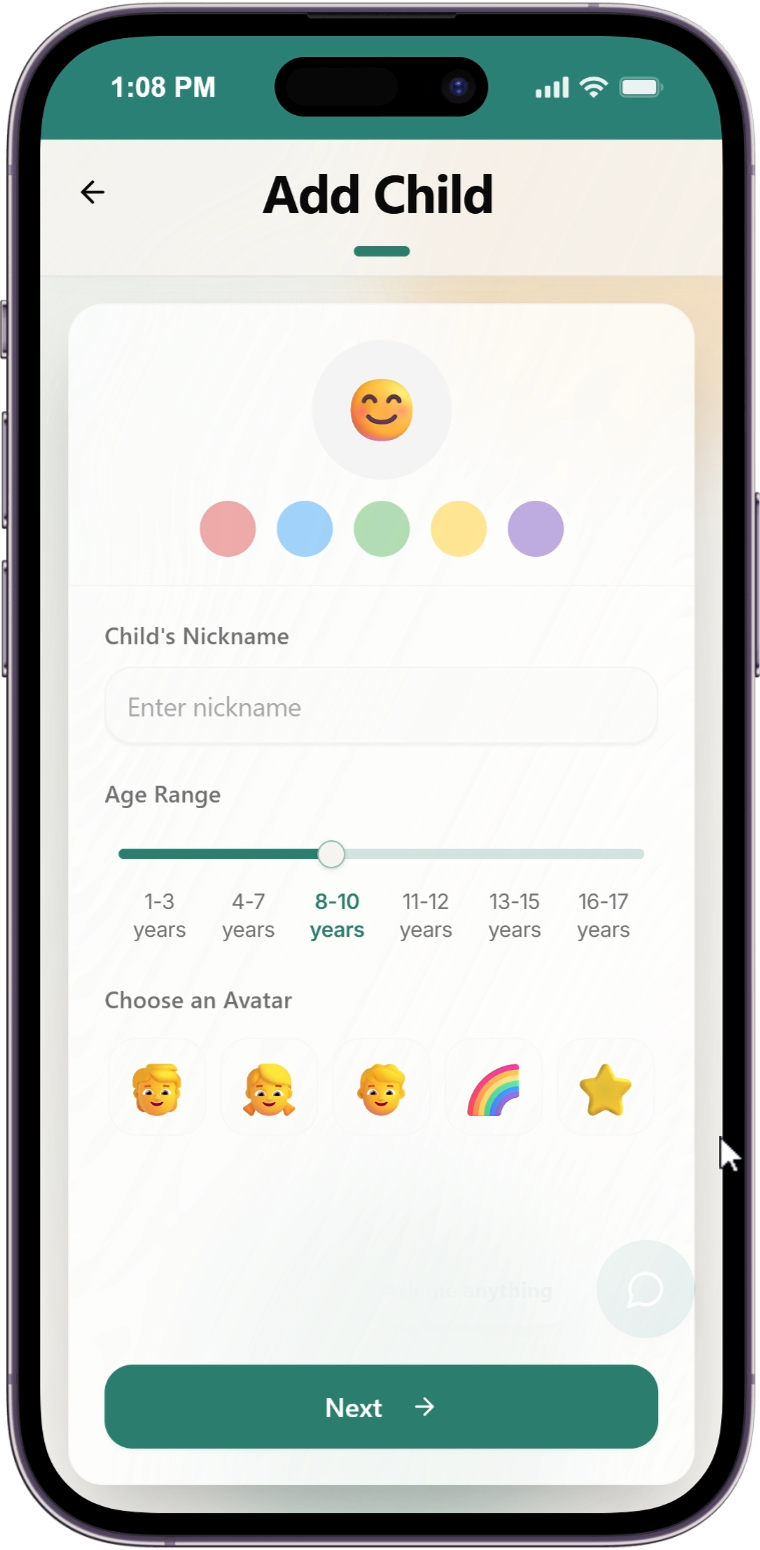
Click Add Child
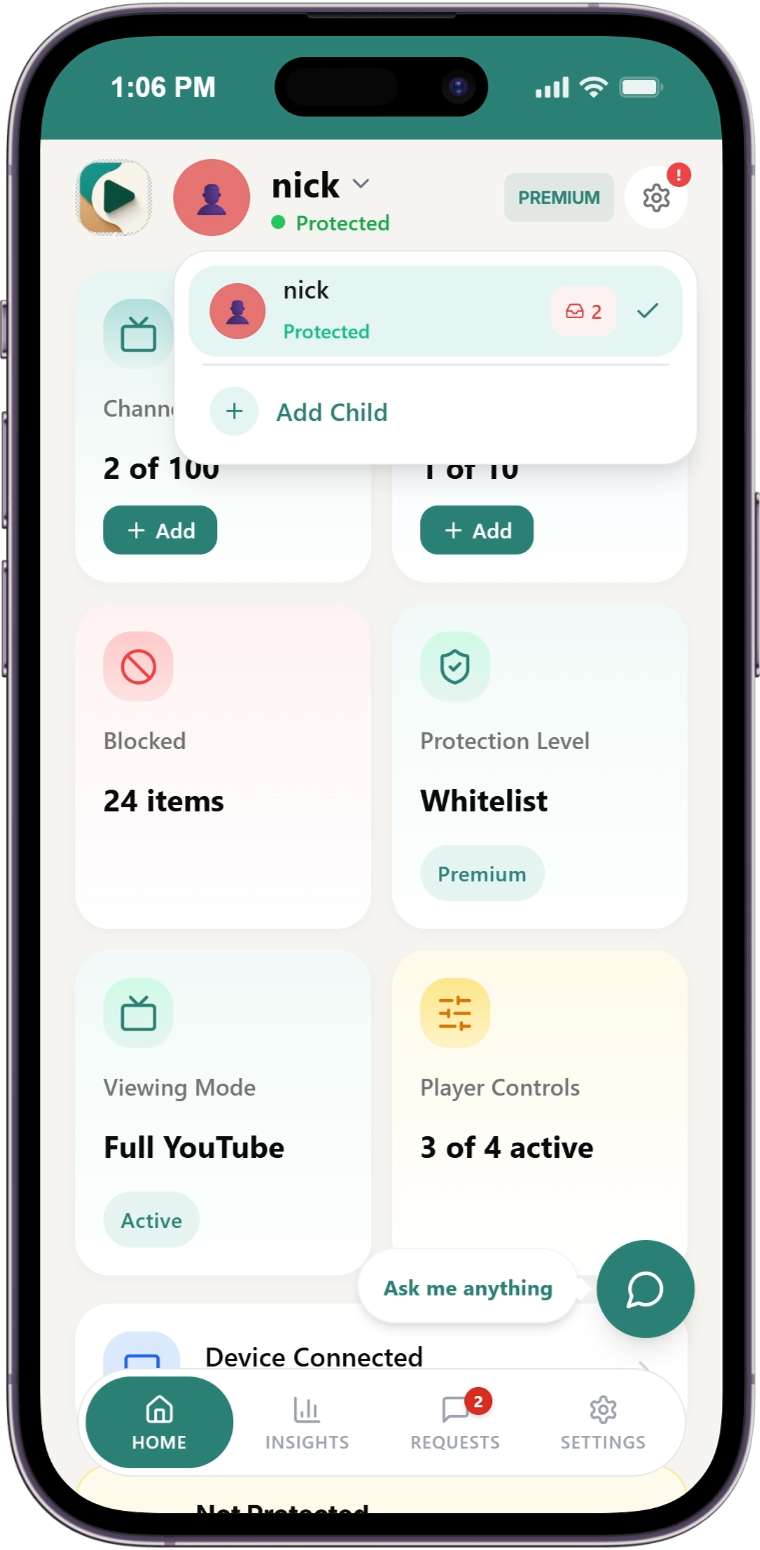
From the dashboard, click the "Add Child" card.
See Upgrade Prompt
A modal appears: "Child Limit Reached"
Choose Your Plan
Select either:
Scroll horizontally to see all columns.
| Plan | Price | Best For |
|---|---|---|
| Basic | $6.99/mo per child | Extra channels (30 channels per child) |
| Premium | $14.99/mo per child | Auto-pilot, categories |
Please upgrade to a paid plan first to continue. See How to Upgrade for detailed steps.
Select Number of Children
Use the slider to choose how many children you want to protect.
Example pricing:
- 2 children on Basic = $13.98/month
- 3 children on Basic = $20.97/month
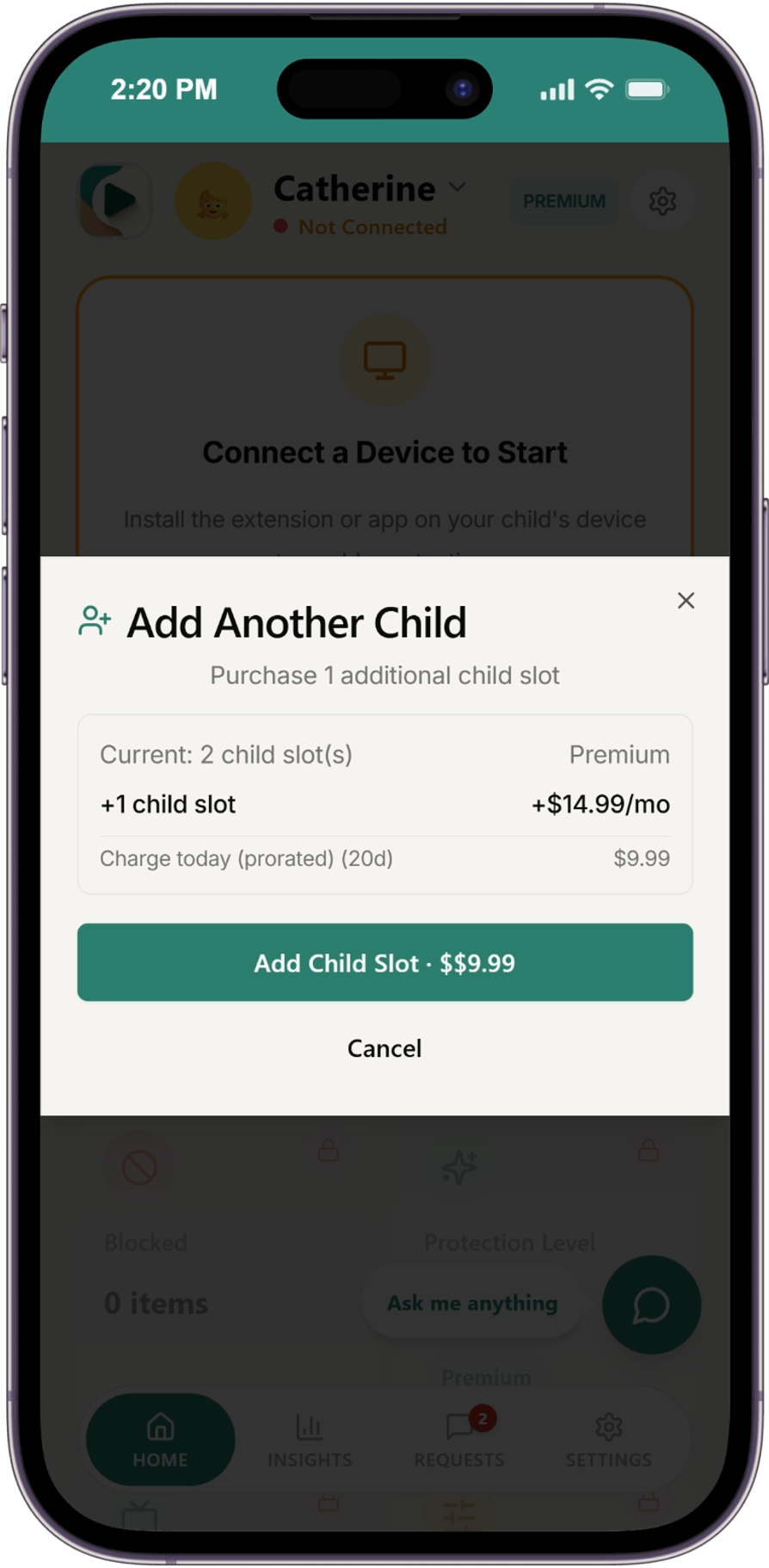
Complete Payment
Click the button to "Purchase the number of Child Slots you selected".
- You'll be redirected to the Stripe checkout page
- Pay using card or other available payment methods
- Once payment is complete, your extra child slots are purchased automatically
Add Your Children
After payment, return to dashboard and click "Add Child" to create profiles for each slot.
Pricing Reference
Scroll horizontally to see all columns.
| Children | Basic (Monthly) | Premium (Monthly) |
|---|---|---|
| 1 child | $6.99 | $14.99 |
| 2 children | $13.98 | $29.98 |
| 3 children | $20.97 | $44.97 |
| 4 children | $27.96 | $59.96 |
| 5 children | $34.95 | $74.95 |
Save with annual billing: ~17% discount per child
Reducing Slots
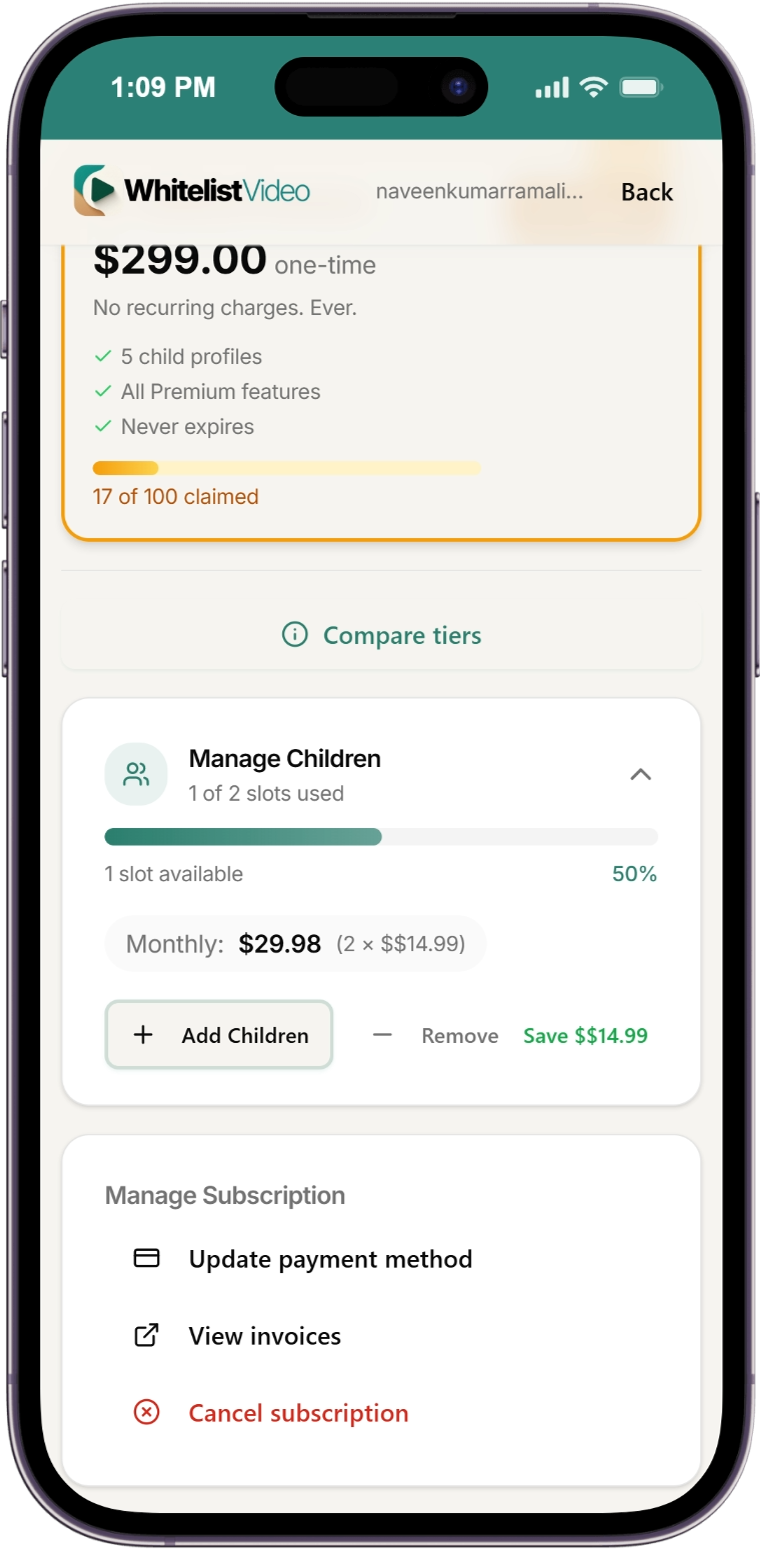
Have unused slots? You can reduce them to save money.
- Go to Settings → Subscription & Billing
- Click "Manage Subscription"
- Reduce the number of child slots
- Receive prorated credit
You cannot reduce below your current number of active children.
What Happens to Inactive Children?
If you downgrade or reduce slots:
- Excess children become inactive (not deleted)
- They show an "Inactive" badge on dashboard
- Click "Reactivate" anytime after purchasing slots
Frequently Asked Questions
Can I add children anytime? Yes! Add children whenever you need them. Charges are prorated for mid-cycle additions.
What if I delete a child? The slot becomes available for a new child, or you can reduce slots to save money.
Is there a maximum number of children? No limit on Basic or Premium plans. Add as many as you need.
What happens after my test period ends? If you don't subscribe, your access stops. Your child profile is deactivated but not deleted — subscribe anytime to restore it.
Can I reactivate an inactive child? Yes! Purchase enough slots, then click "Reactivate" on the inactive child.
Related Guides
- How to Upgrade - Upgrade your plan
- How to Downgrade - Downgrade your plan
- Billing Overview - Complete pricing and feature comparison
Need help? Contact support at support@whitelist.video